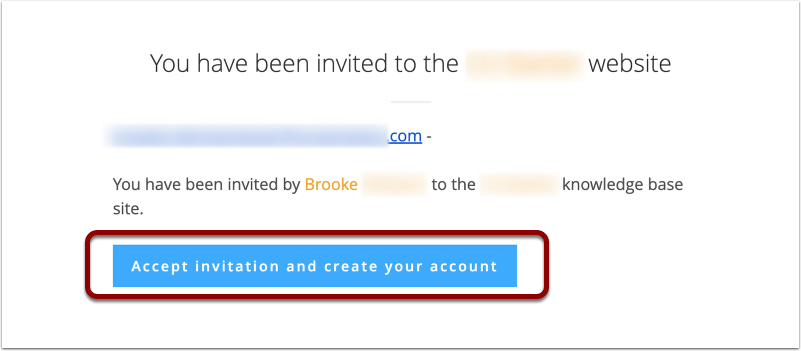
- Click Accept Invitation and Create Your Account in Your Email
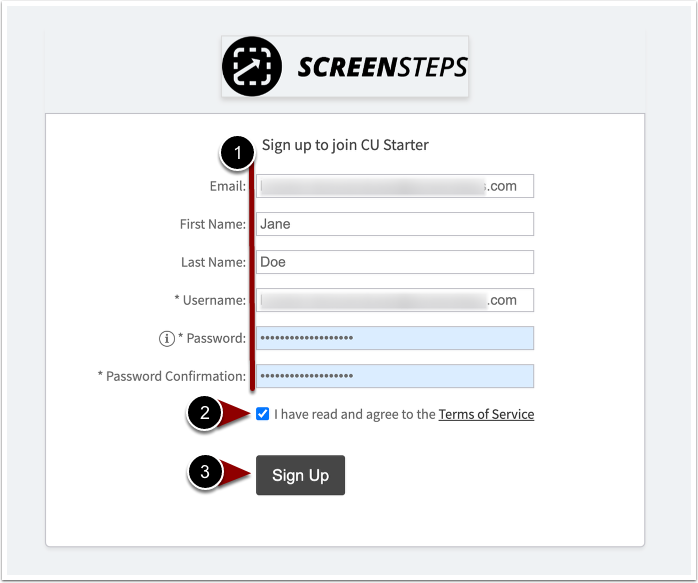
- Fill in Name and Password fields and Sign Up
- Fill in:
- First name
- Last name
- Password
- Password confirmation
- Check the Terms of Services box.
- Click Sign Up.
- Fill in:
Creating your ScreenSteps Account from Email Invitation
Updated on