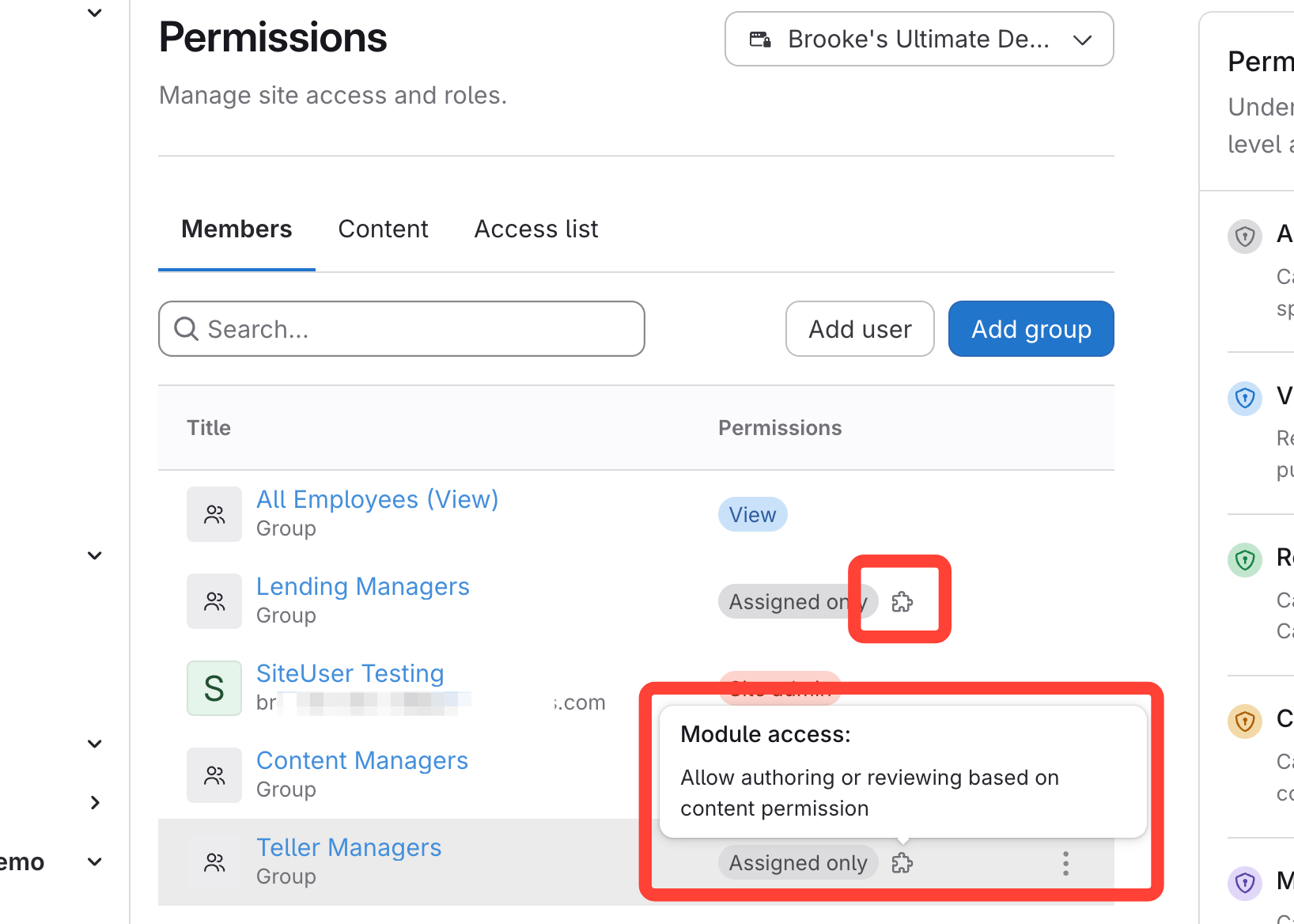
| Module | Description |
|---|---|
| Allow authoring or reviewing based on content permission | If a user is added to manage content, this will display the "Admin" option from the profile dropdown on the published page, allowing them to access the Admin portal. |
| Manage Article Requests | When users are viewing the published site and request an article, this module allows the user to review article requests and update the applicable fields associated with article requests. |
| Manage Channels | Users can create channels for the browser extension. This enables the contextual help (i.e. pushing specific articles to specific web pages). |
| Manage Courses | Users can create, edit, review, and manage assignments for courses. |
| Manage Notifications | Users can create notifications and review notification reports. |
| Manage Site Template | Users can update and publish the site template. |
| View Reports | Users can view reports which include usage reports, user reports, certifications, and search queries. |
Module Icon
- When a module has been added to a User Group, the puzzle icon will appear next to hit.
- Hover over it to see modules added for that group.