Click to view a video overview
Prepare User or Group Permissions
- Ensure the user has been created and either belongs to a group that has access to the site or has direct access to the site: How to create a new user.
Add Permissions via Site Settings
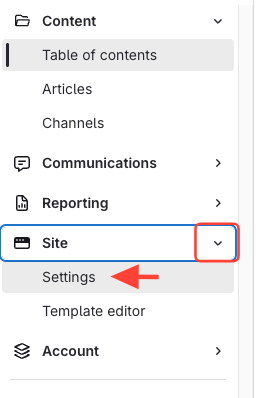
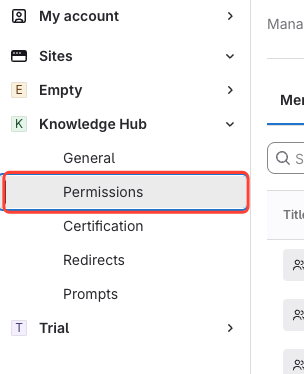
- Go to Site > Settings > Permissions.
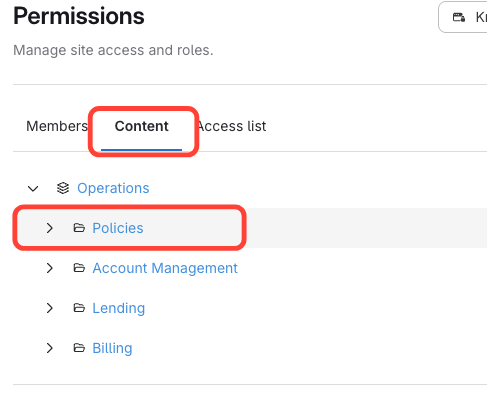
- Select the content you want to assign permissions for
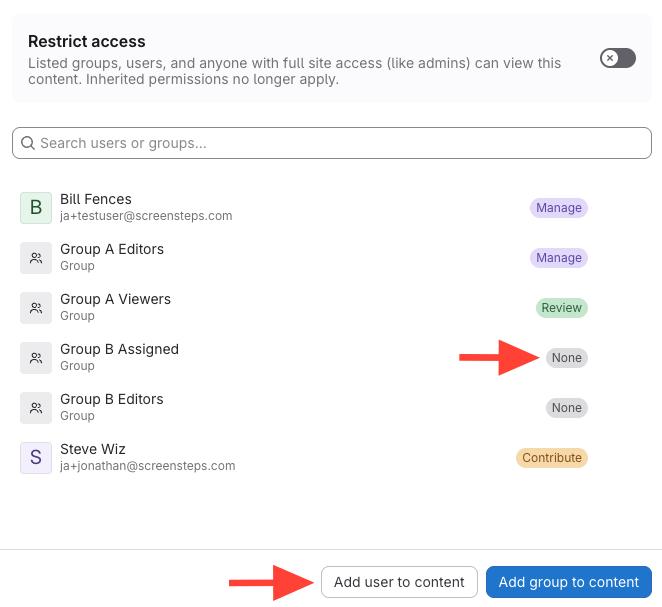
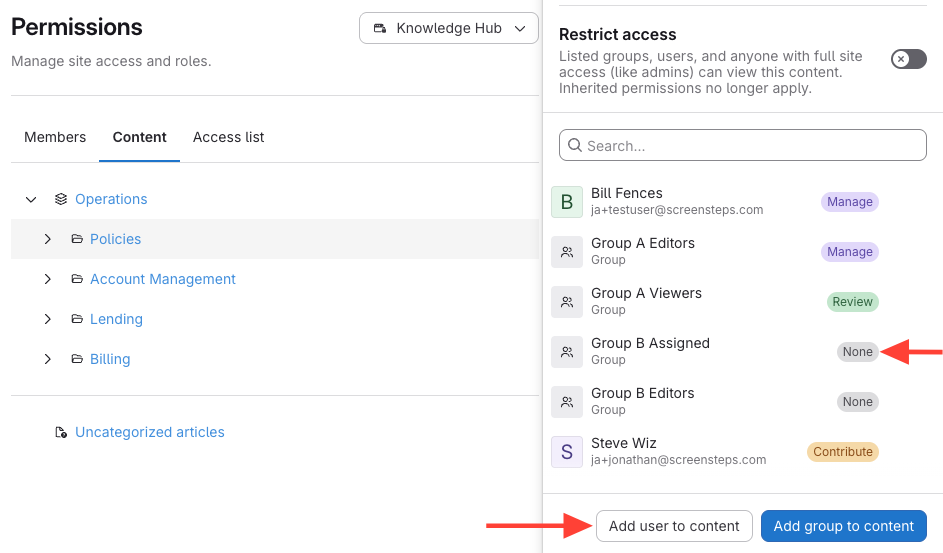
- Add user/group or adjust permissions
- Add the user or group to the content.
- Adjust their permission level as needed.
Add Permissions via Content Item
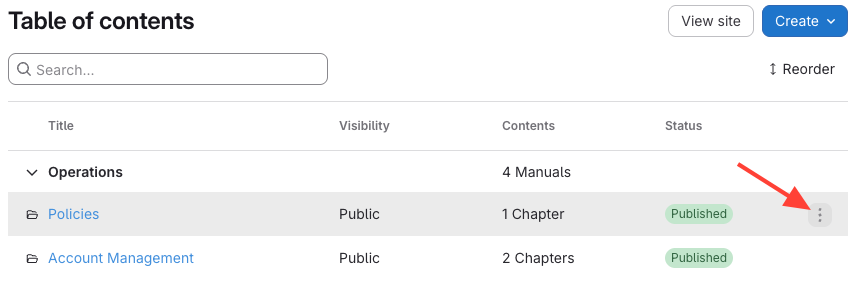
- Click the the manual, chapter, or article Action Menu
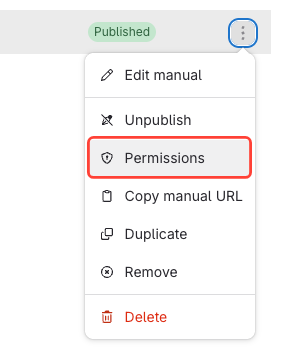
- Select Permissions.
- Add a user or group to the content.