Set up a Group with Assigned Only permissions
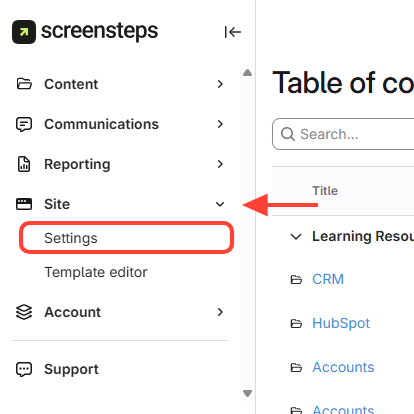
- Click Settings
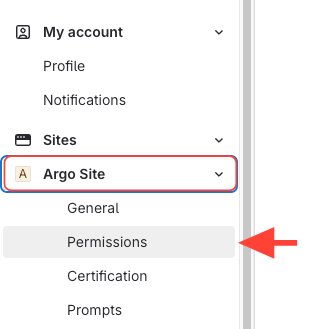
- Navigate to Site Permissions
- Go toSite Permissions.
- Expand your site, then clickPermissions.
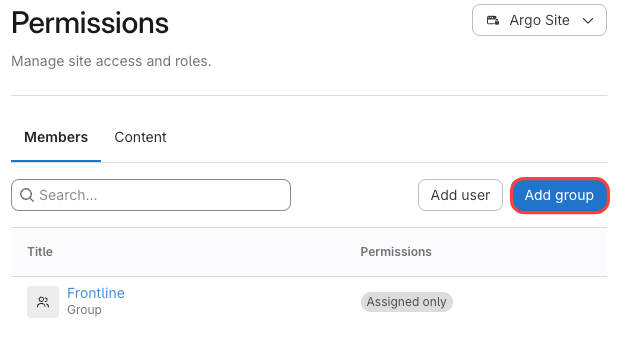
- Click Add Group
- Select an Existing Group > Assign Permissions > Add
- You can only add an existing group
- If you have not yet created the group, click here for instructions: How to Create a Group
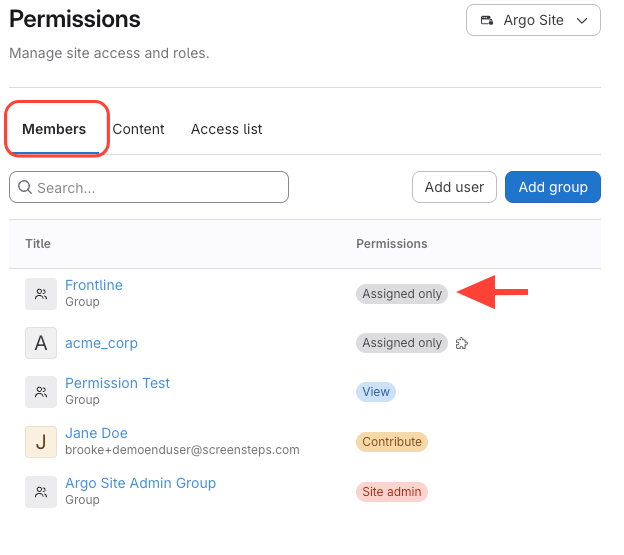
- Select Assigned only as the permission level

- That group is now a member of the site with Assigned Only permission
Assign Permission at Content-Level
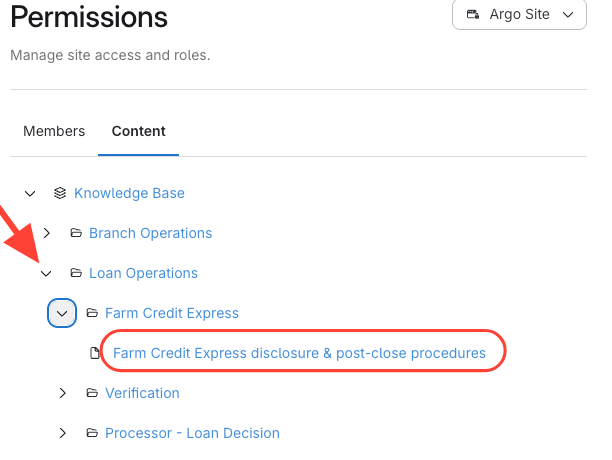
- Click Content

- Select the manual, chapter, or article
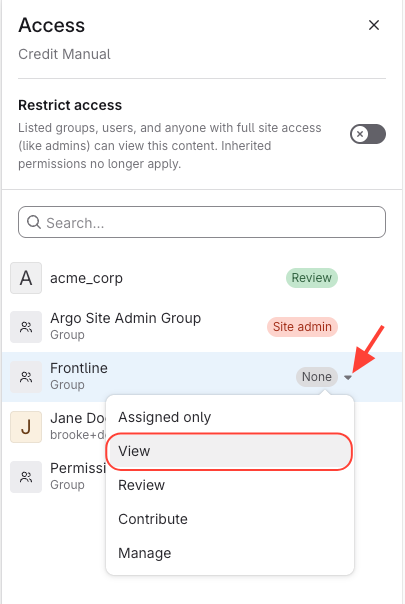
- Update Permission
Update the permission by clicking the dropdown