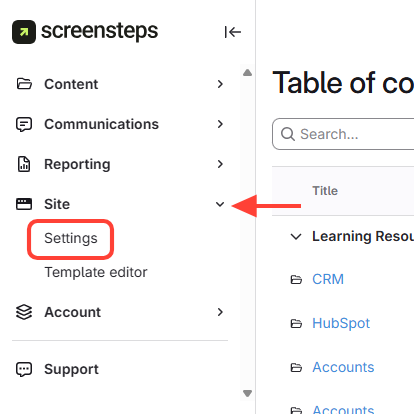
- Go to Settings
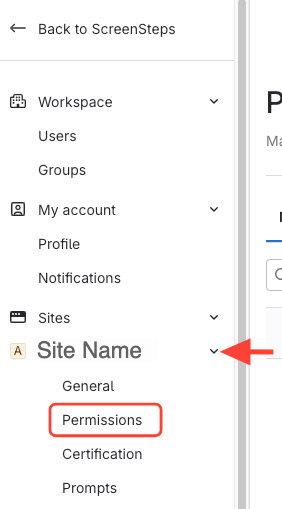
- Select Permissions under the site you want to add a group to
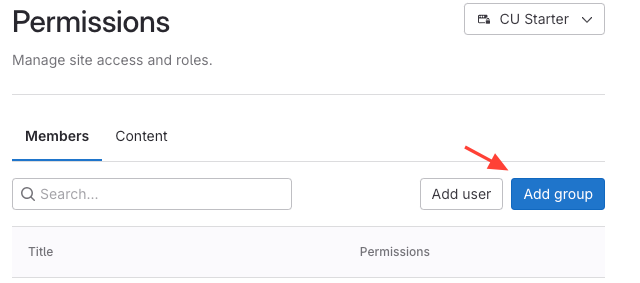
- Click Add group
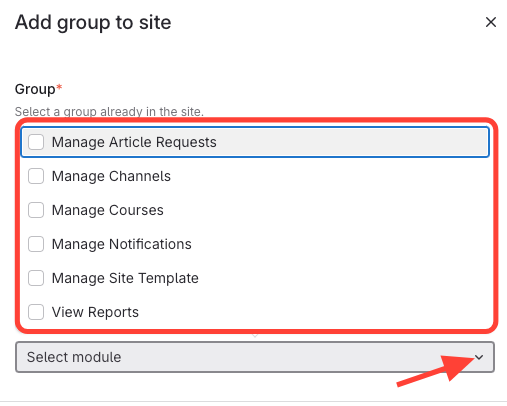
- Select the Group You Want to Add
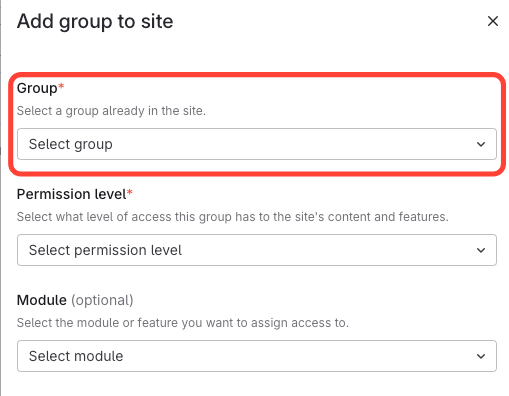
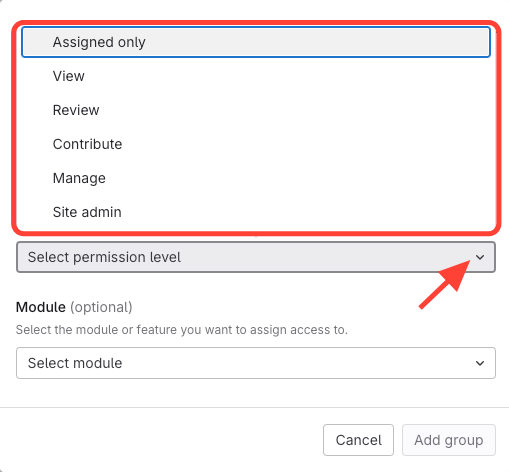
- Select the Permission Level
- Select any Modules you want to add (optional)
- Add Group
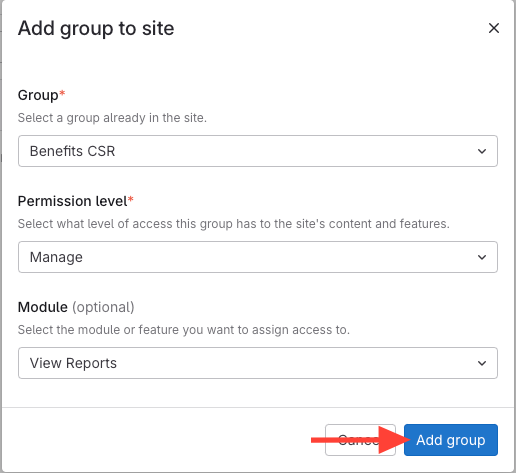
Adding Permissions to a Group
Updated on