Set up a Site User with Assigned Only permissions
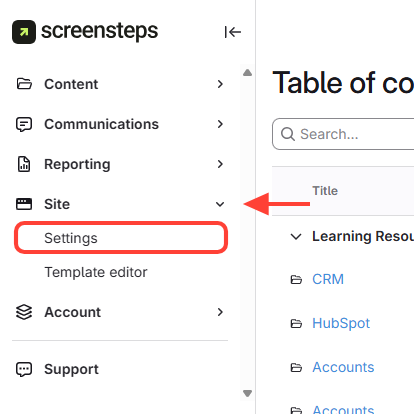
- Click Settings
- Navigate to Site Permissions
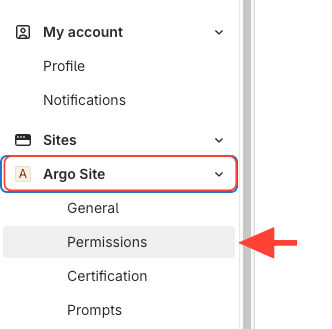
- Go to Site Permissions.
- Expand your site, then click Permissions.
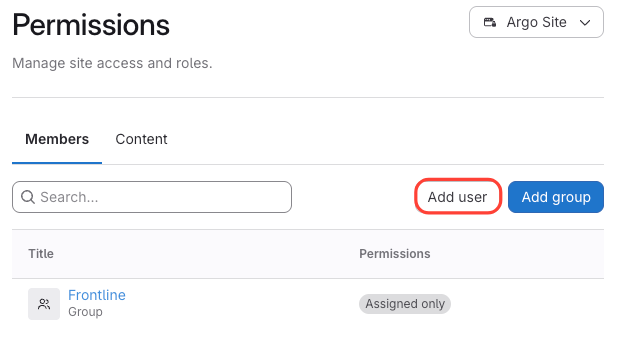
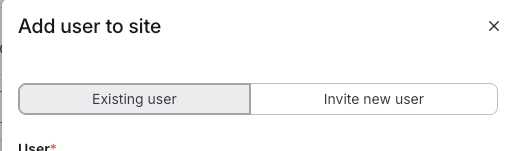
- Click Add user
- Choose Existing user or Invite new user
- If you have already added the Site User to the account, then you can select existing user.
- If you have NOT added the Site User, then click Invite new user and add their email address.
- Uncheck Assign this user to a group
We recommend assigning users to a group so you can manage permissions at a group level; however, if you just want to add an individual user then uncheck Assign this user to a group

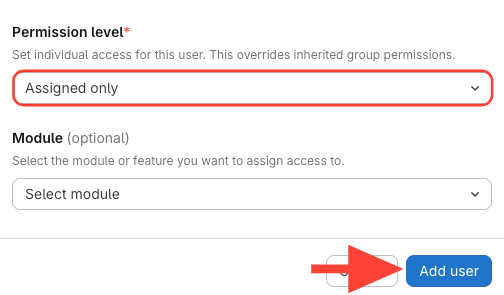
- Choose Permission level – Assigned only > Add user
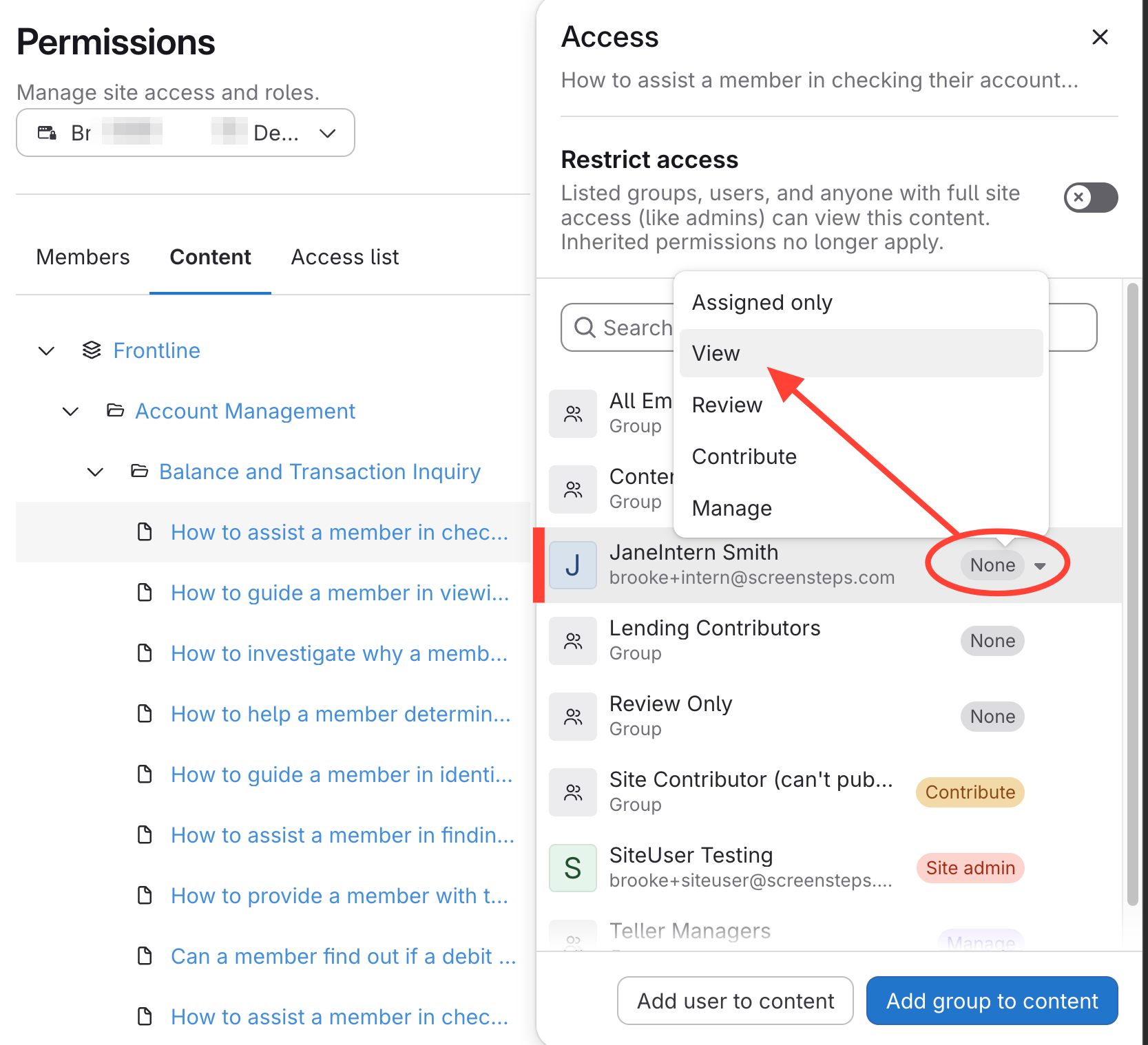
Assign Permission at Content-Level
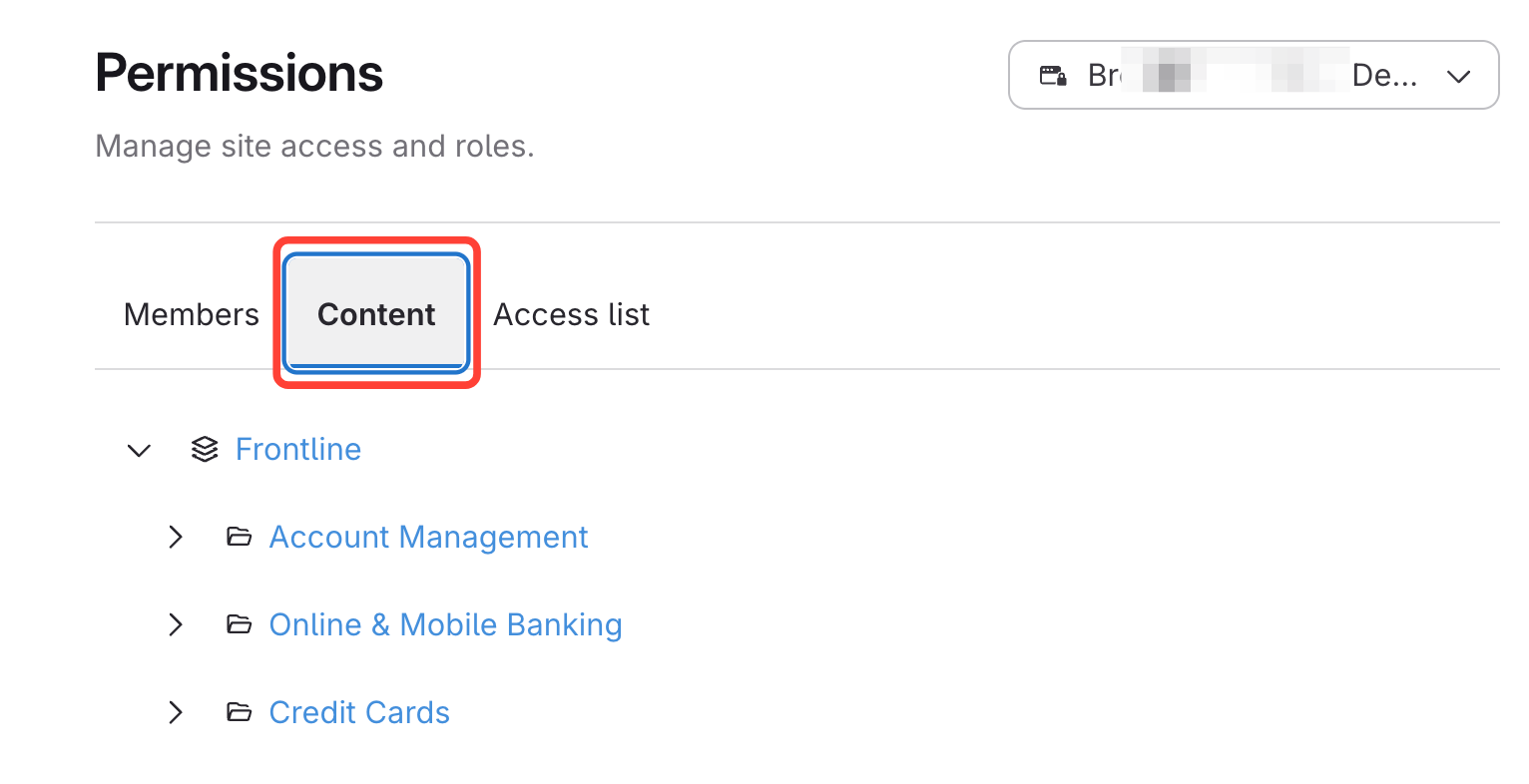
- Click Content
- Select the manual, chapter, or article
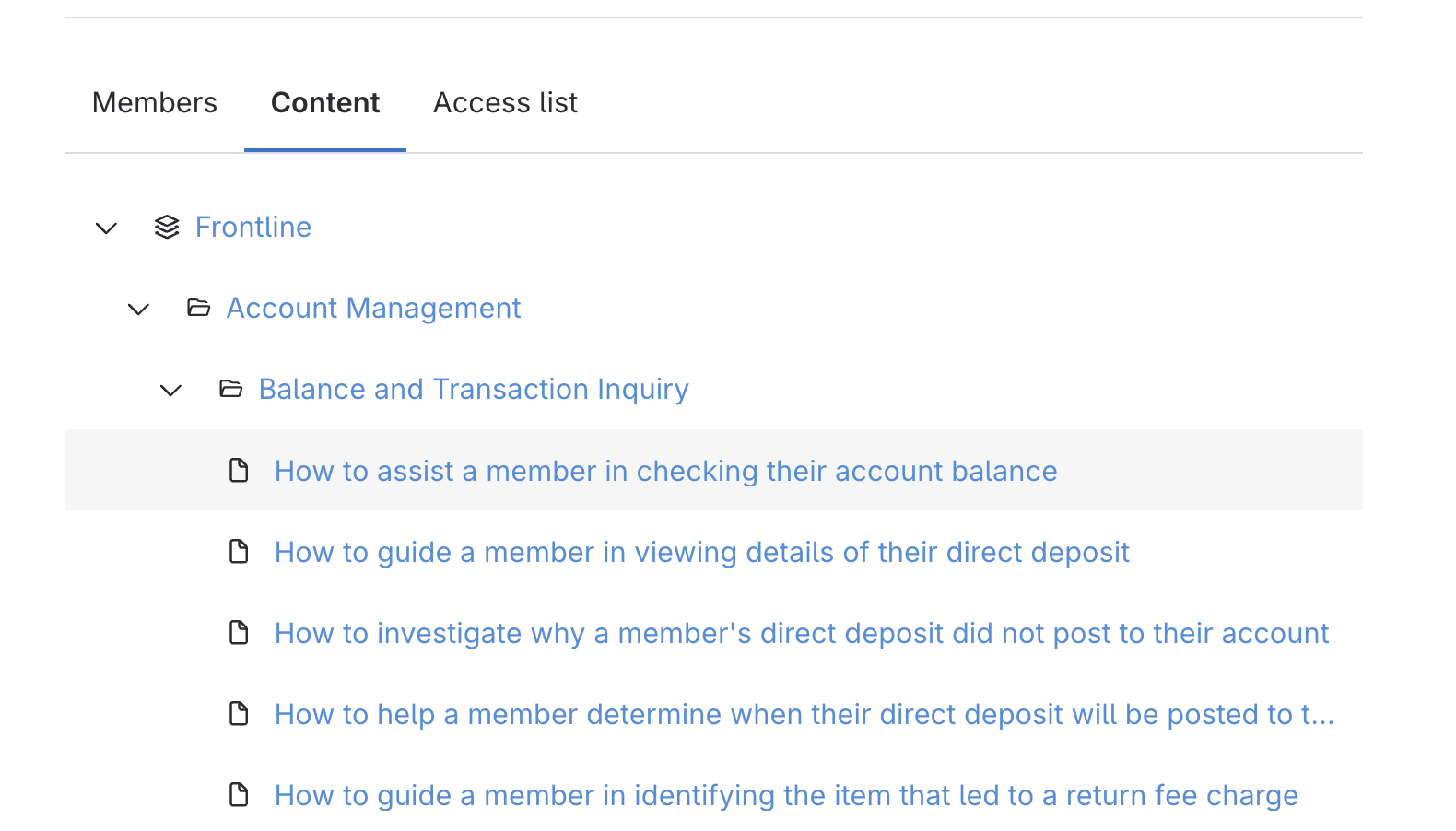
- Locate User's Name > Select View from None dropdown