Add Existing or Invite New User
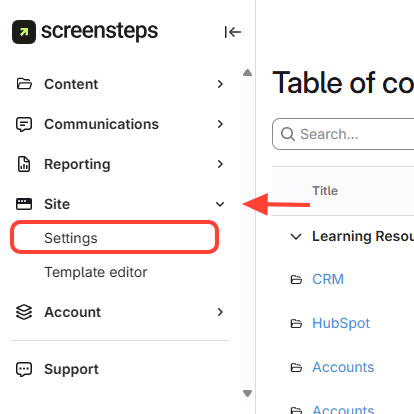
- Click Settings
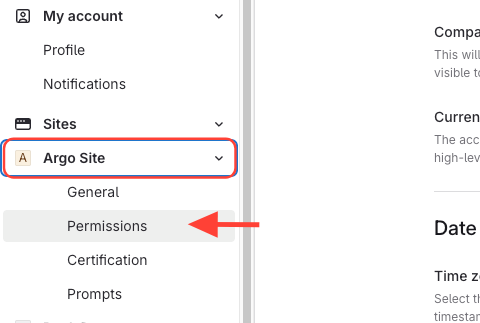
- Go to Permissions for that site
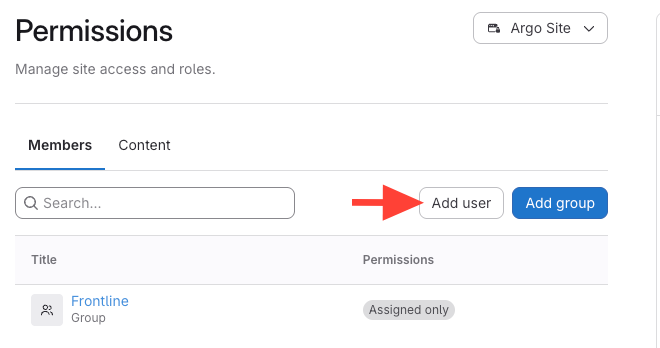
- Click Add user
- Add the user
- If user exists: SelectExisting User.
- If new user: ClickAdd User to invite them.
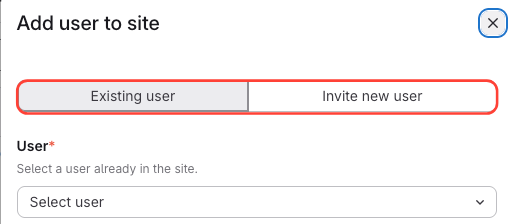
- Uncheck "Add to group" (unless you want group permissions).

Set Permission Level > Add Module (Required)
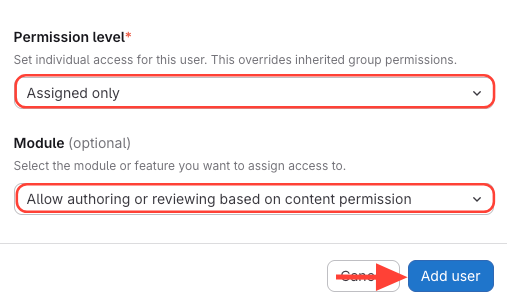
Assign Content Permissions
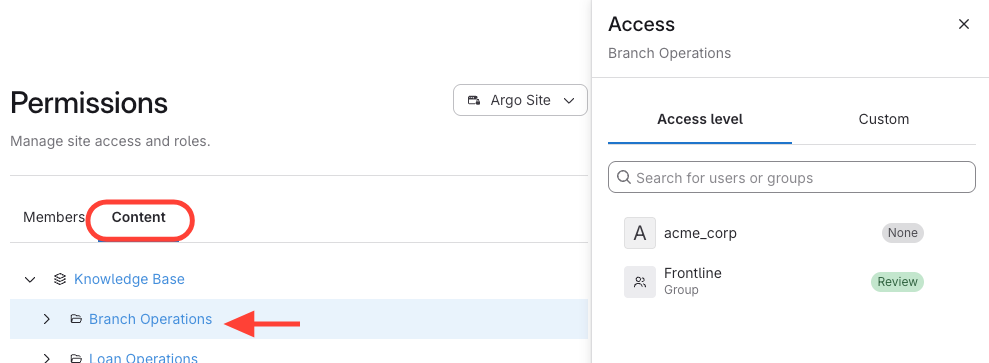
- Navigate to content
- ClickContent.
- Select the manual, chapter, or article.
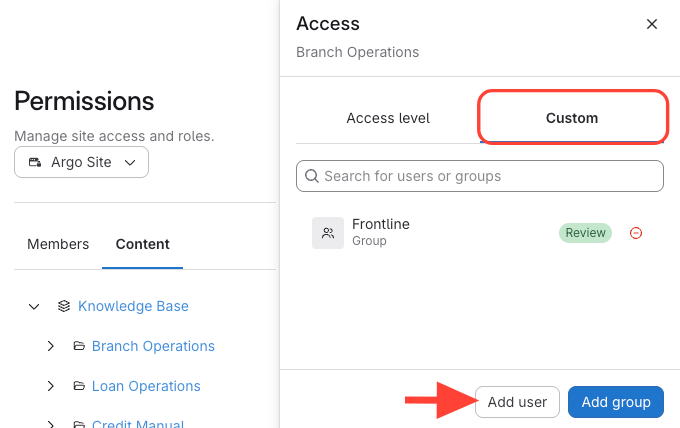
- Add User
- ClickCustom.
- ClickAdd User.
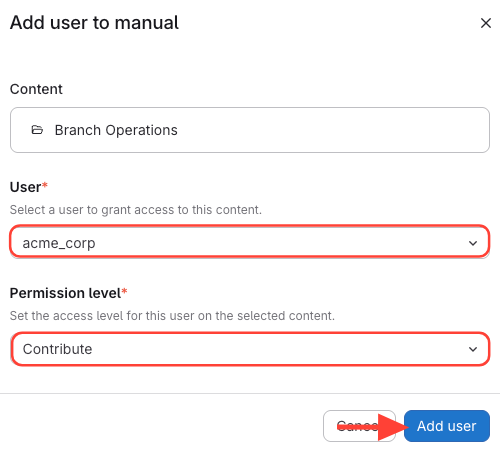
- Select User > Permission Level > Add User
- Select the user
- Permission level: Review, Contribute, or Manage