Steps
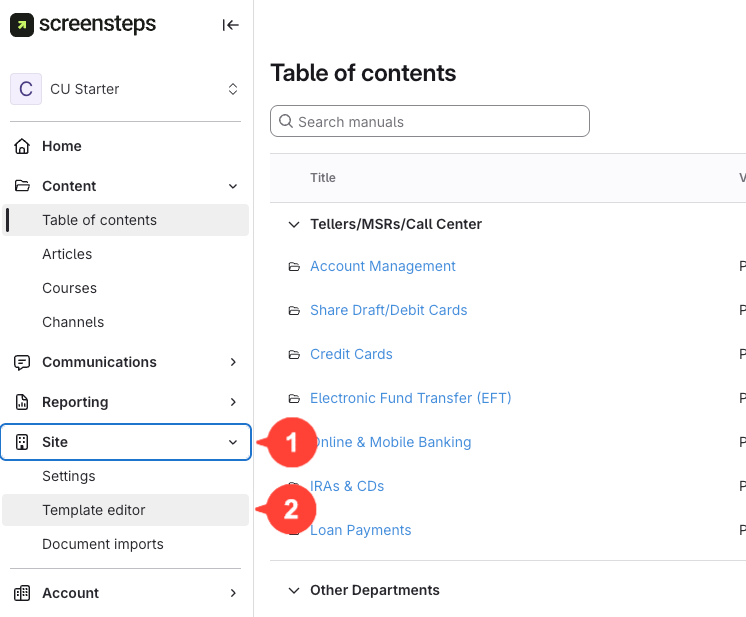
- Open the template editor
Navigate to Site > Template Editor.
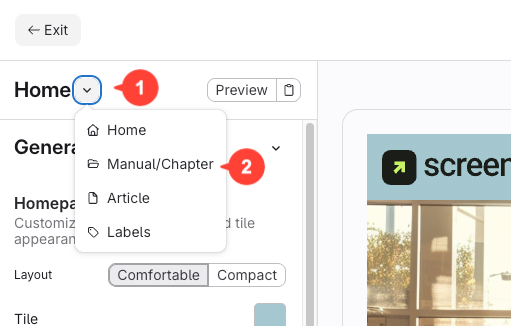
Steps for turning it off for Manuals/Chapters
- Click Manual Chapter
- Click Sidebar on the left-hand side.
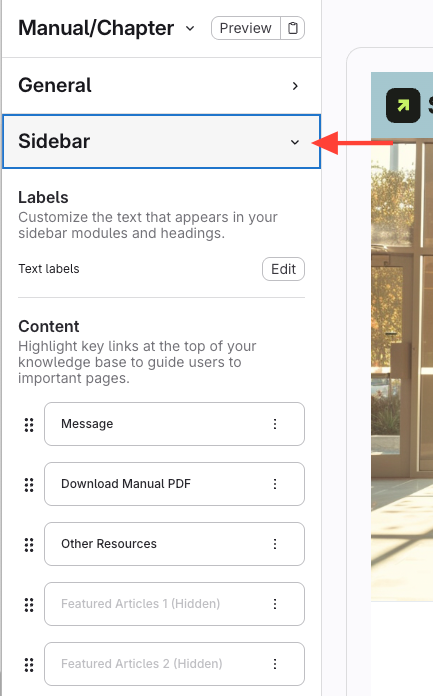
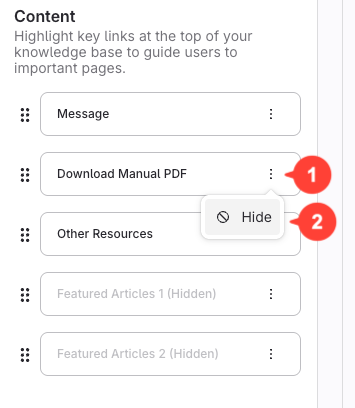
- Hide the "Download Manual PDF" option.
- Click the action menu next to Download Manual PDF
- Click Hide
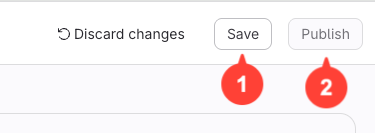
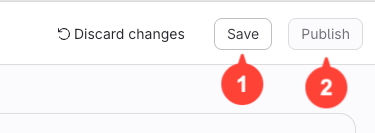
- Click Save, then Publish.
Steps for turning it off for Articles
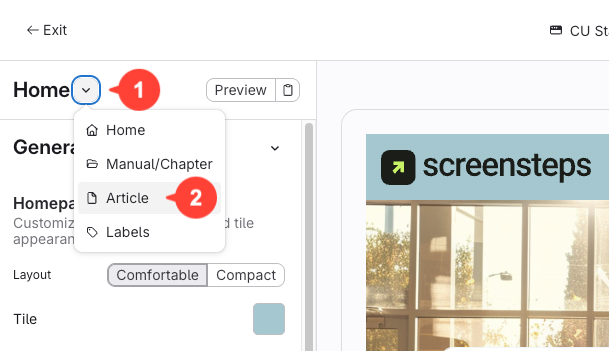
- Click Article
- Scroll to the very bottom and click Sidebar
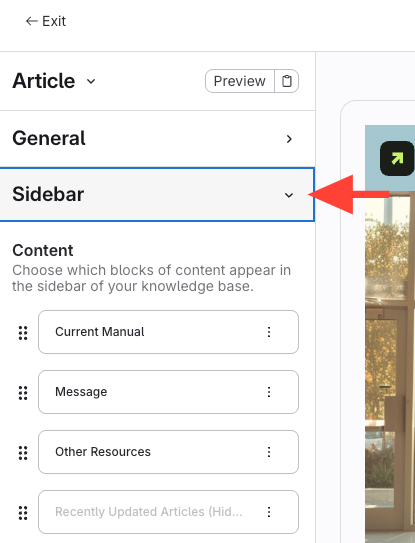
- Hide the download manual option
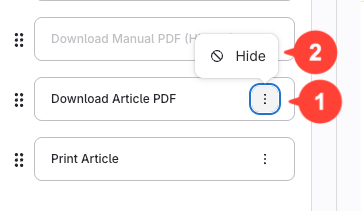
- Find the "Download Article PDF" option.
- Click the three dots (action menu), then click Hide.
- Click Save, then Publish