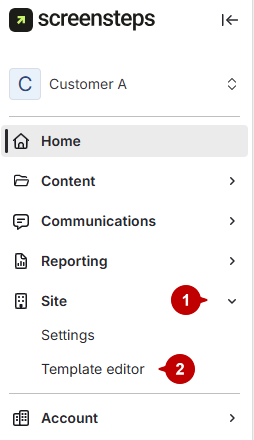
- Open the site template editor
- Click Site.
Select Template Editor.
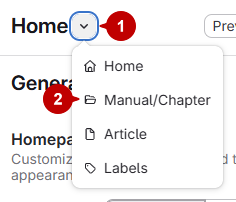
- Switch to manual chapter
- Click the caret next to Home.
Change it to Manual Chapter.
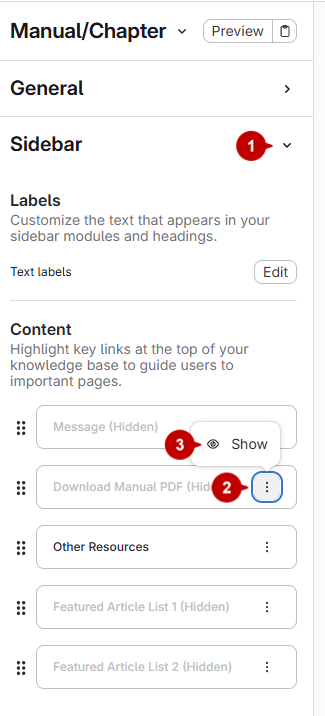
- Show the PDF download option
- Click Sidebar.
- Click the three dots next to Download Manual PDF (Hidden).
- Select Show.
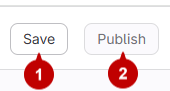
- Save and Publish
- Click Save
- Click Publish