How to Add
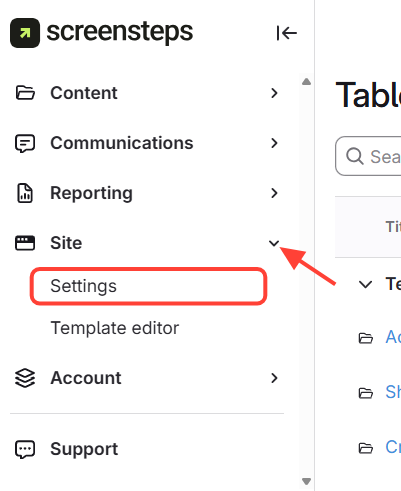
Navigate to Template Editor from the left menu.
Select Site > Template editor
Scroll to the Header section. Select the image under Background
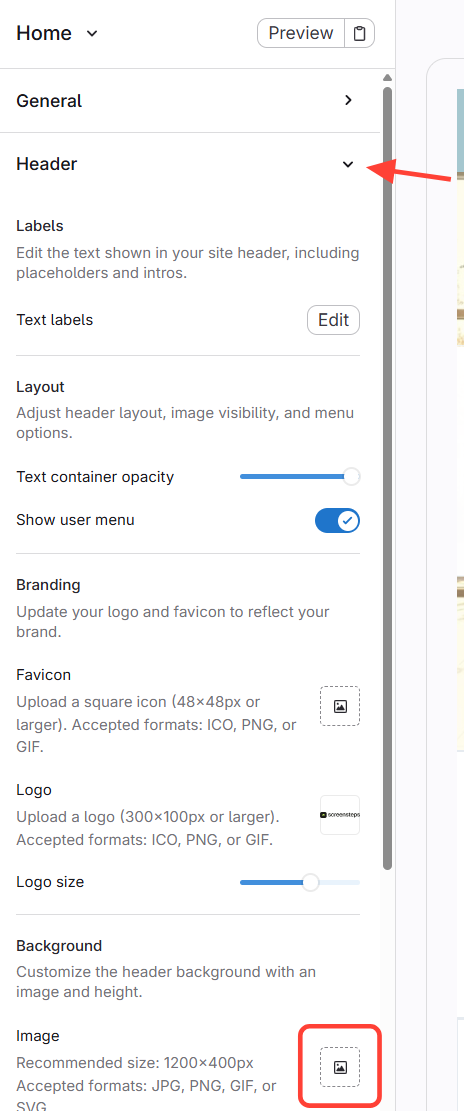
Then navigate to the image you want to add from your computer and select open.
To finish Click Save and Publish on the top right corner.

How to Change
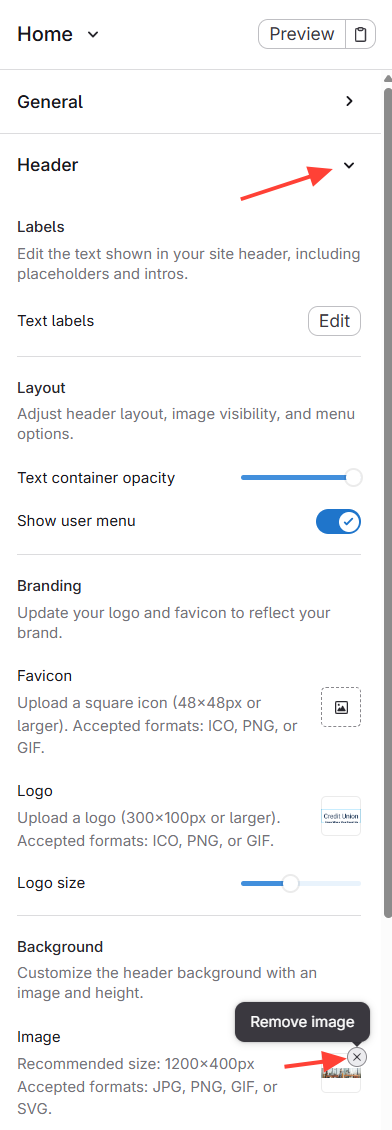
Navigate to the Template Editor.
Select Header > Hover the cursor over the image under background and select remove image.
Then follow the instructions on how to add an image.