- Navigate to the template editor
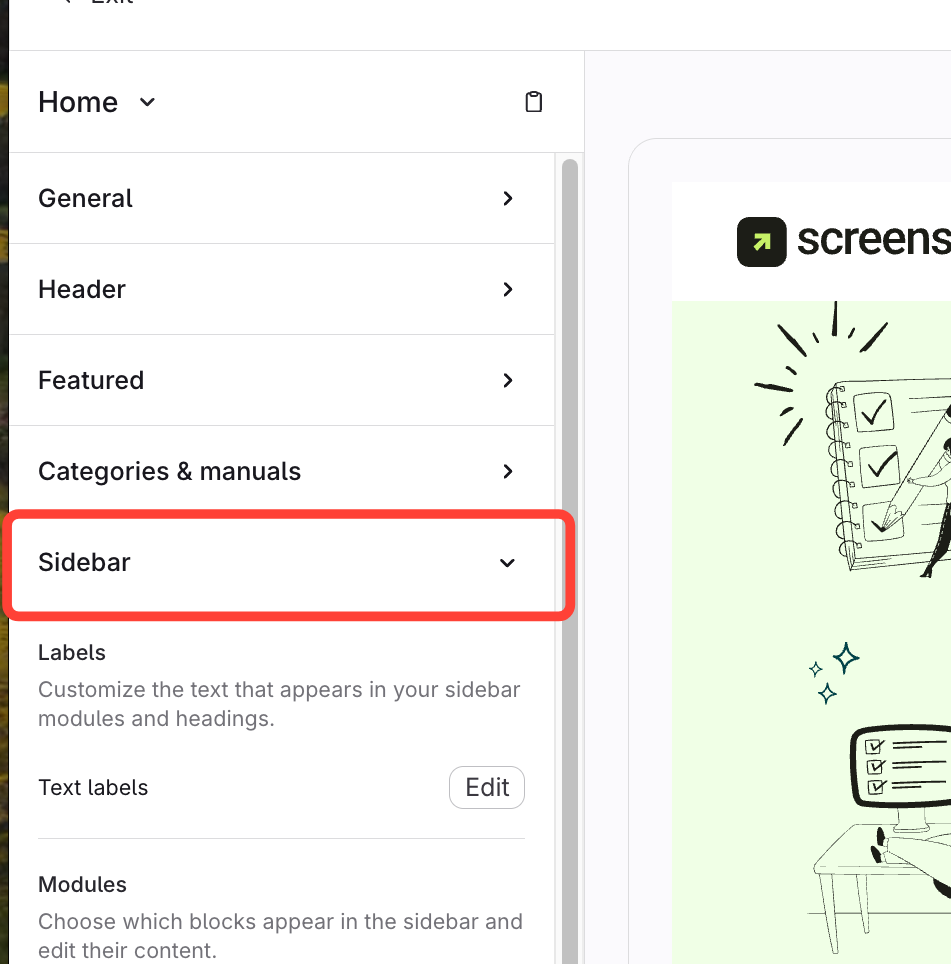
- Expand Sidebar
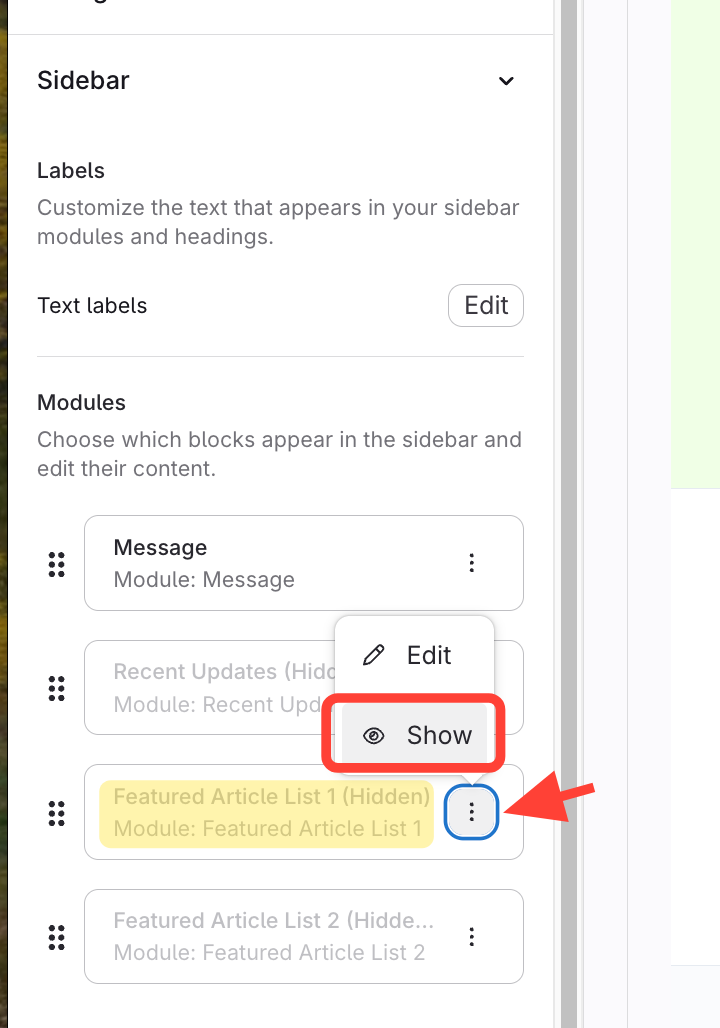
- Show Featured Article List
- Click Action menu for Featured Article List
- Click Show
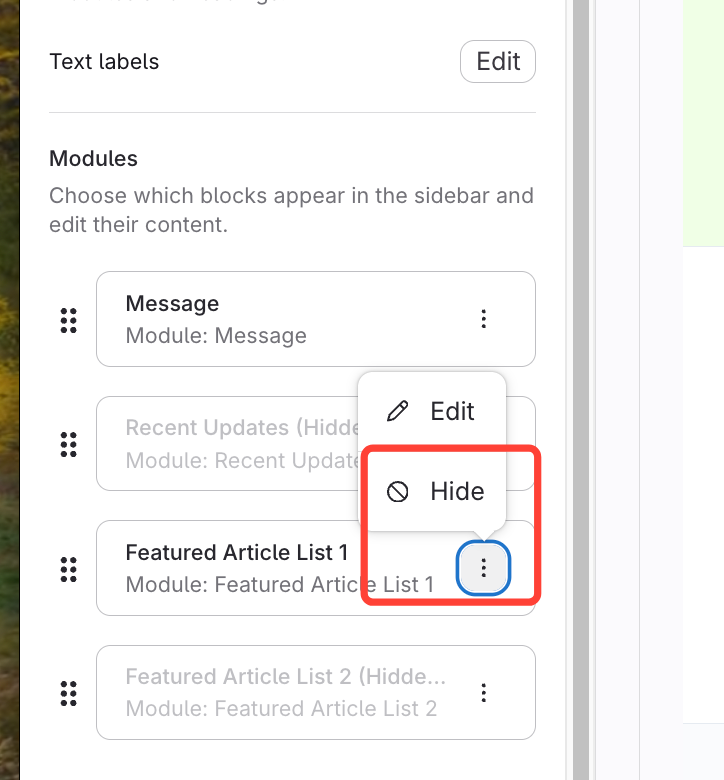
Or select Hide
If you want to remove it from the Sidebar
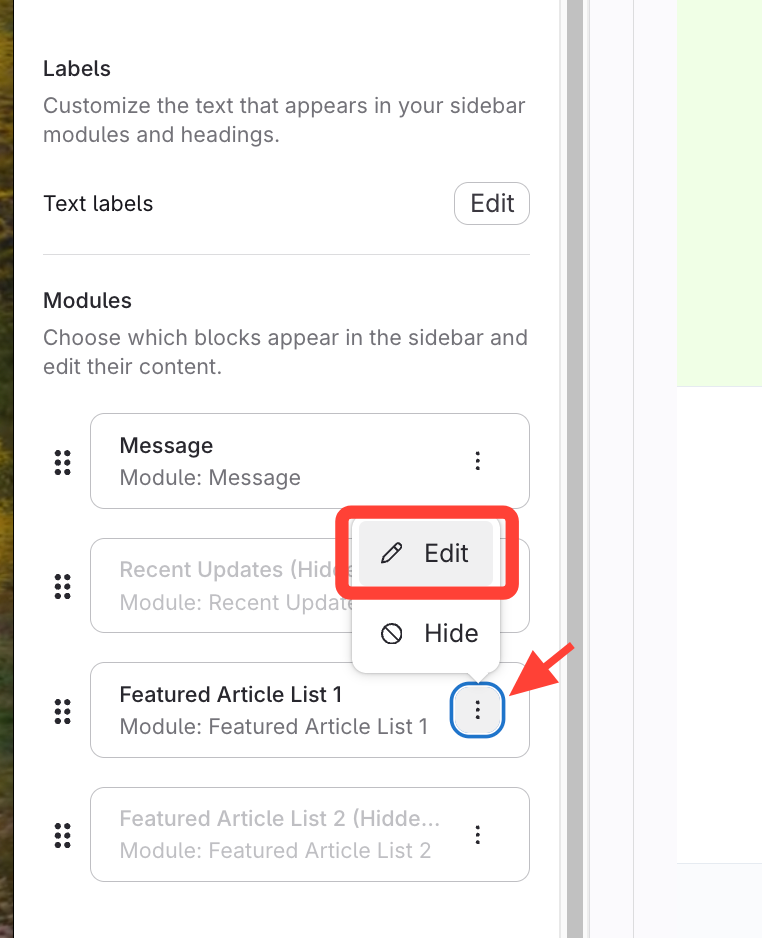
- Edit Featured Articles list
- Add articles to list
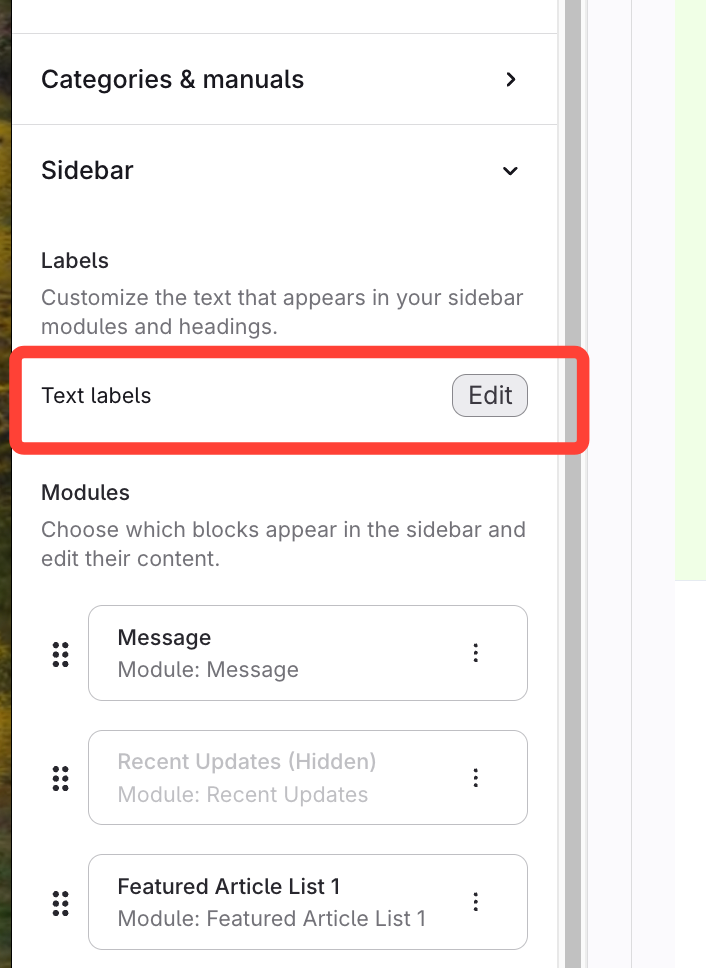
- Click Edit Text labels
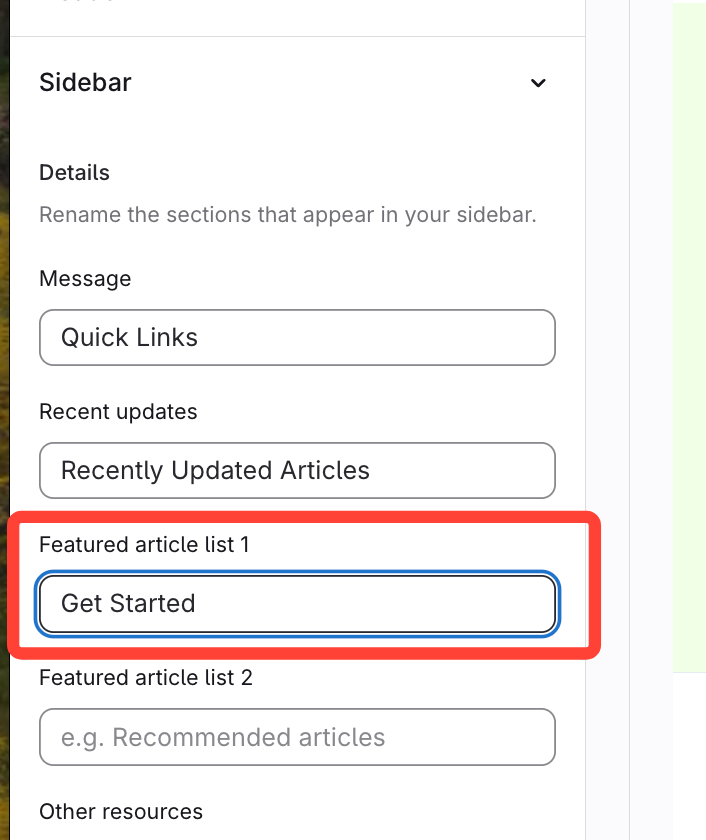
- Add subheading label
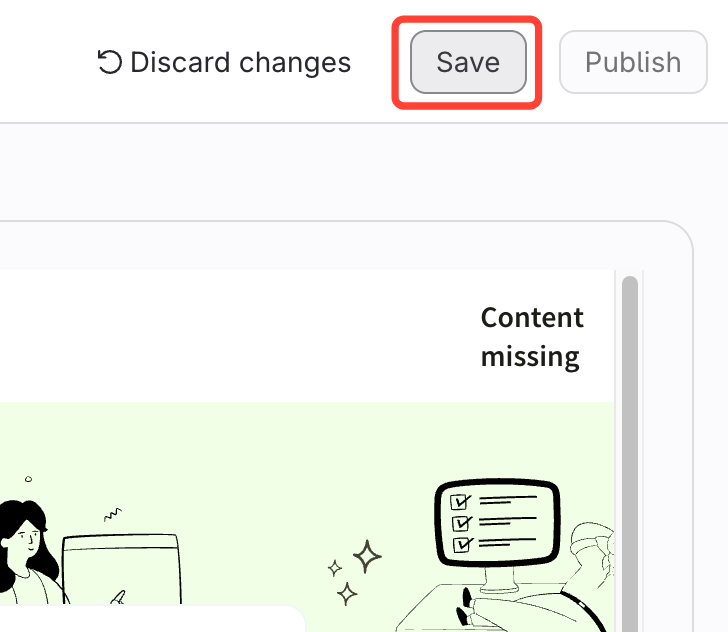
- Save
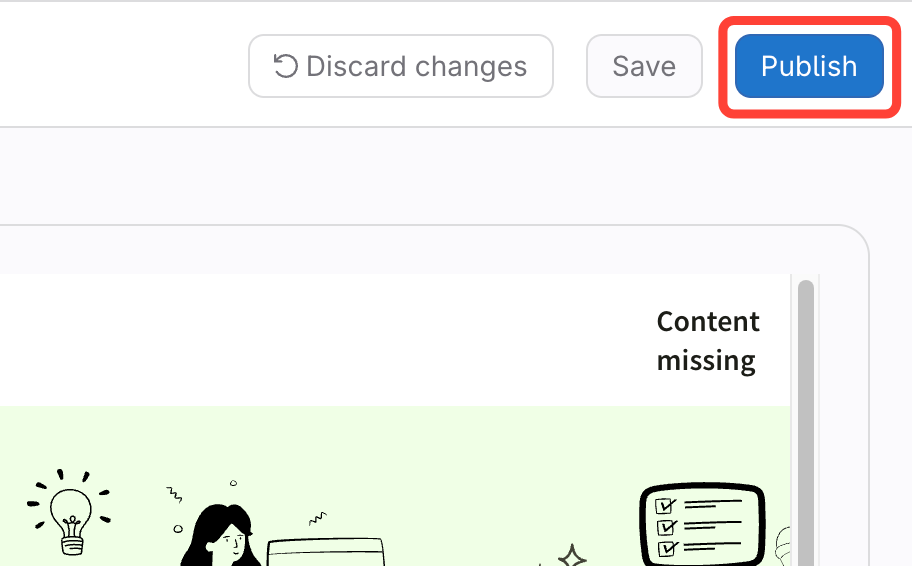
- Publish
How to Add Featured Article Lists to the Sidebar
Updated on