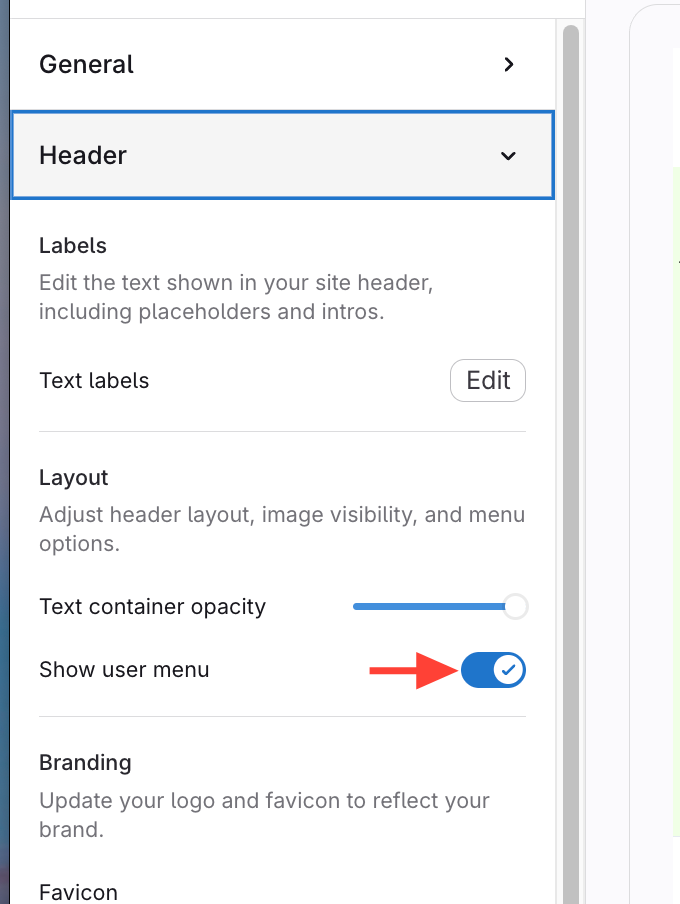
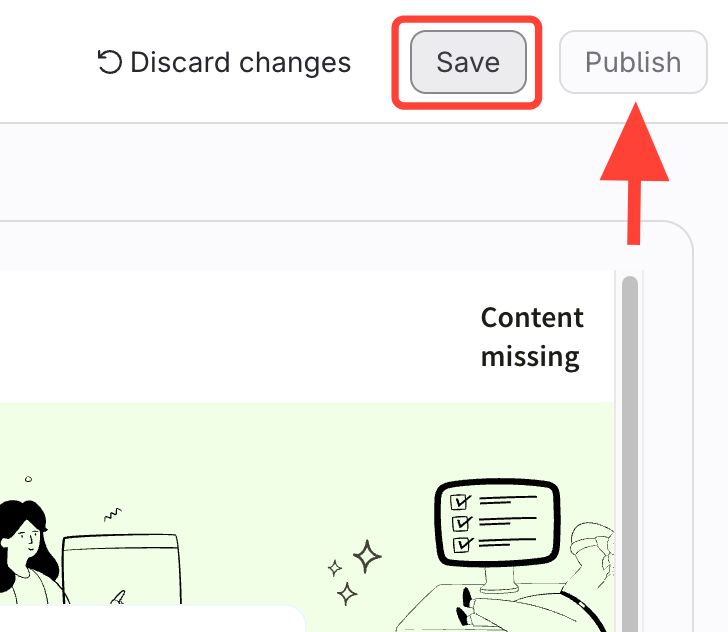
What you will accomplish: You will remove / restore the User Menu in your template.
The User Menu appears for logged-in users at the top right corner of published sites and allows users to edit their profile, logout, and (if they have permission) access the Content Management and Admin areas.
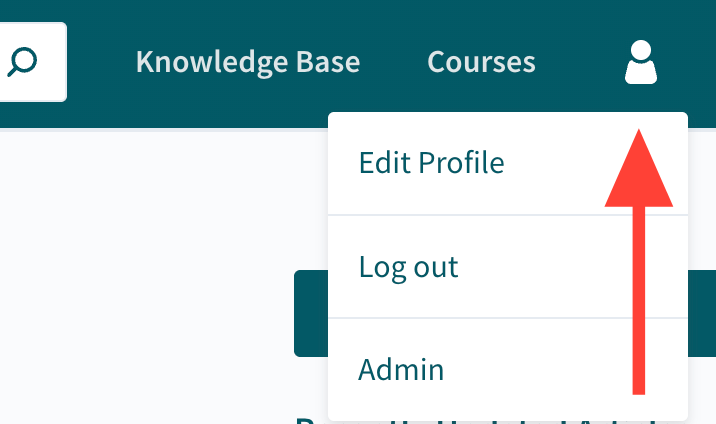
In some cases (e.g. when using SSO on non-shared computers), you may not want or need users to access this menu. You can remove it by following the steps below.