- Navigate to Template editor
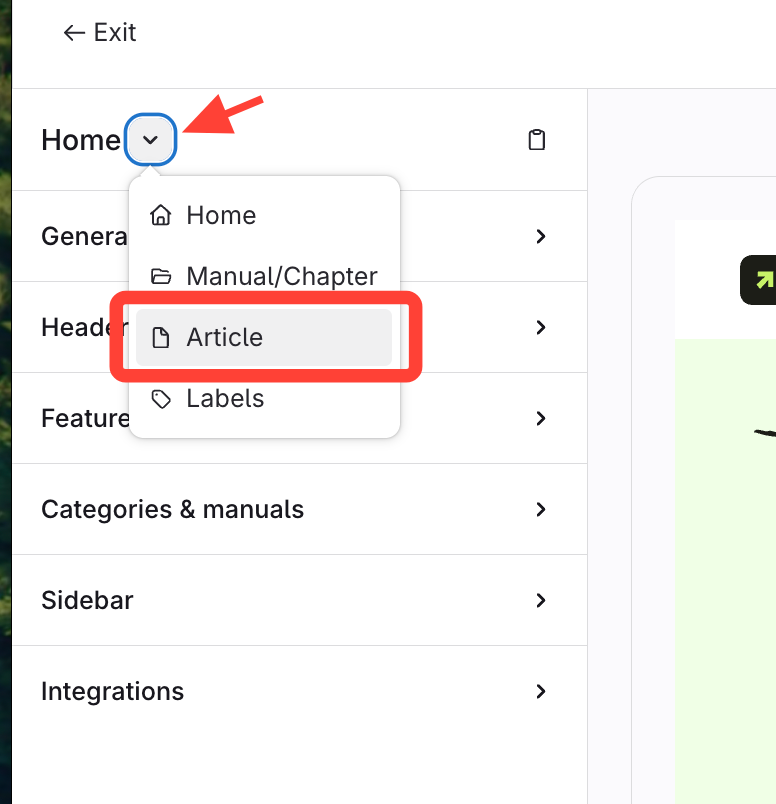
- Click Home > Article
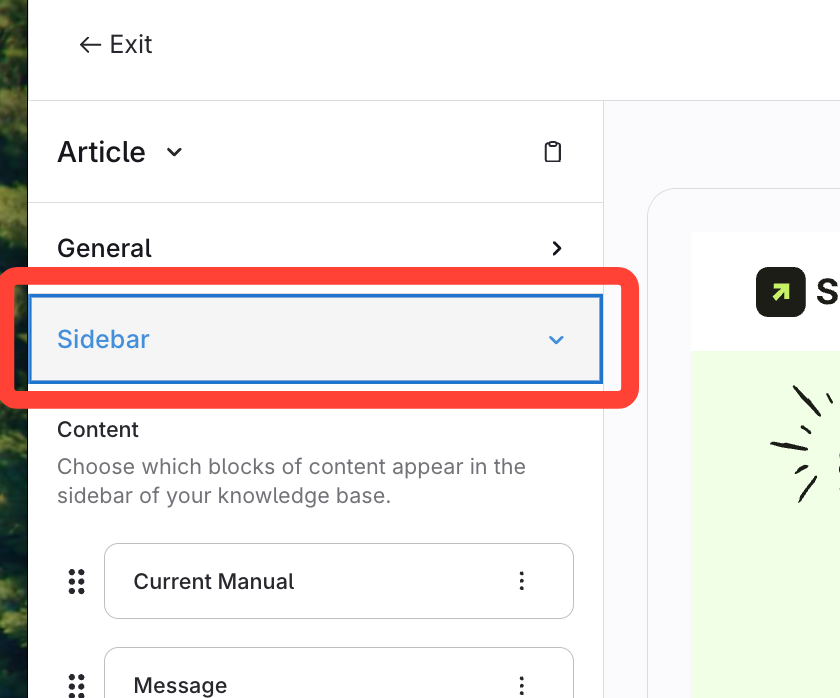
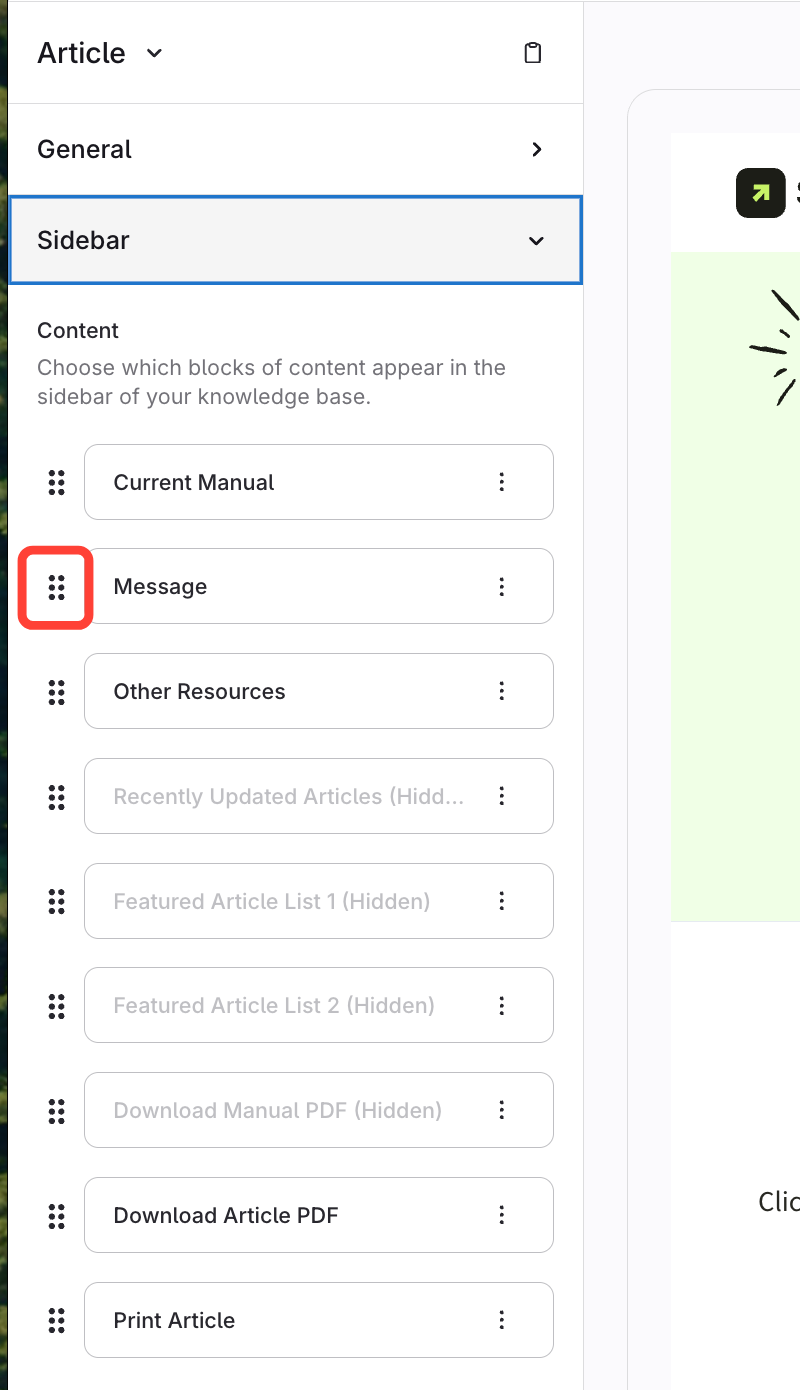
- Expand the sidebar
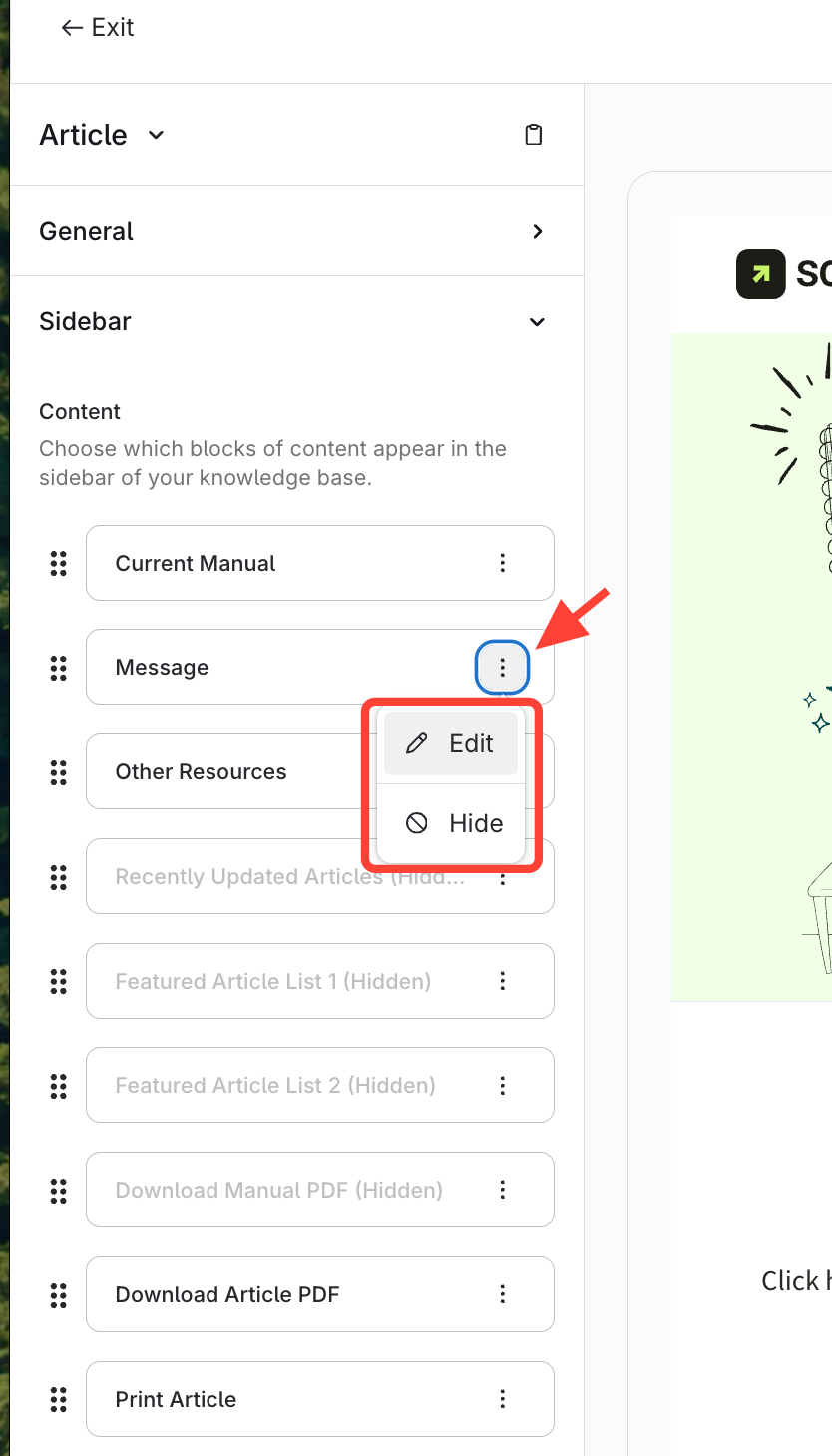
- Click Action menu > Edit/Hide
You can Hide/Show available content. That content could be:
- Current Manual
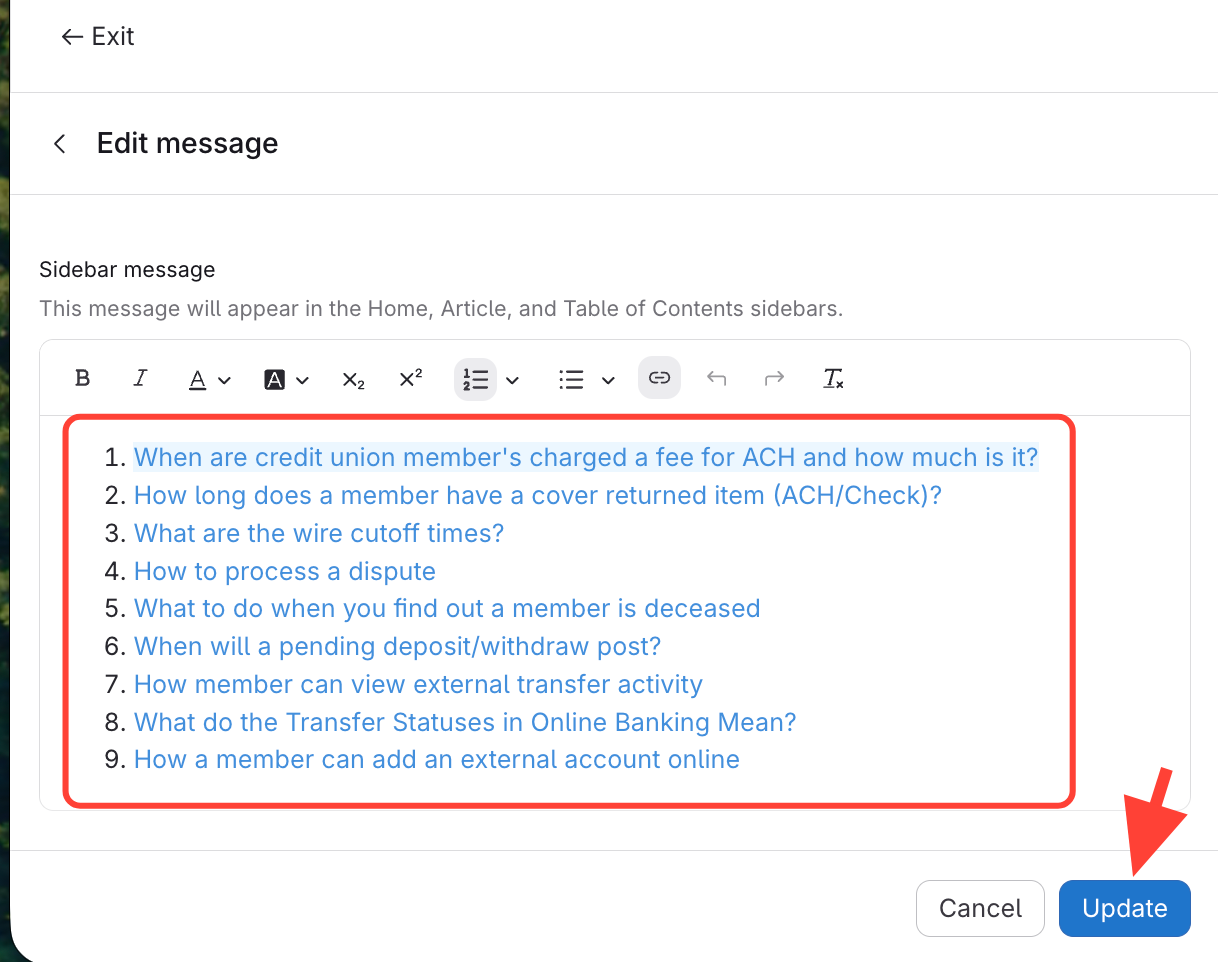
- Add/Edit Message
- Hide/Show PDF download feature
- Option to Print article
- Make edits and Update
You can also reorder the sidebar content
Drag and drop the handles on the left.
- Save to preview changes
- Publish
How to Display Sidebar Content in an Article Page
Updated on