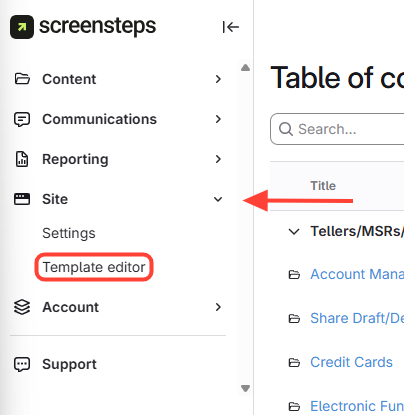
- Navigate to Template Editor
- Click Site.
- ClickTemplate Editor.
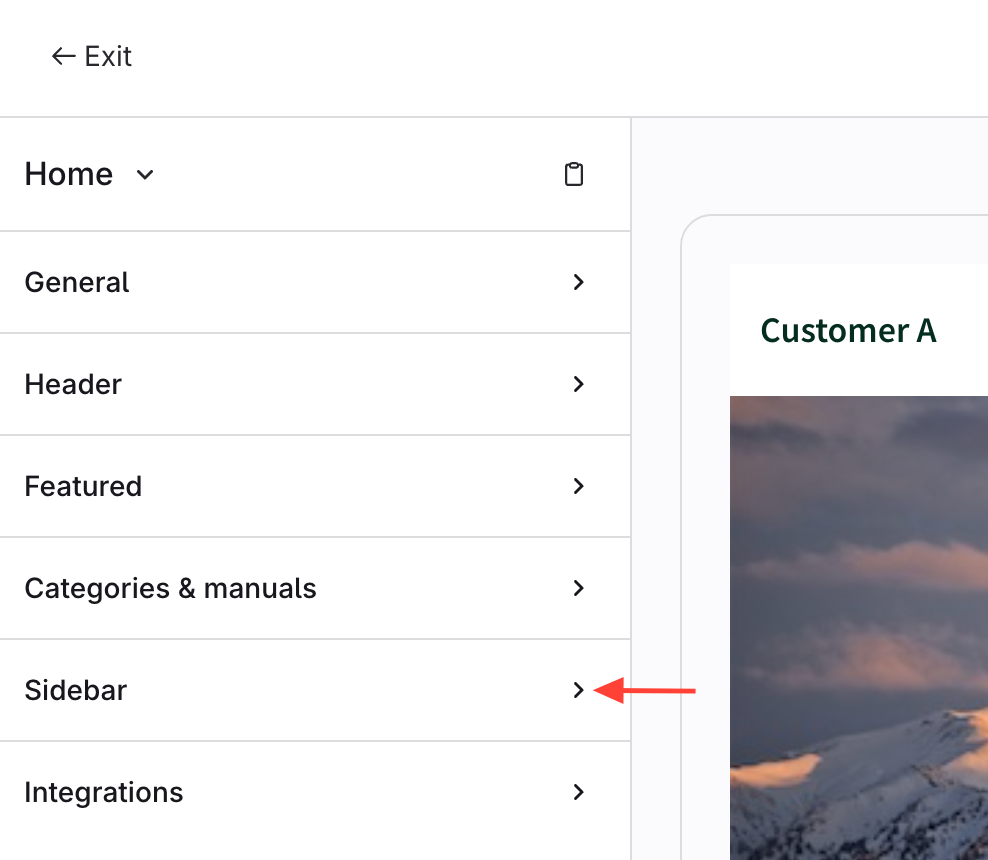
- Click Sidebar
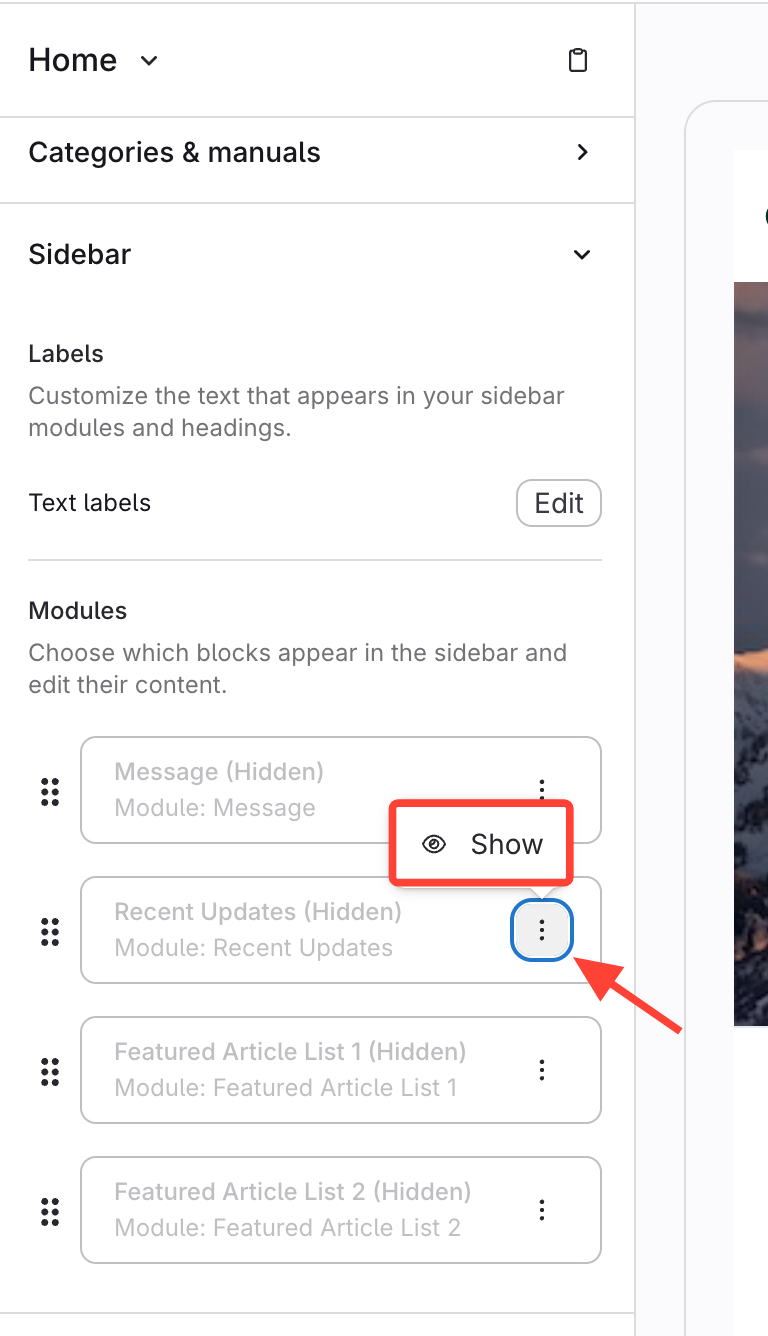
- Add Recently Updates Article List
- In the Recent Updates section, click the action menu (three dots).
- ClickShow.
How to Add a Recently Updated Article List to the Sidebar
Updated on