- Navigate to Template editor
- Select Labels
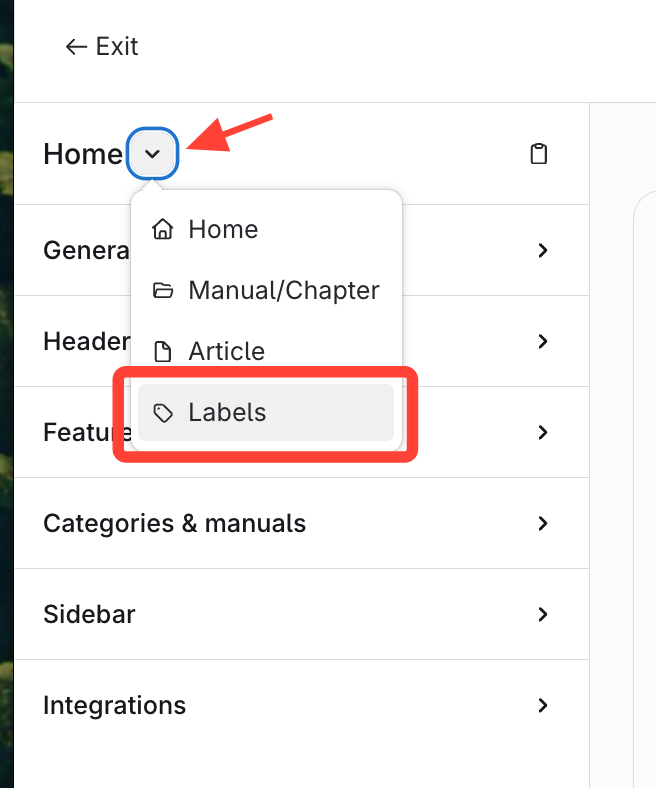
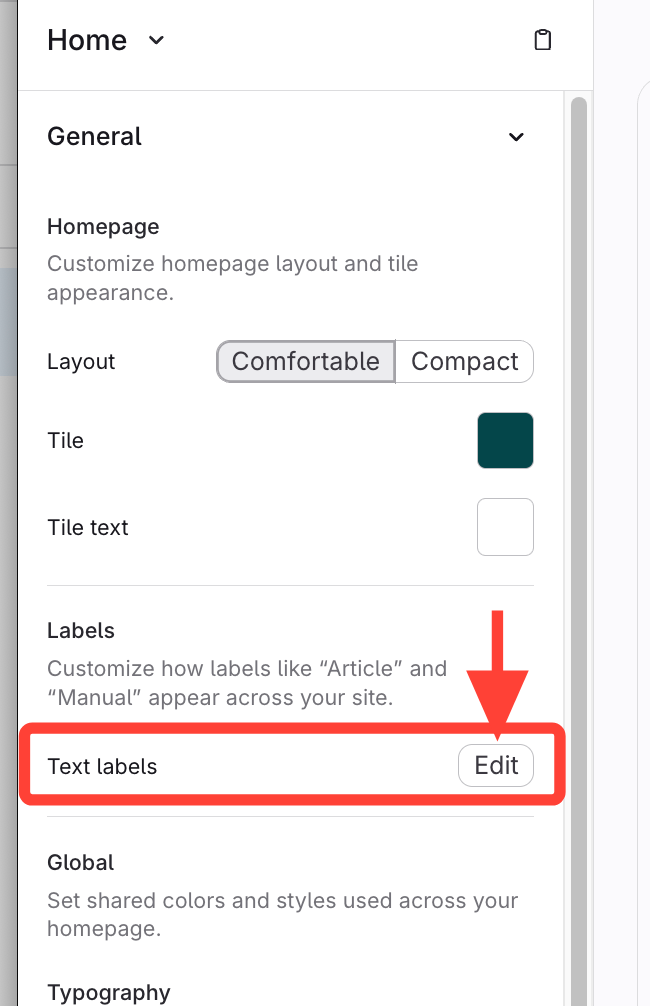
Or expand General > Edit next to Text Labels
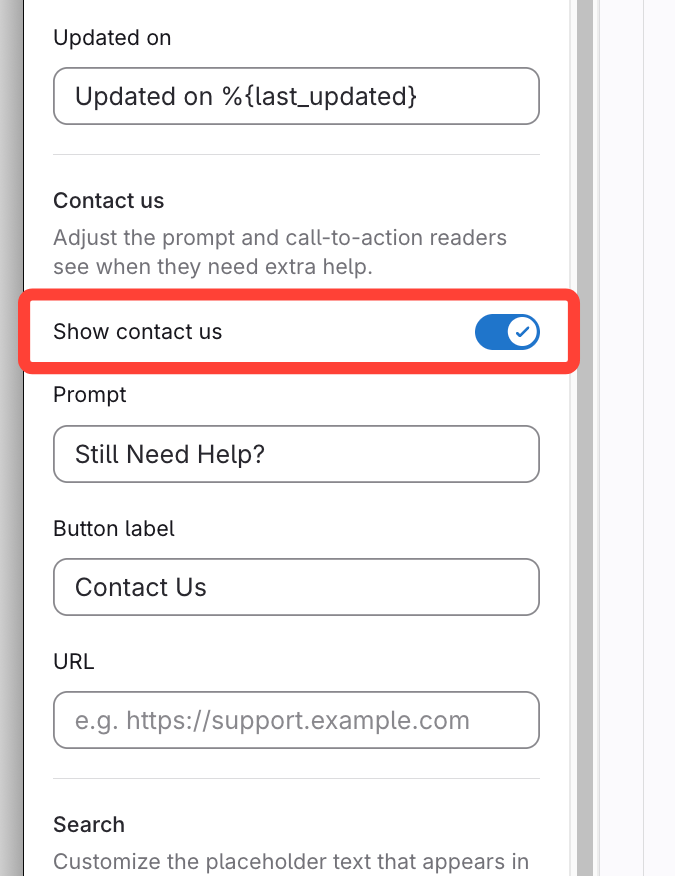
- Confirm Contact Us is enabled
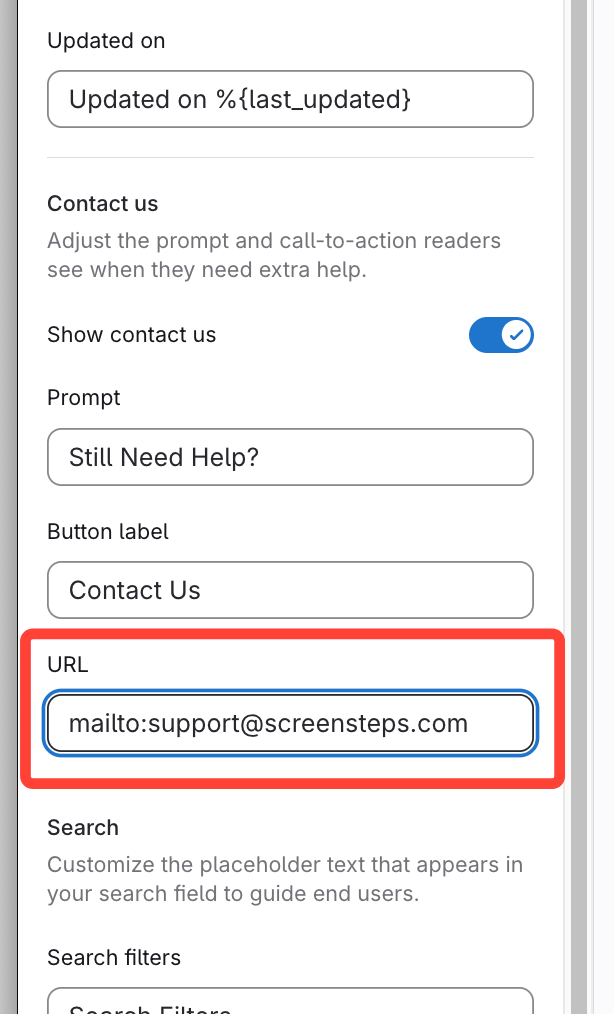
- Update Contact Us URL field
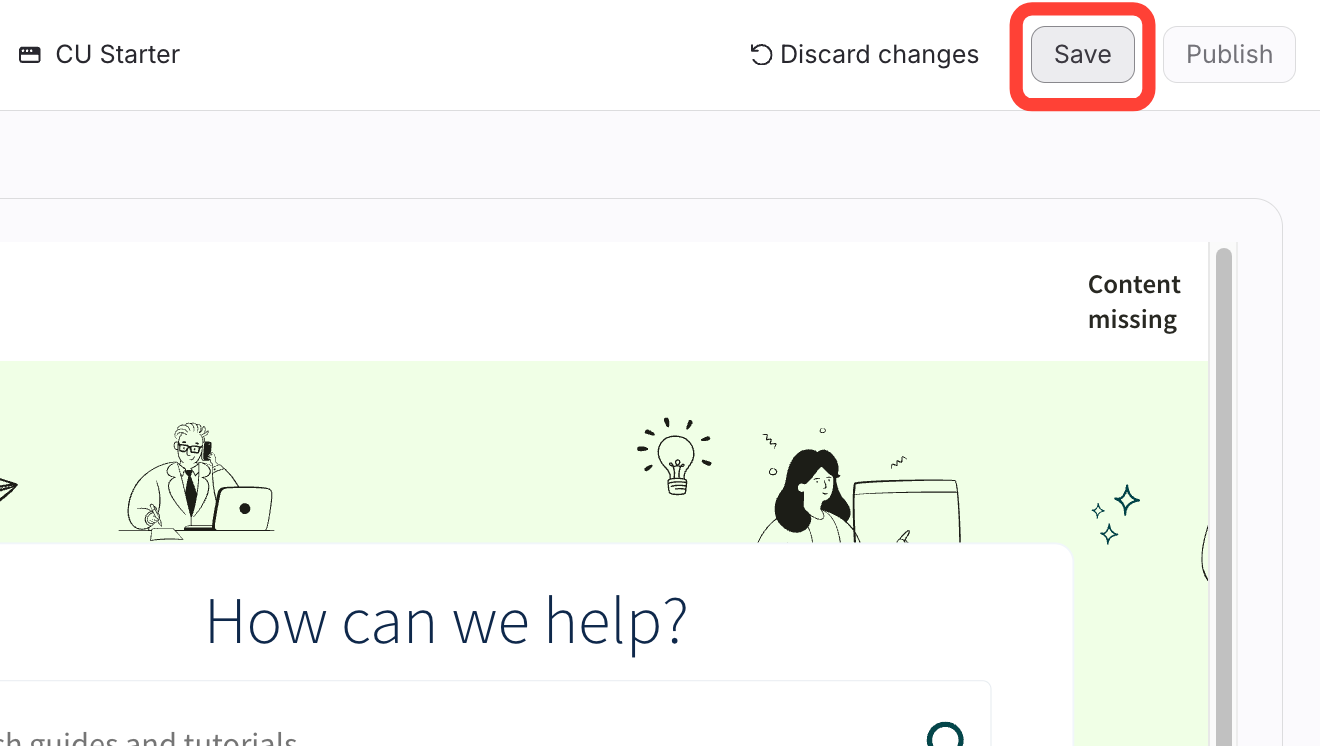
- Save
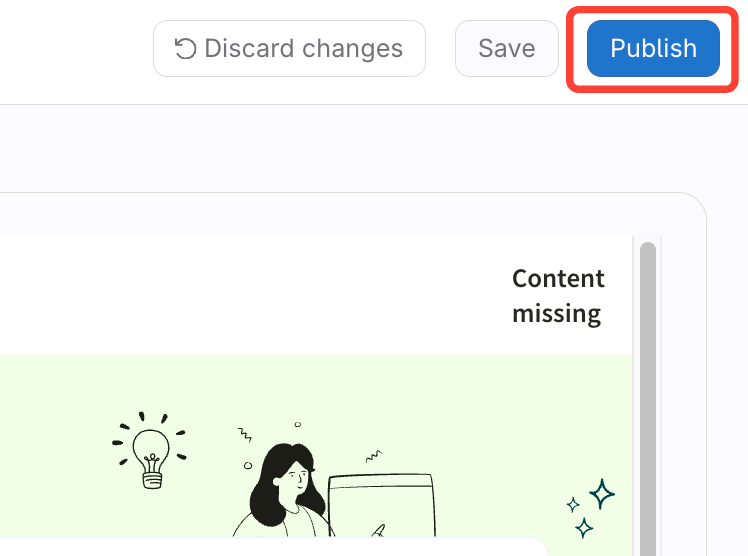
- Publish
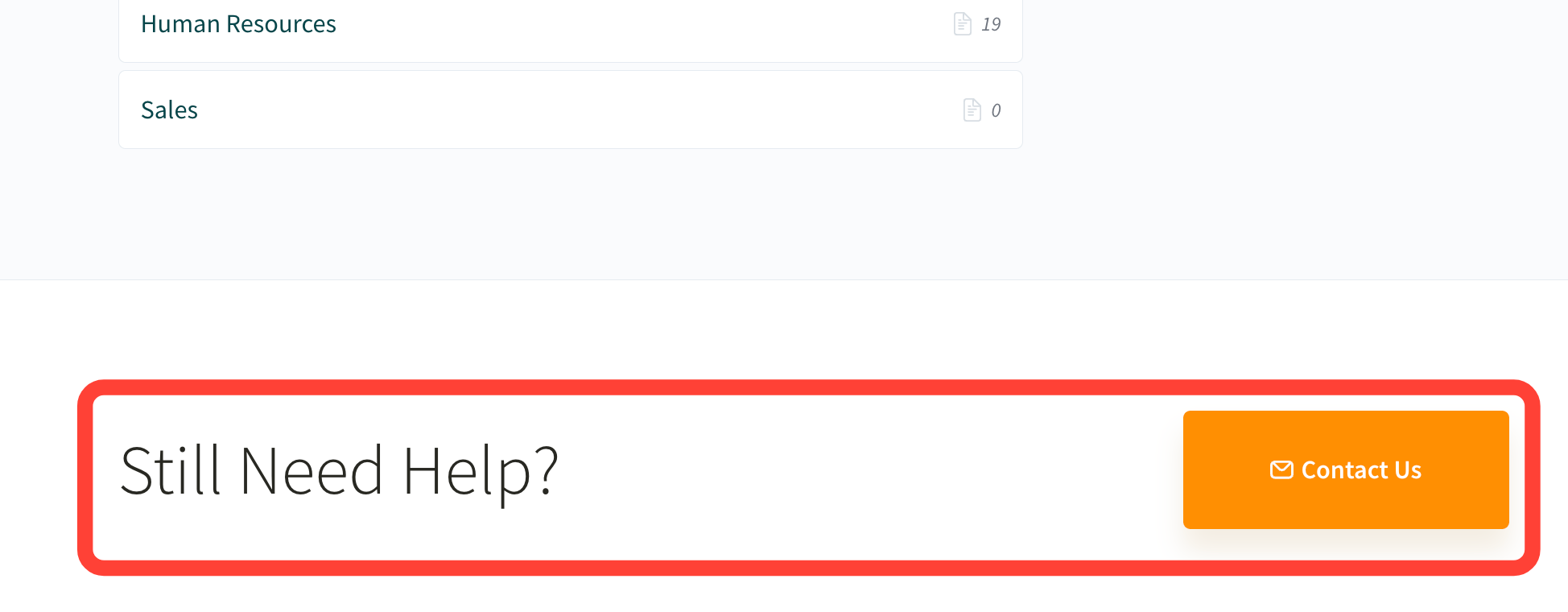
How it appears on the published site
How to Change the URL for the Contact Us Button
Updated on