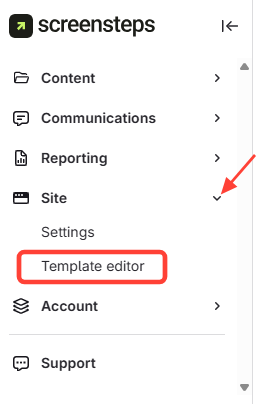
- Navigate to Template Editor
- ClickDesign
- Select Template Editor
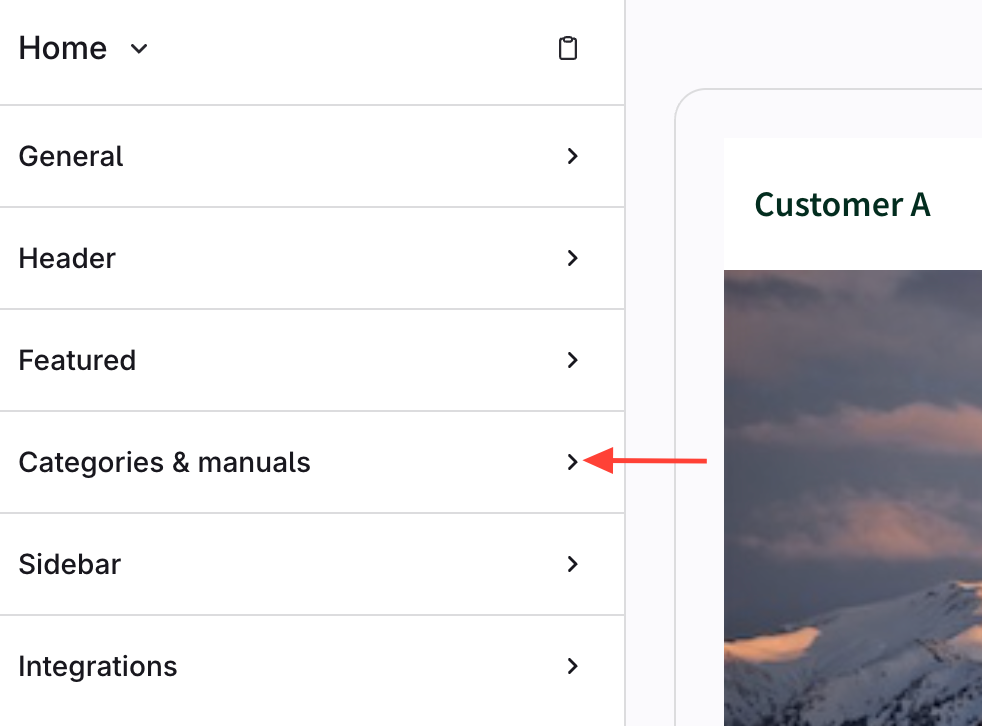
- Click the Categories and Manuals Tab
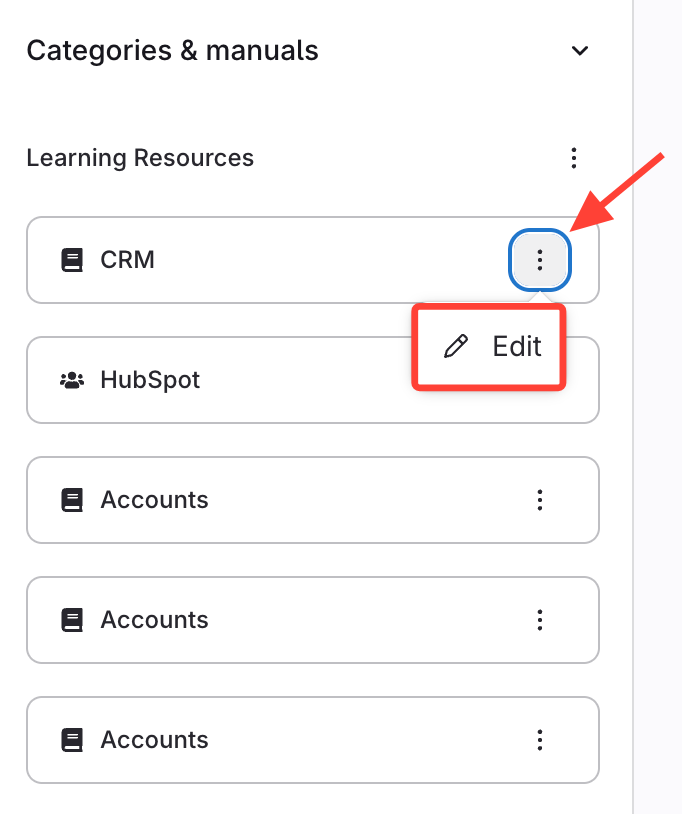
- Edit the Manual
- Click the Action menu (three dots) next to your manual.
- SelectEdit.
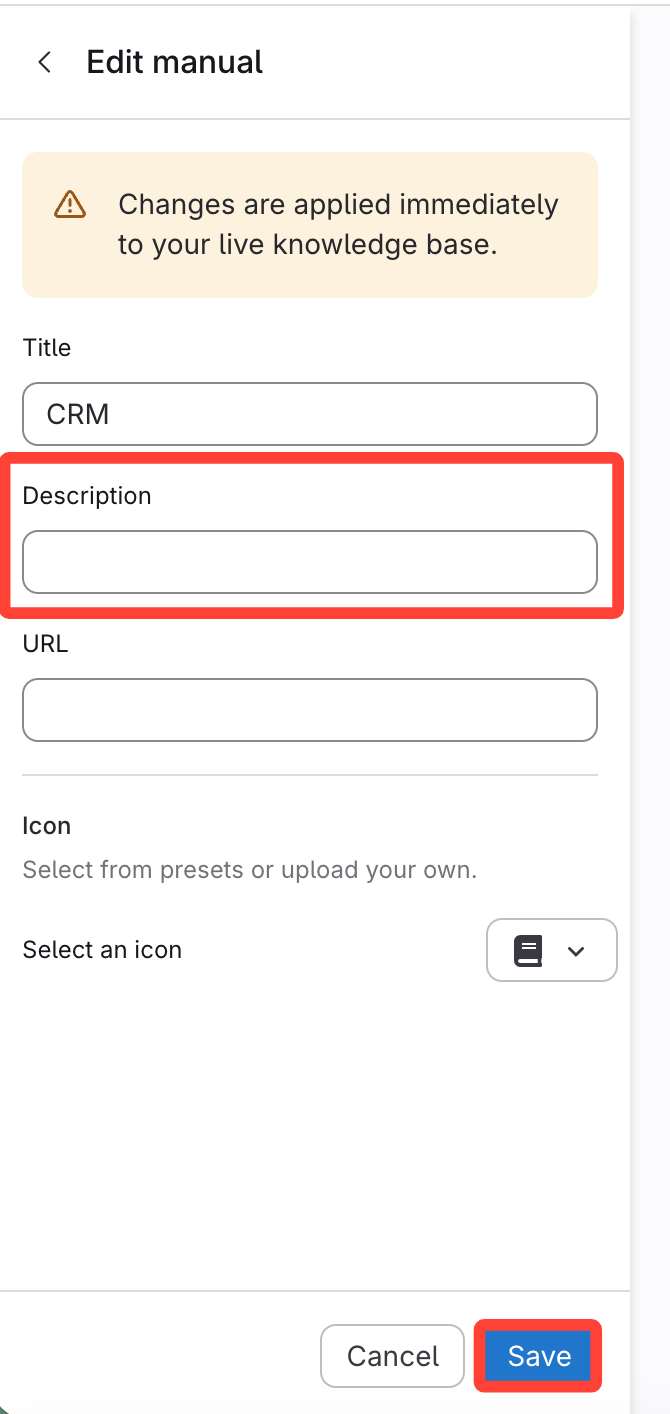
- Enter and Save the Description
- Enter your Description in the Description box.
- ClickSave.
How to Add a Description to a Manual
Updated on