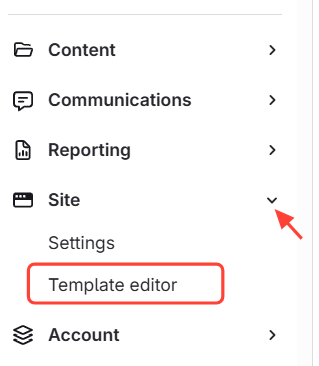
- Navigate to Template Editor
- Click Site
Select Template Editor
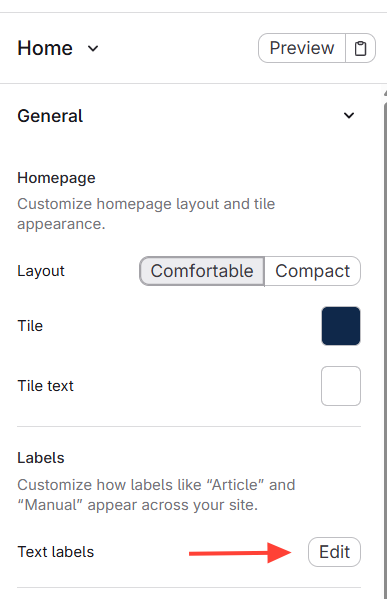
- Open Text Labels
- Click Edit
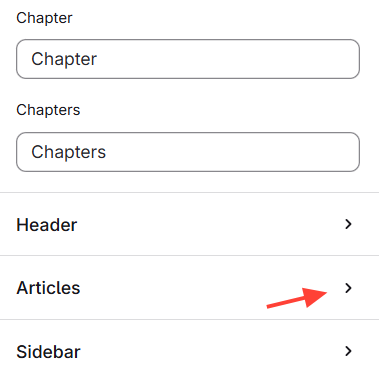
- Scroll to Articles at the bottom
- Click on the Articles Drop Down
- Change the Work Flow Completed Message
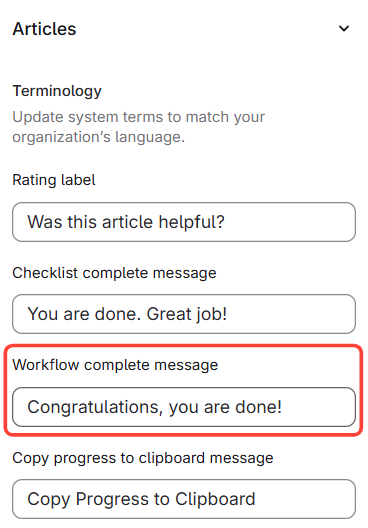
How to Update the Text at the End of the Workflow (to change it from "congratulations, you are done!")
Updated on