- Navigate to the Template Editor
- Edit Text Labels
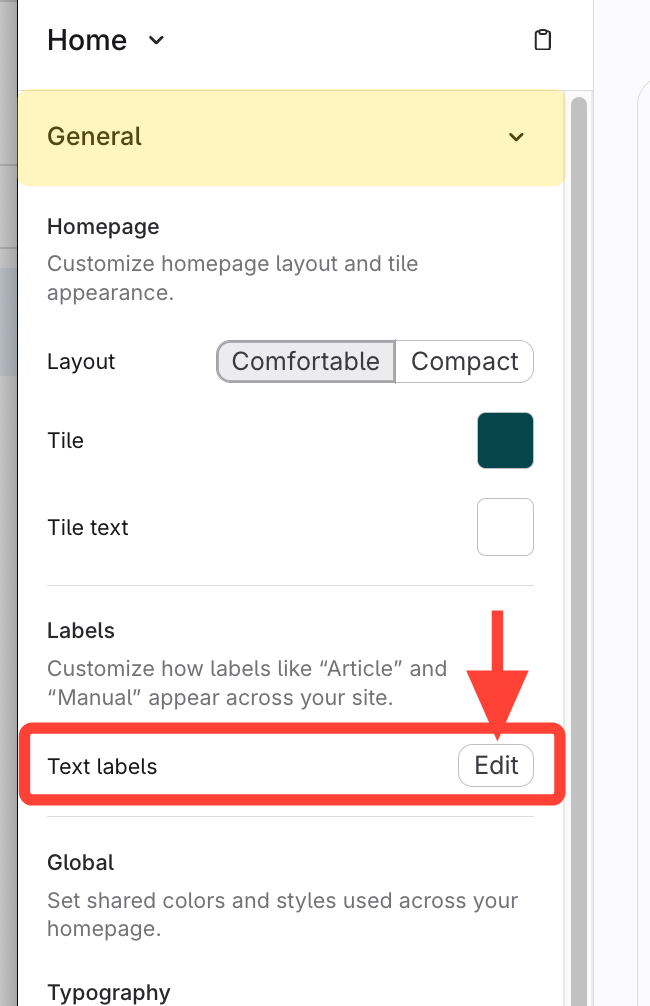
- Expand General Settings
- Click Edit next to Text labels
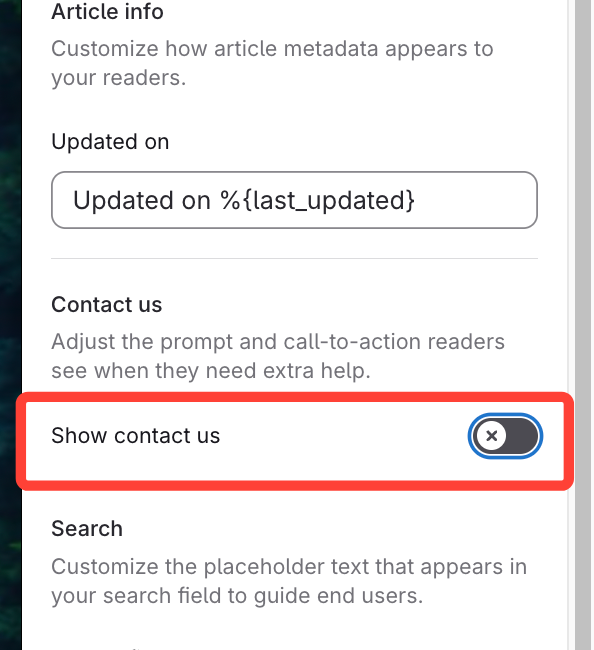
- Enable Show Contact Us
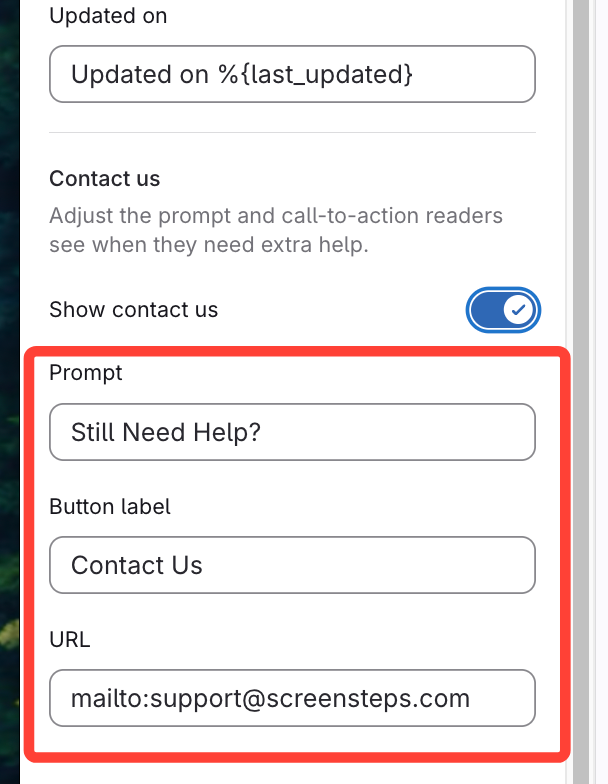
- Update Contact us fields
- Change Prompt and Button label if desired.
- Add "mailto:[[email protected]]"
- This initiates sending an email for the user when they click "Contact us"
- Save
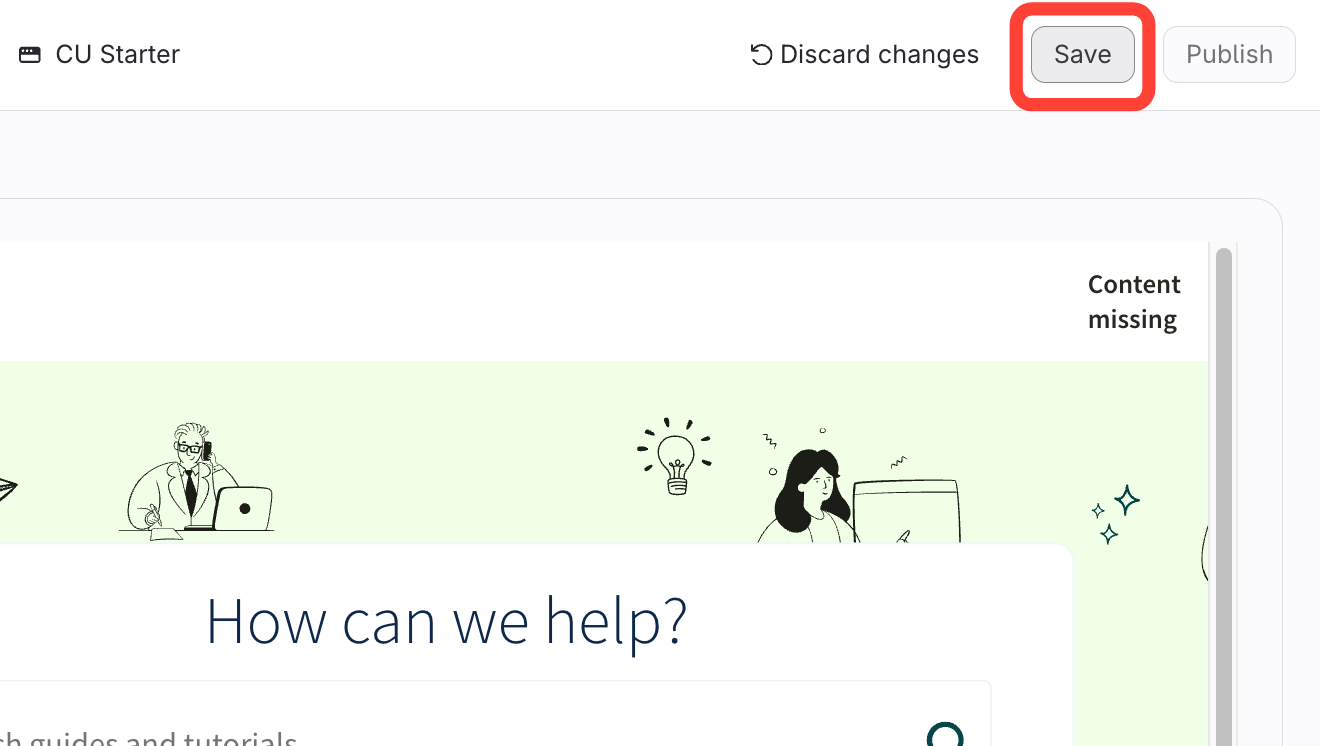
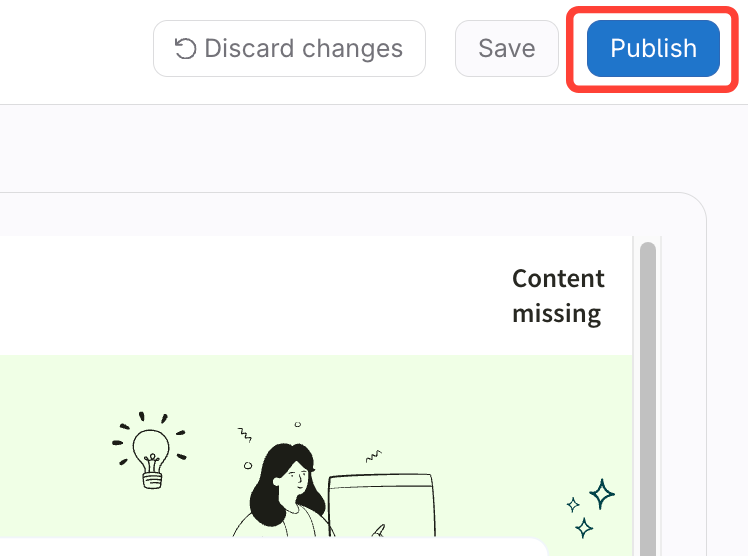
- Publish
How to add Contact Us to the footer (and change the text of the footer)
Updated on