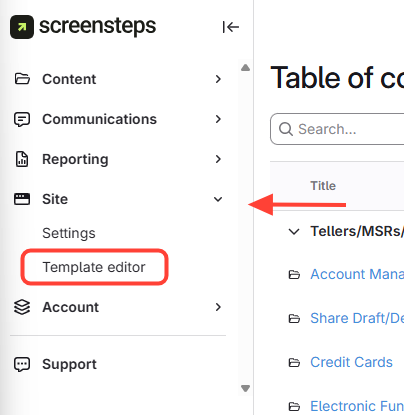
- Navigate to Template Editor
- Click Site.
- Select Template Editor.
- Change Article Request Button Color
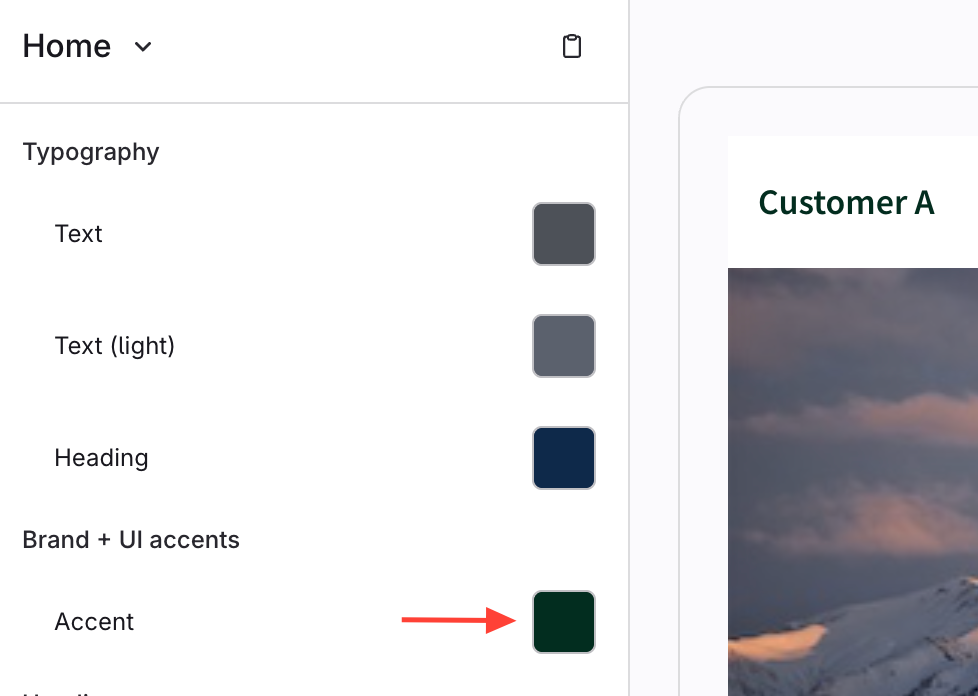
- Scroll to Brand and UI Accents.
- UnderAccent, change the color for the article request button.
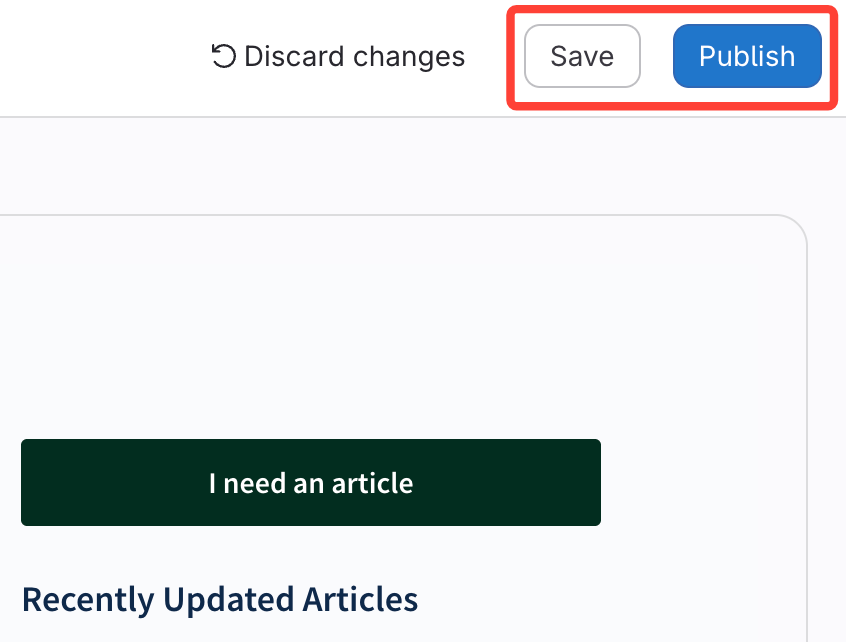
- Click Save and Publish
How to Change the Color of the Article Requests Button
Updated on