- Navigate to the Template editor
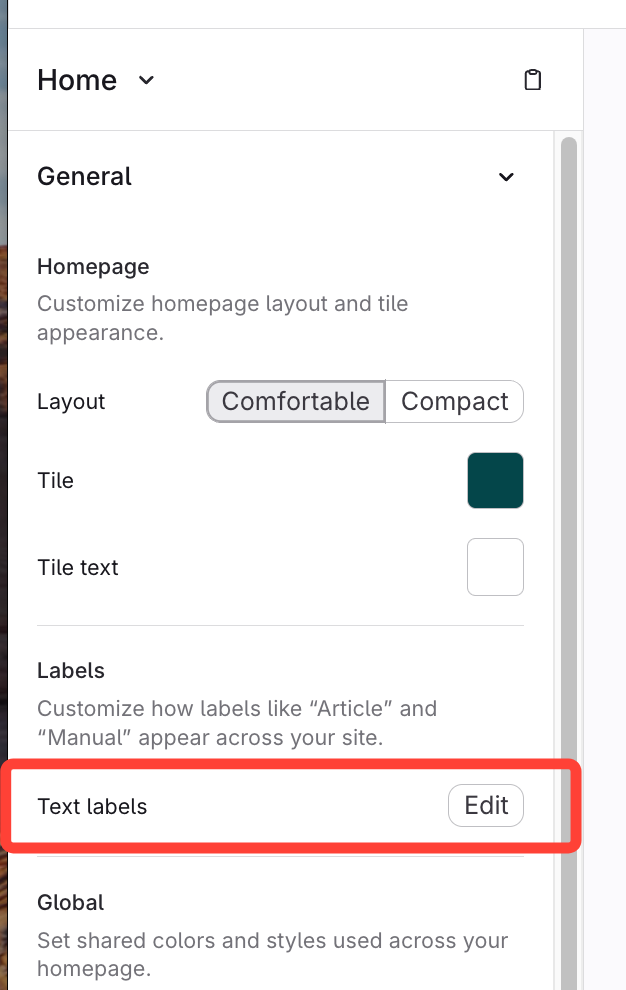
- Click Edit next to Text labels
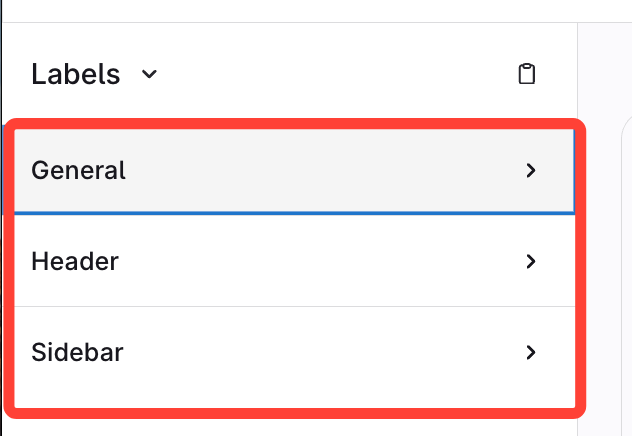
- Expand from the following:
- General text
- Header text
- Sidebar text
OR
- Navigate to Template editor
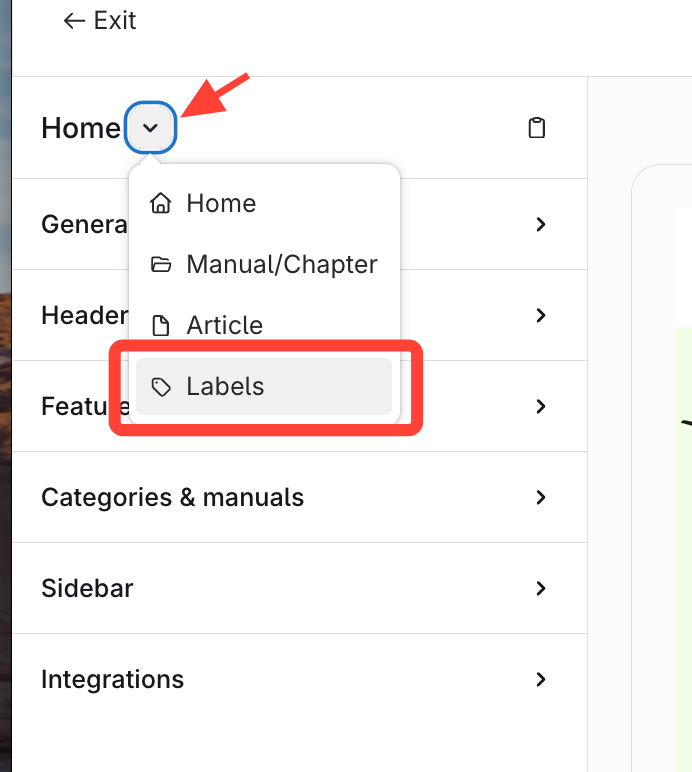
- Click Home > Labels
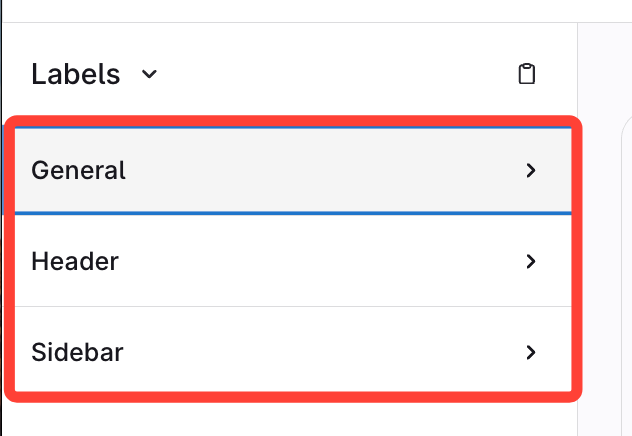
- Expand from the following:
- General text
- Header text
- Sidebar text
Updated on