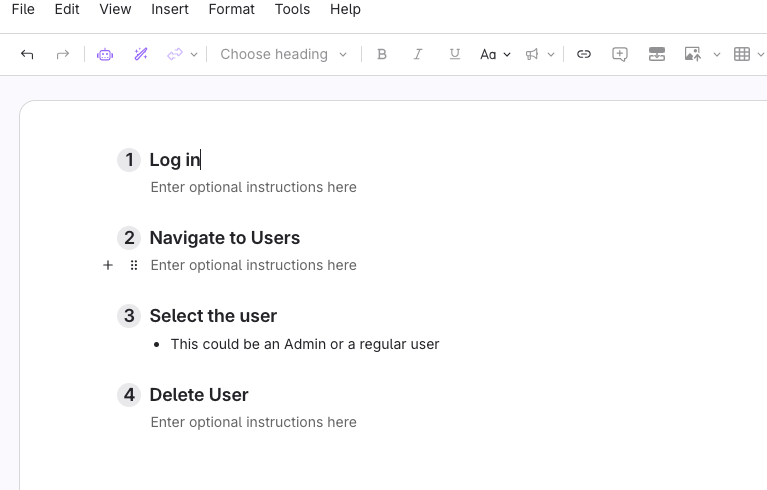
Click here to see a video overview
Add Steps from Scratch
- Click the step block to add a new step.
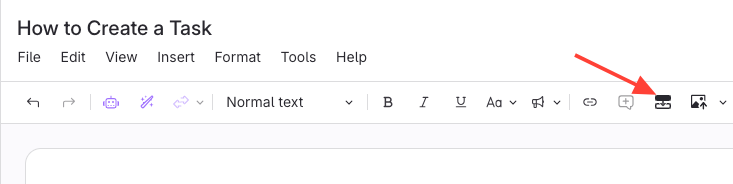
- This will create a step in the editor.
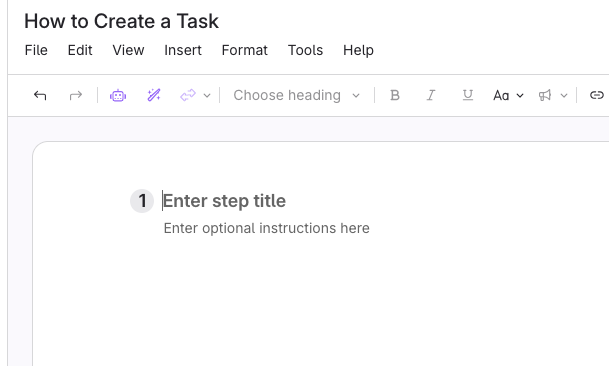
Convert a List to Steps
- Select a bulleted or numbered list.
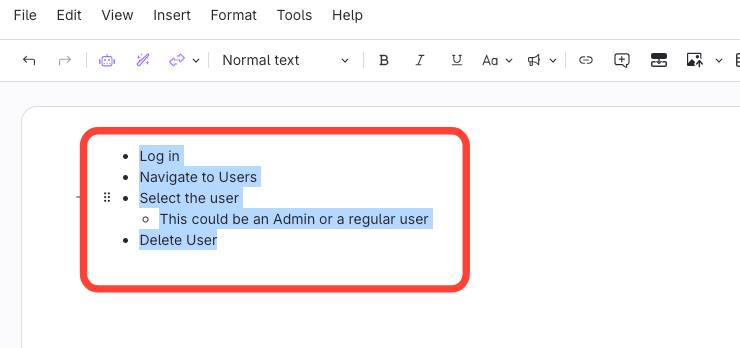
- Click the Steps icon

- Bulleted items are converted into Steps