Edit from Article List
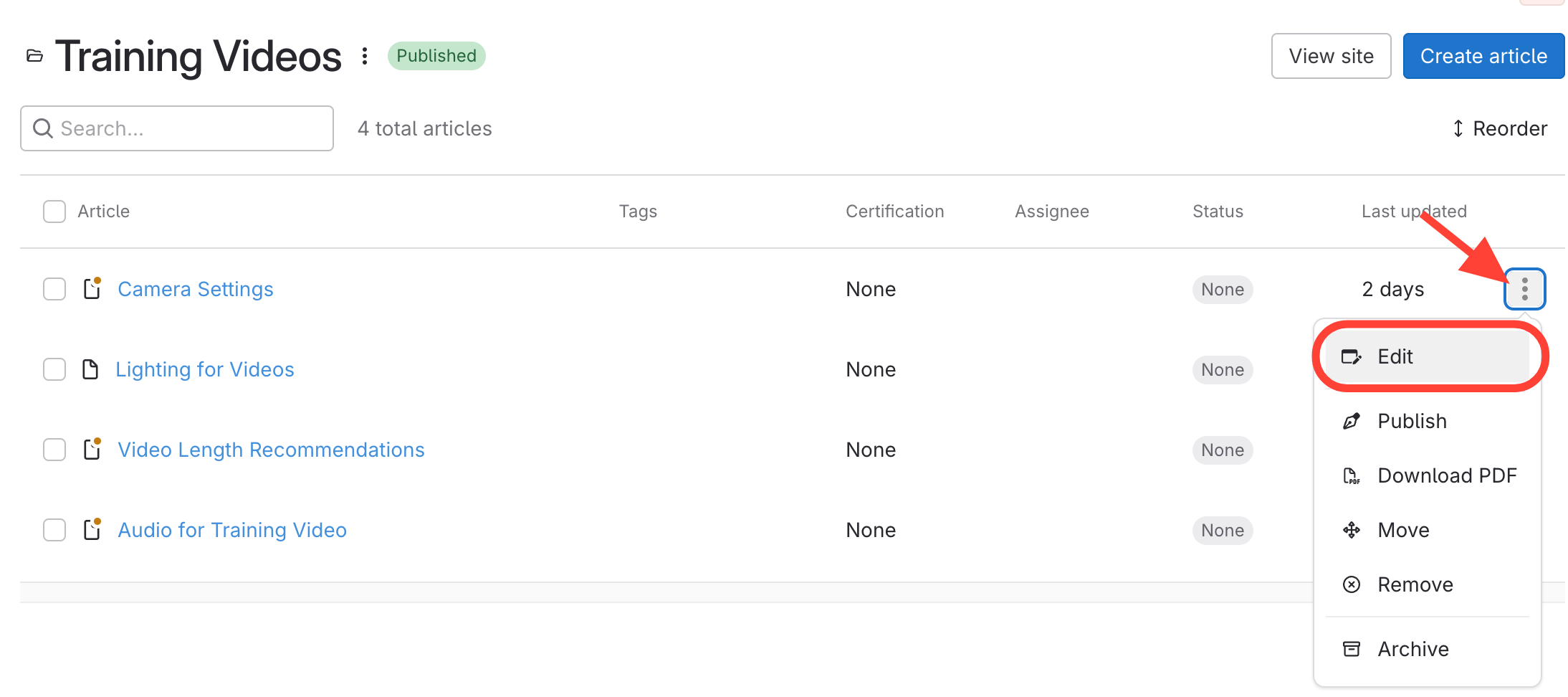
- Navigate to the article either by clicking the Manual > Chapter > Article OR by viewing all articles
- Click the three dots next to the article title.
- Select Edit.
Edit from Article Preview
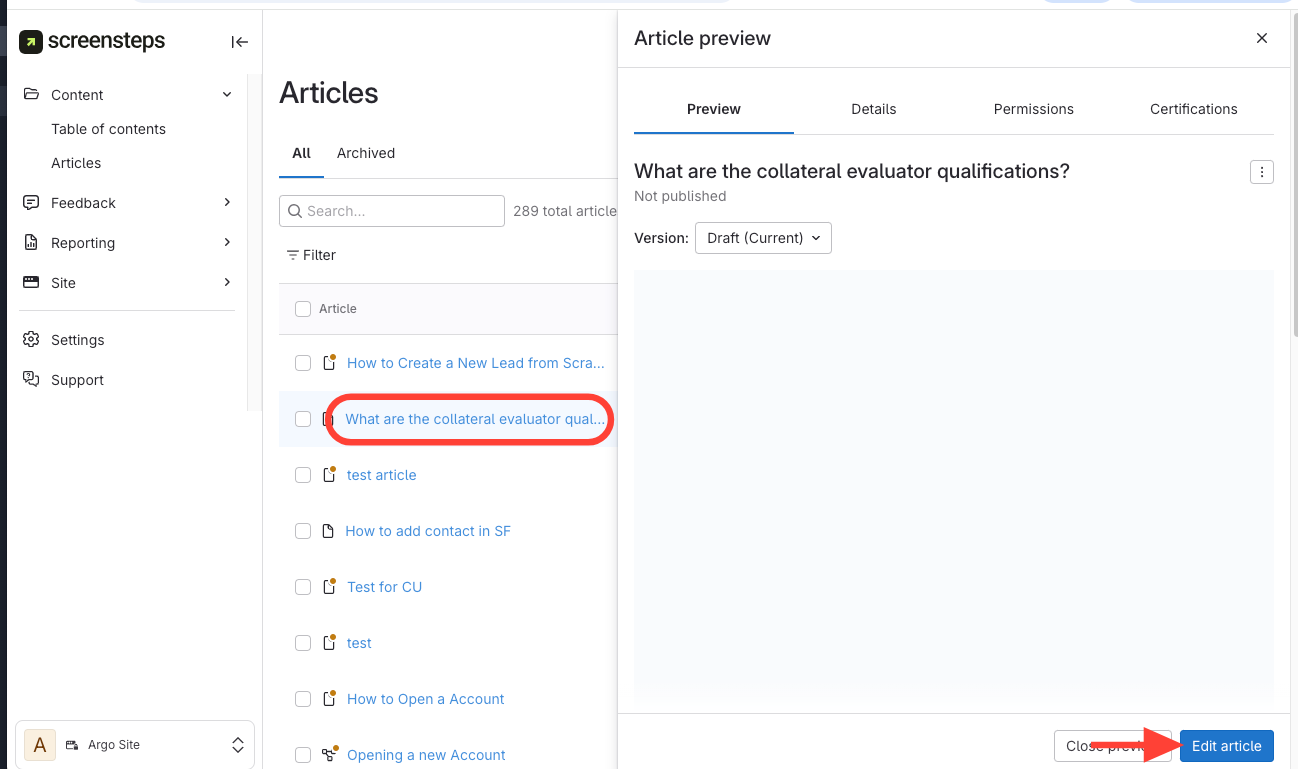
- Click the article title to open the preview.
- ClickEdit Article in the bottom right corner.
Edit from the Published Site
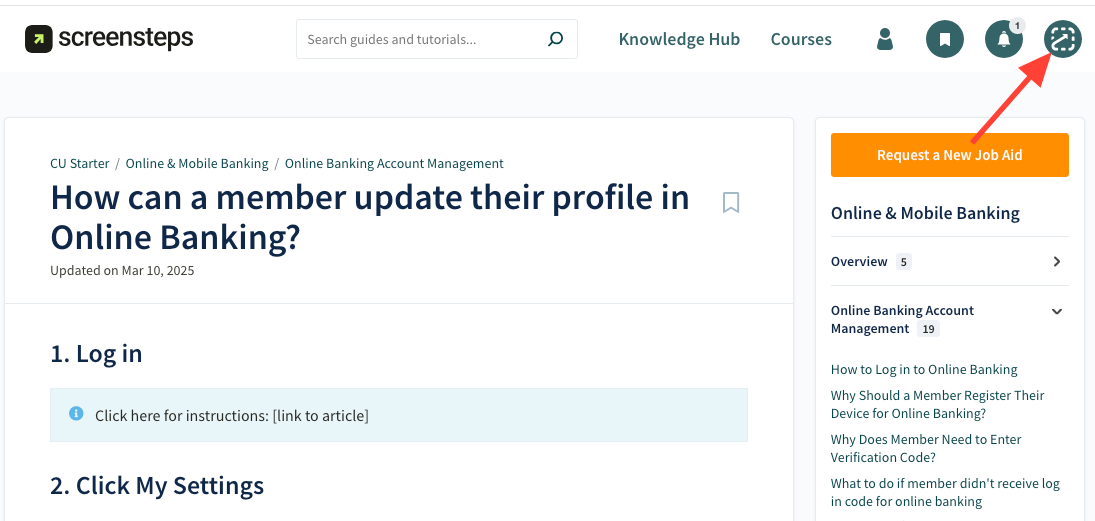
- Click the ScreenSteps Icon
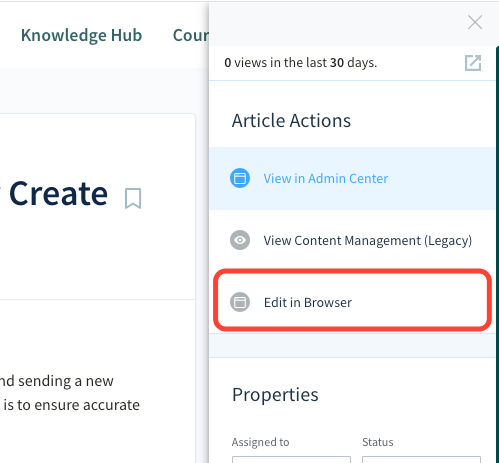
- Click Edit in Browser