Click here to view a video overview
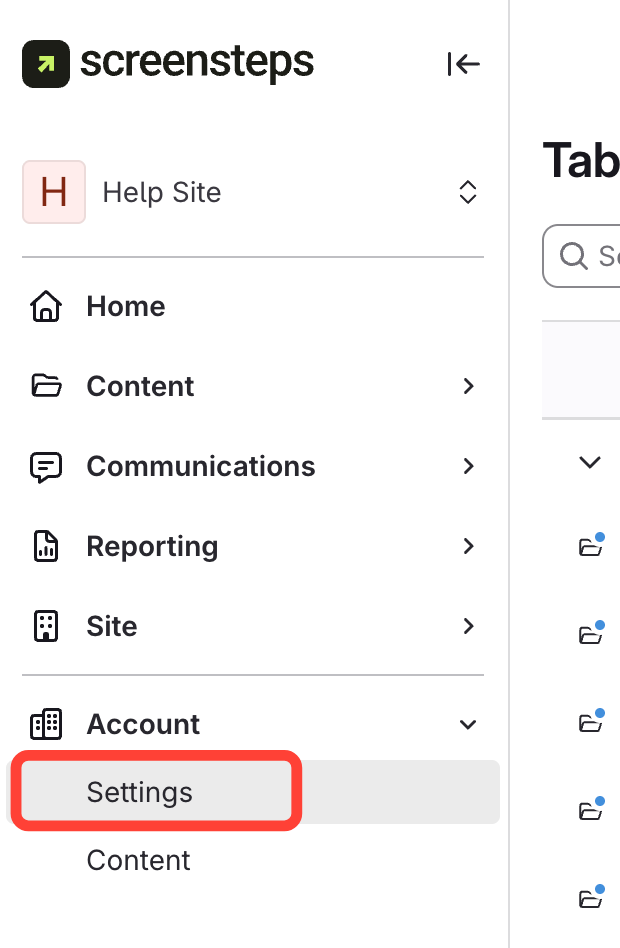
- Click Settings
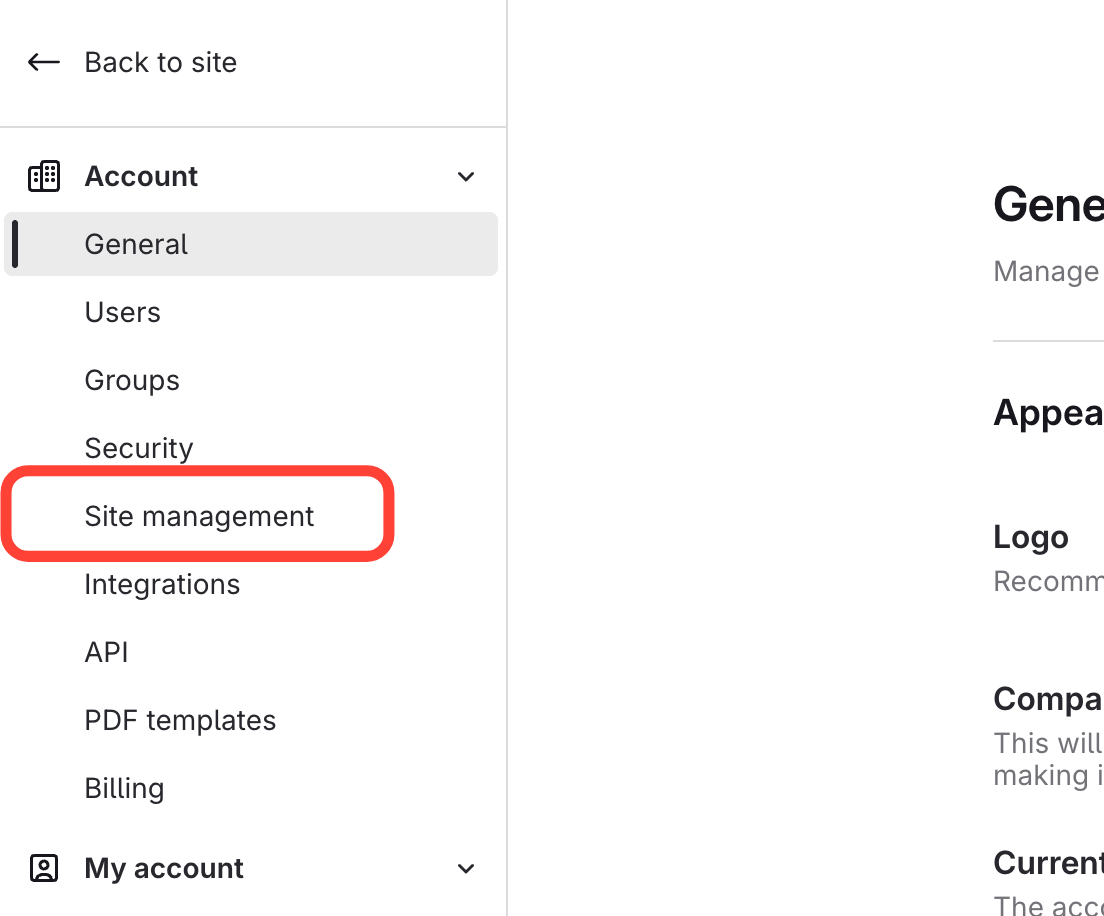
- Click Site Management
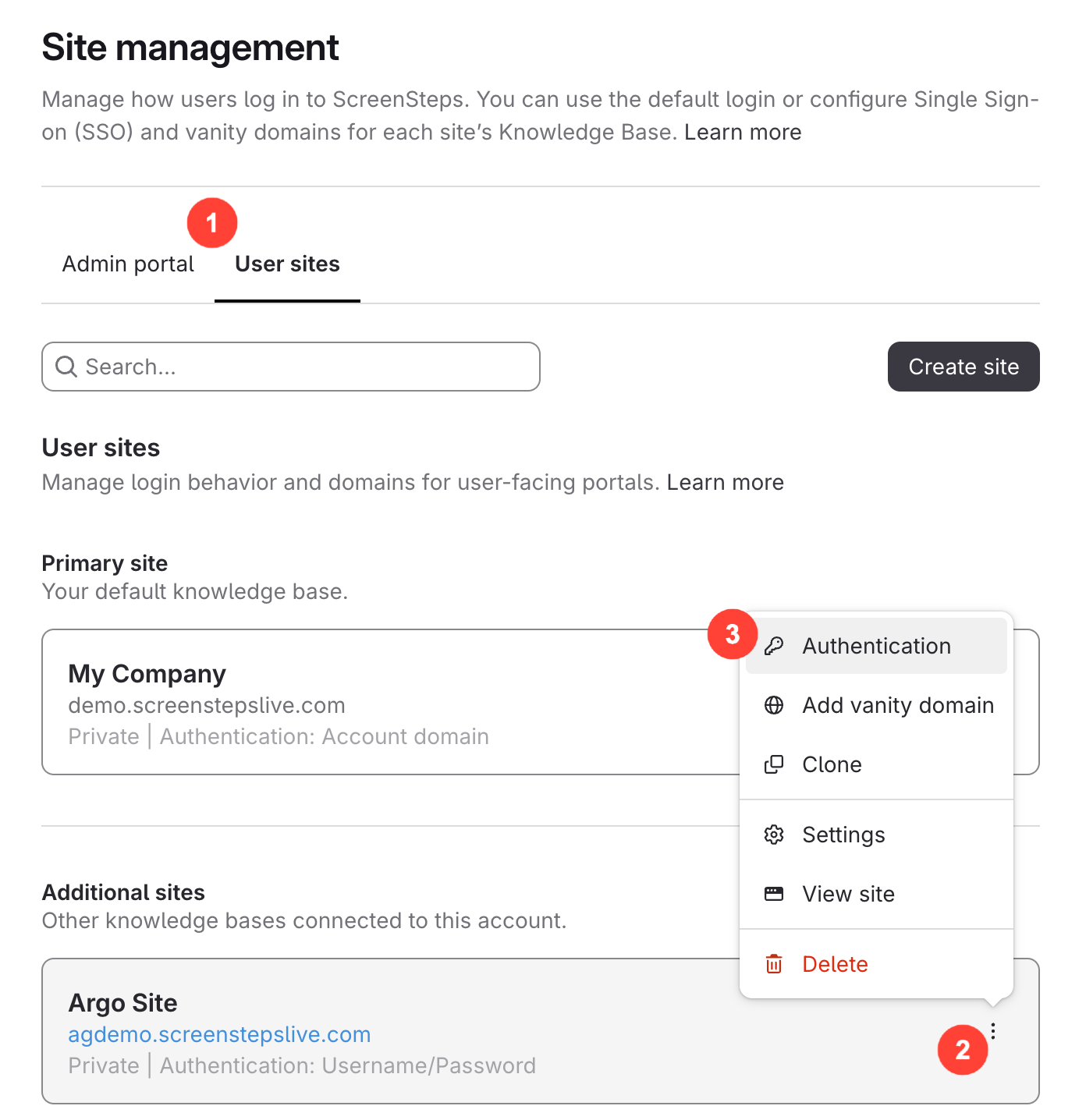
- Click Other sites > Action Menu > Edit login method
Note: If you have not created any additional sites, then you may not see any options here.
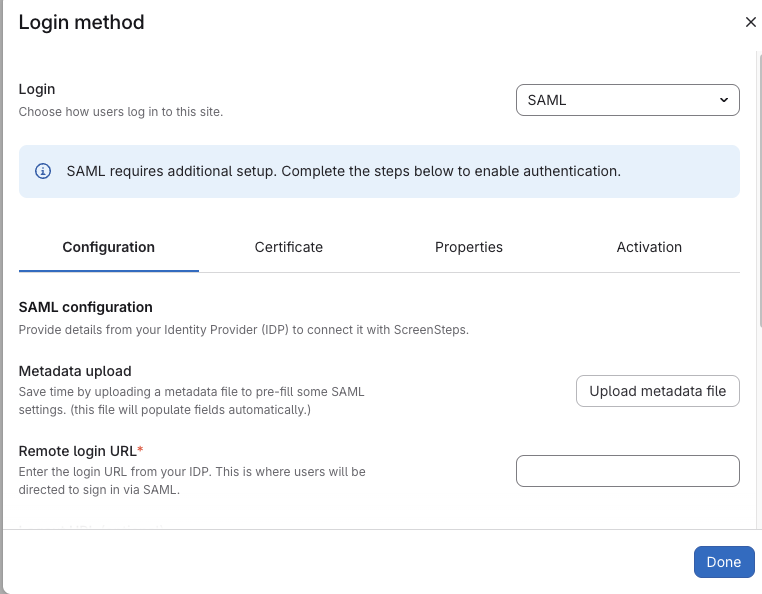
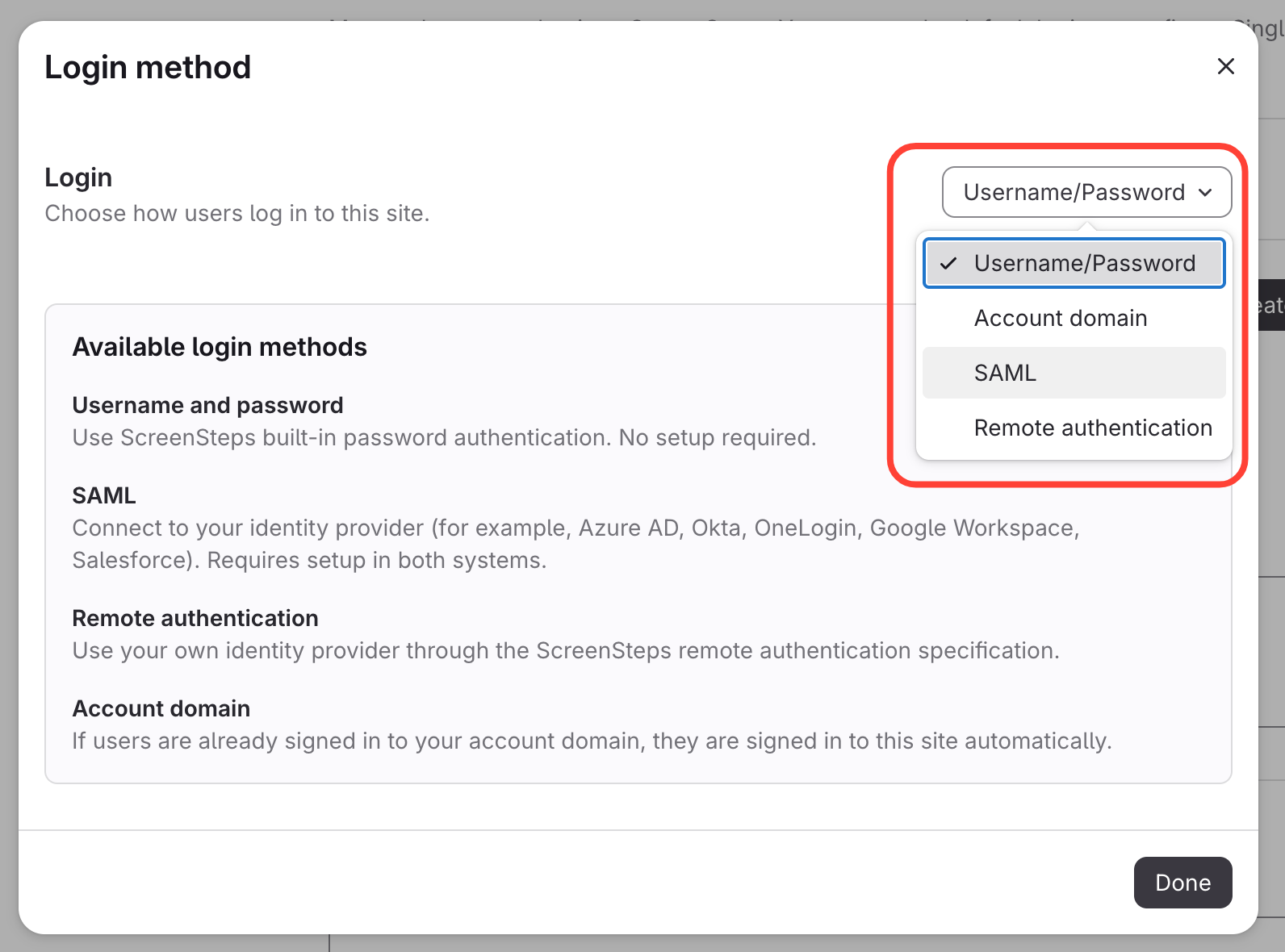
- Select Login Method
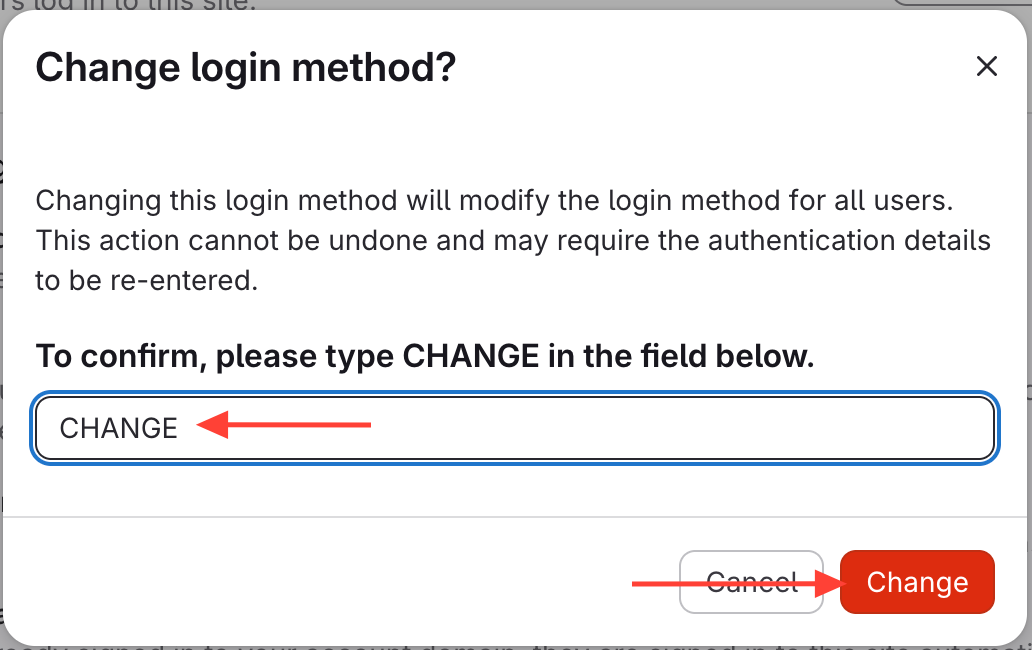
- Type CHANGE > Click Change
- You now have options based on your login method