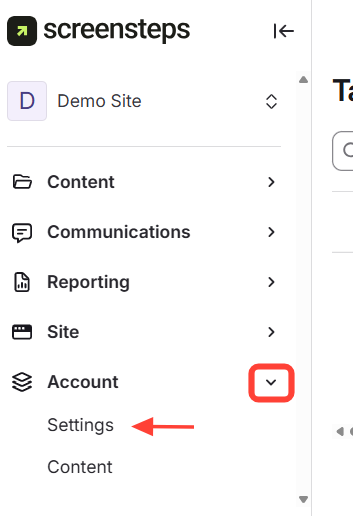
- Navigate to Account Settings
Account > Settings
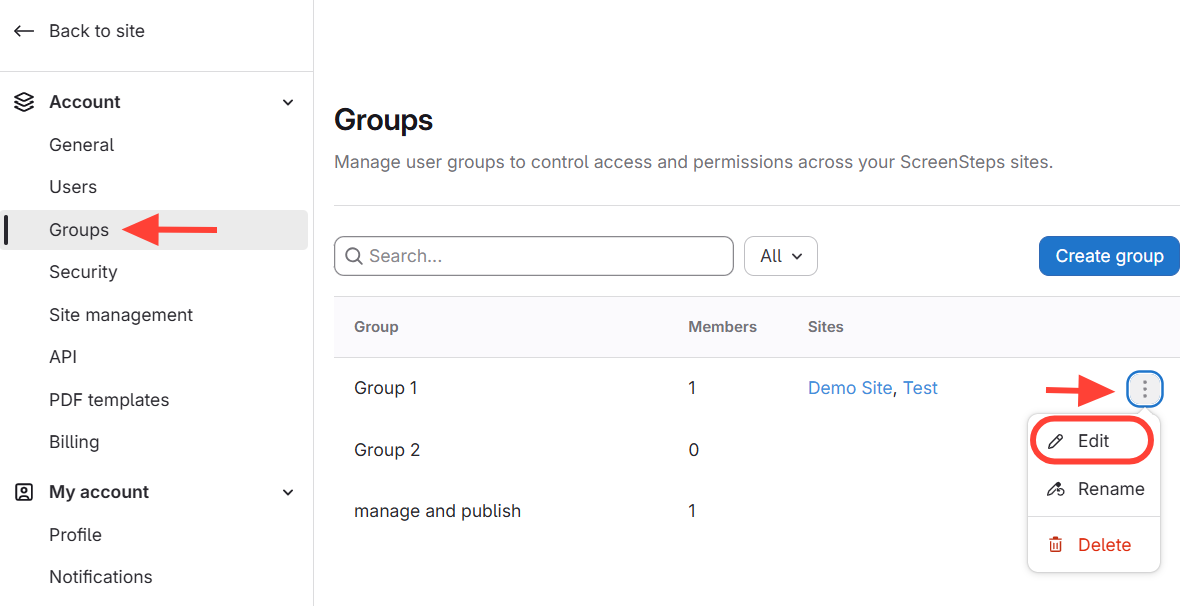
- Edit the group you want to remove the context on
- Select Groups
- Click the three dots next to the group
- Select Edit
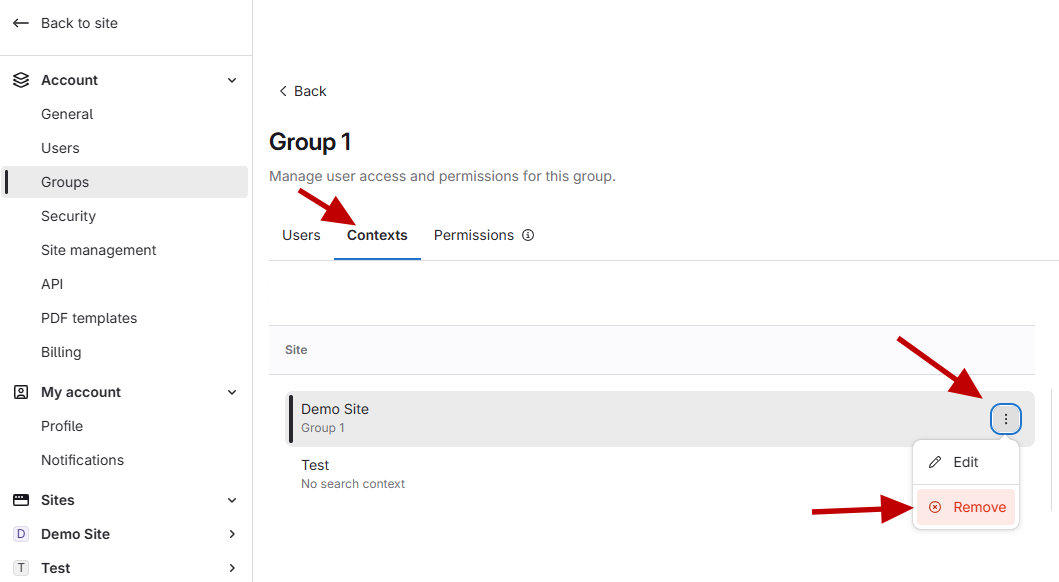
- Delete the context
- Click Contexts
- Click the action menu next to the site you want to remove the context
- Click Remove
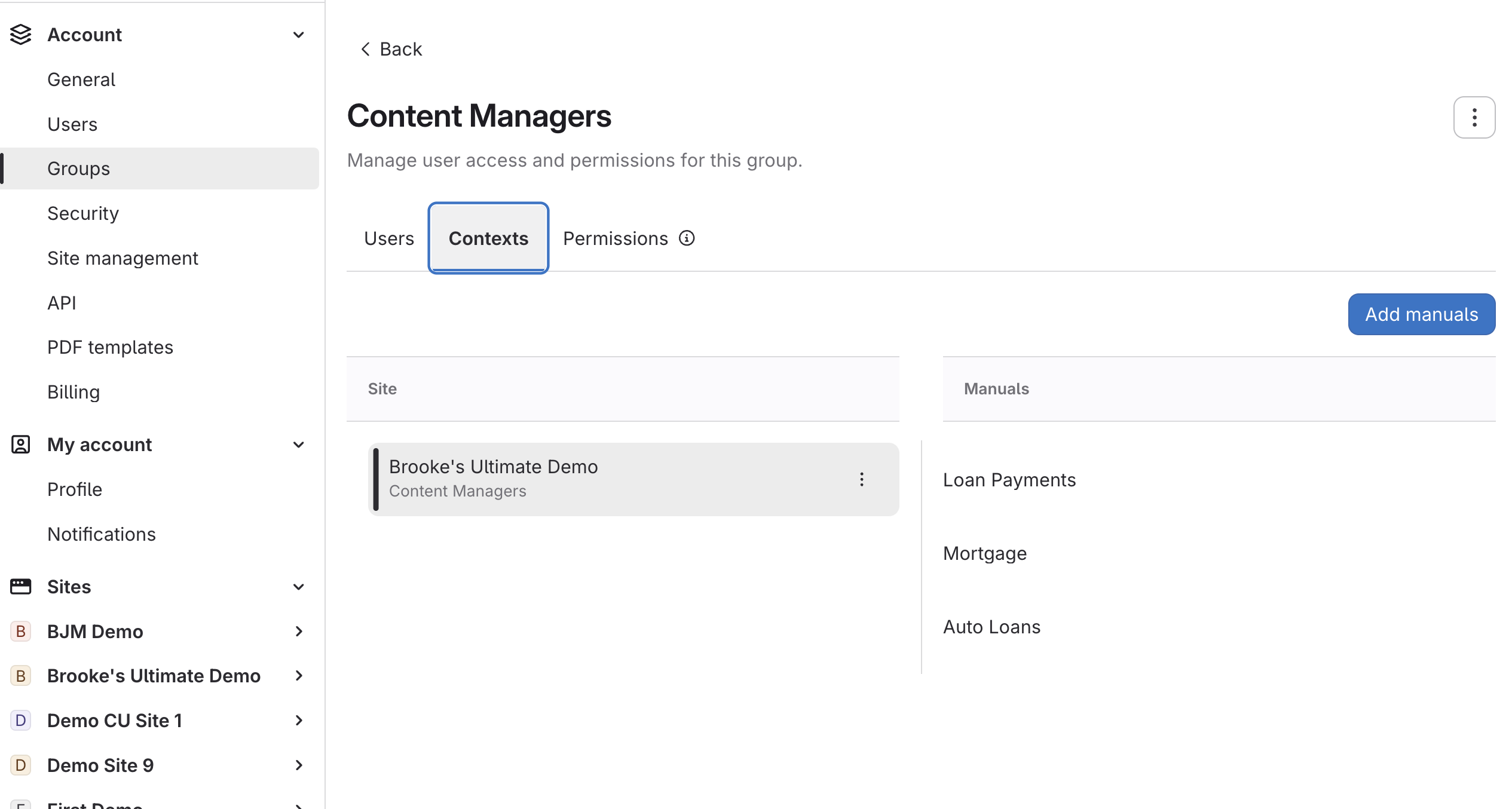
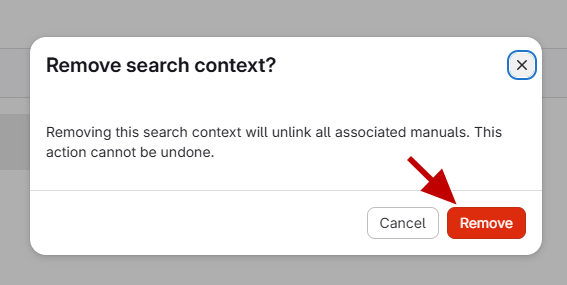
- Confirm removing the context
Click Remove
How to Remove a Search Context for a Group
Updated on