The Purpose of Search Contexts
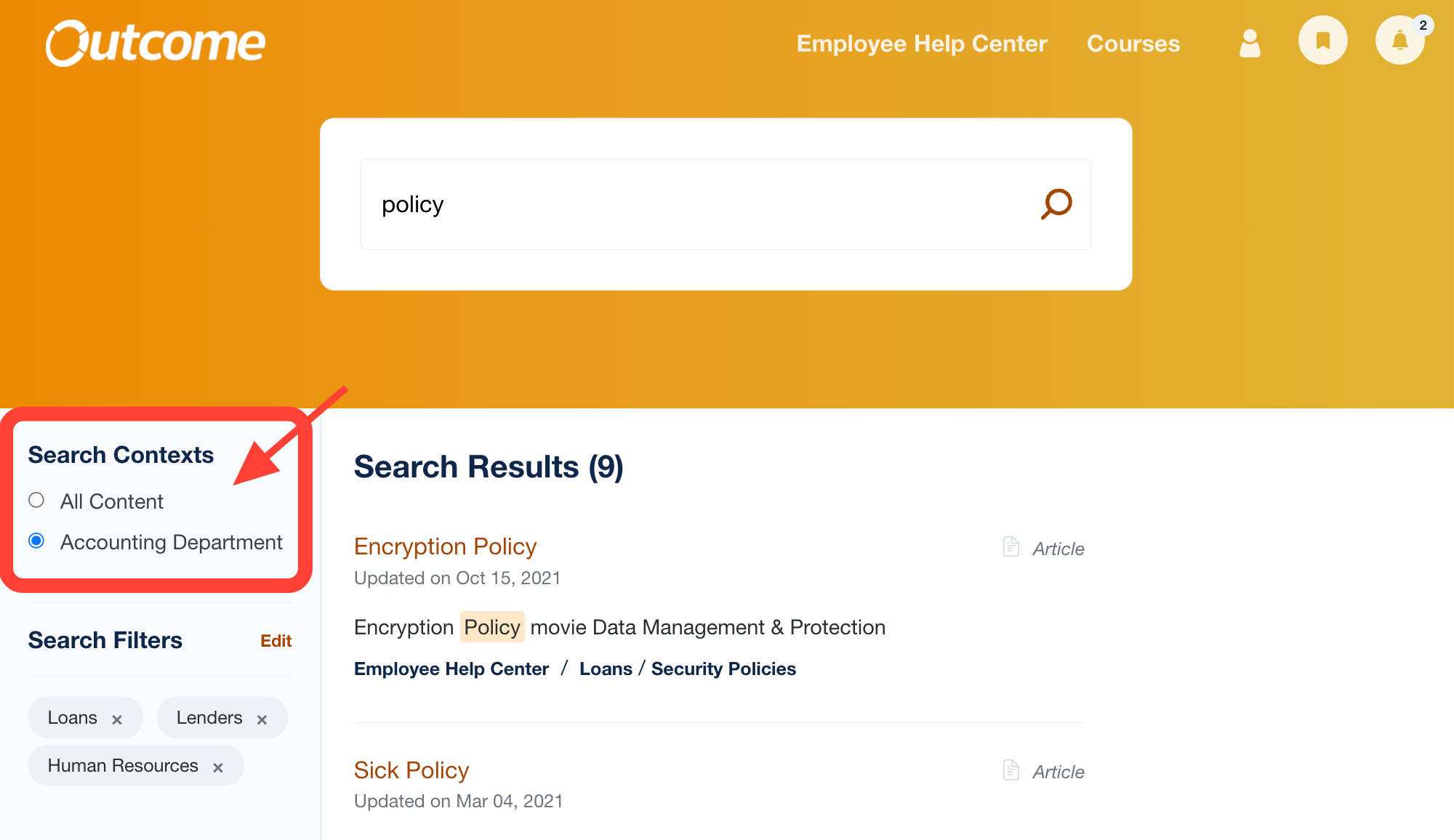
Search Contexts are designed to help you improve search results for specific User Groups in your ScreenSteps site by setting a default search filter that includes specific manuals.
When to Use
Search Contexts are most useful if you have users who only need to search a certain selection of manuals the majority of the time, but still need the ability to search other manuals on occassion.
Important Info
Search Contexts are attached to User Groups.
Each Search Context can only be attached to one User Group and one Site.
When used, each search the user performs will apply the assigned filter.
If the user needs to search other manuals, they can temporarily remove the assigned filter.