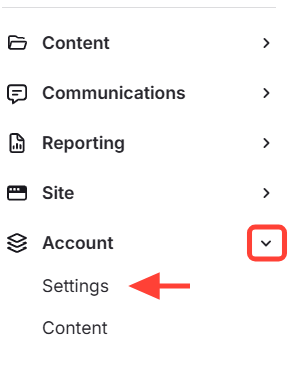
- Navigate to Account Settings
Go to Account > Settings
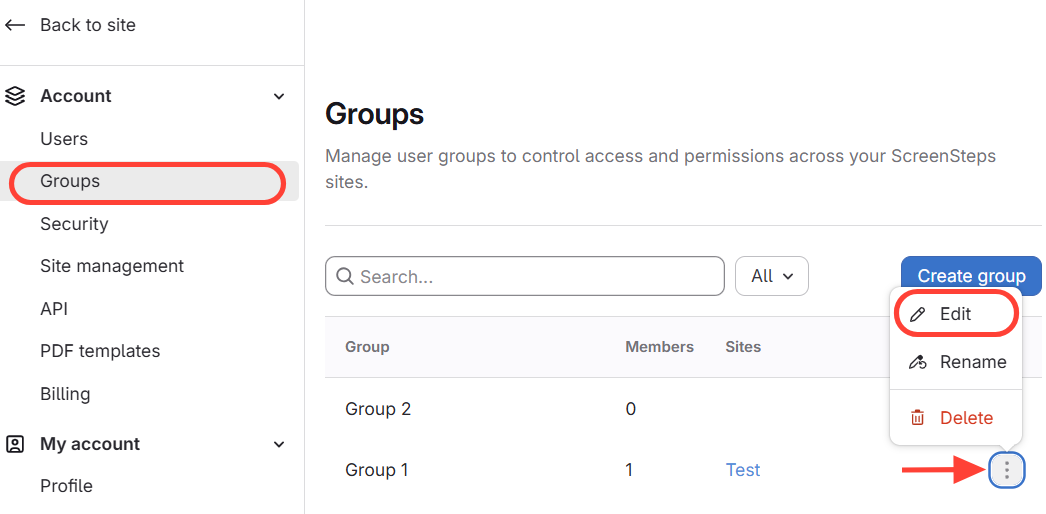
- Open a Group
- Select Groups
- Click the action menu (i.e. three dots) next to a group
- Select Edit
- Look for Contexts
If you don't have permission, Contexts will NOT be visible. 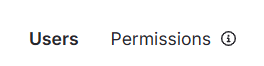
If you DO have permissions, Contexts will be visible. 
How to know if your account is set up for Search Context
Updated on