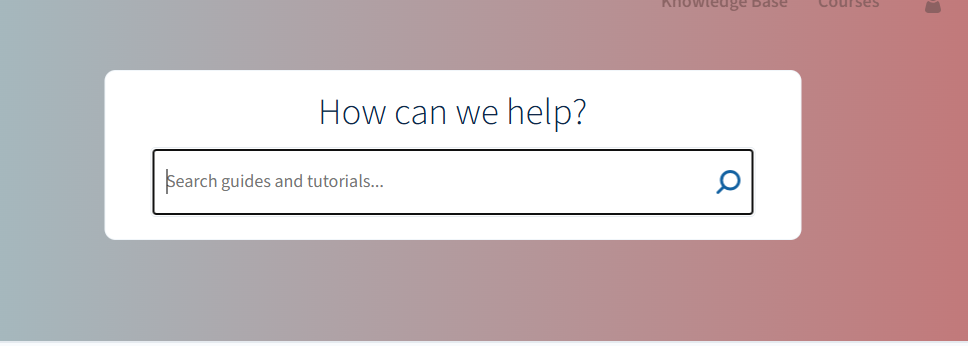
- Perform a search
Search for anything in the published site.
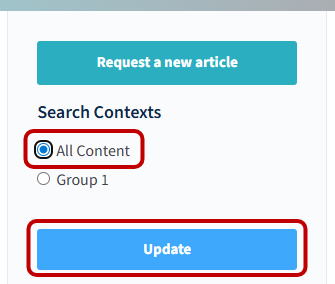
- Select search context
- Click on the left to choose either your group or "all content".
Click Update to apply the new context.
How to change search context in published site
Updated on
Updated on