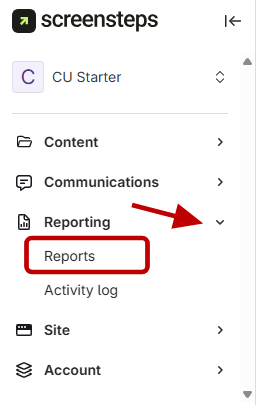
- Open Reporting section
- Click Reporting.
Click Reports under Reporting.
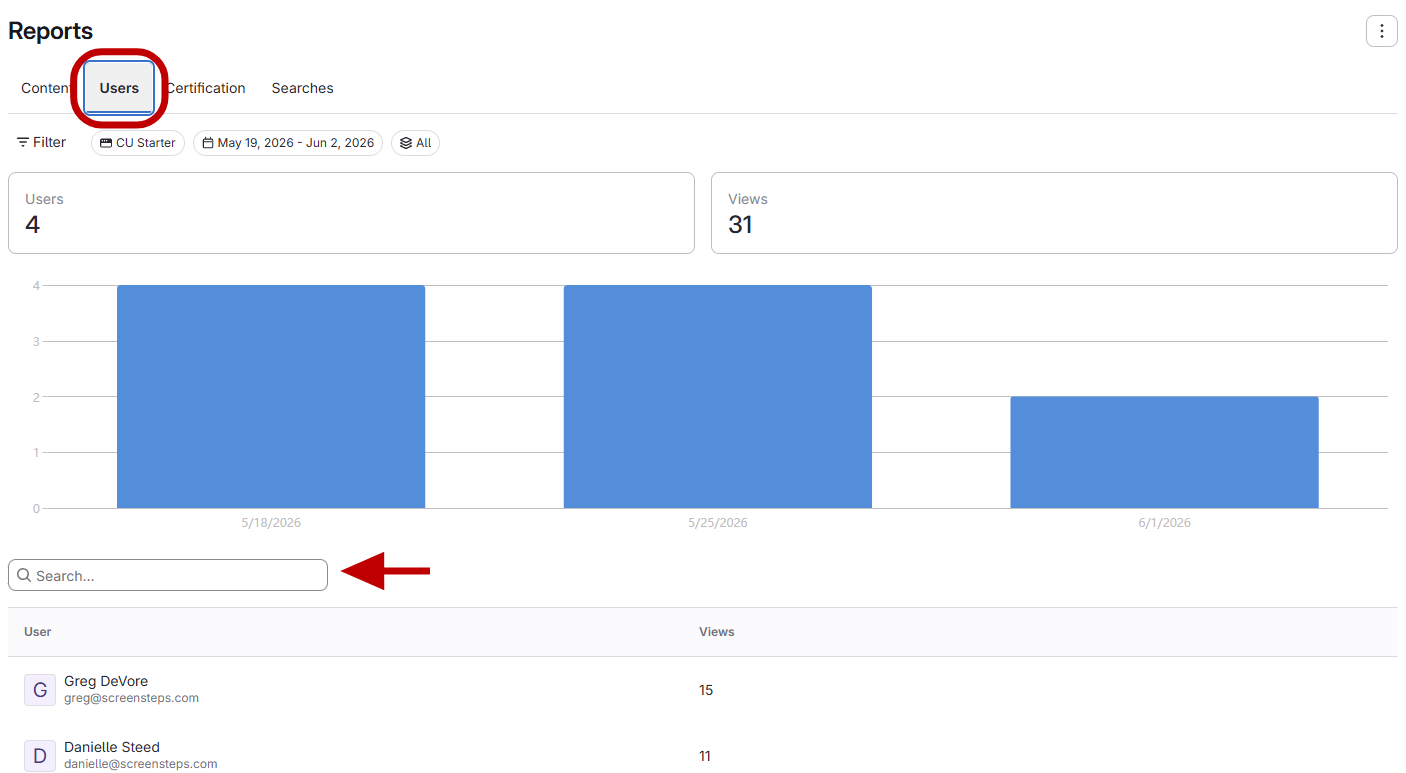
- Navigate to Users
- Go to the Users tab in the top bar.
Search for the user or find them in the list.
- View user reports
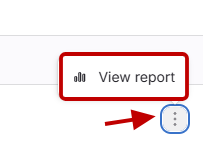
- Click the three dots on the right of the user's row.
- Select View Reports.
This shows the user's viewed content, courses, searches, and activity log.
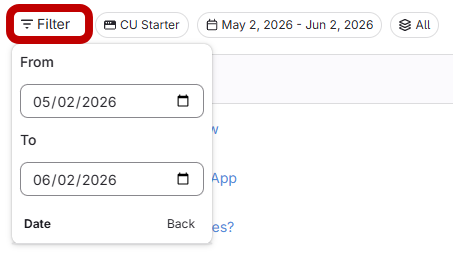
- Filter by date
Filter by date to see what the user viewed on a specific day.
Check Which Articles a User Has Visited
Updated on