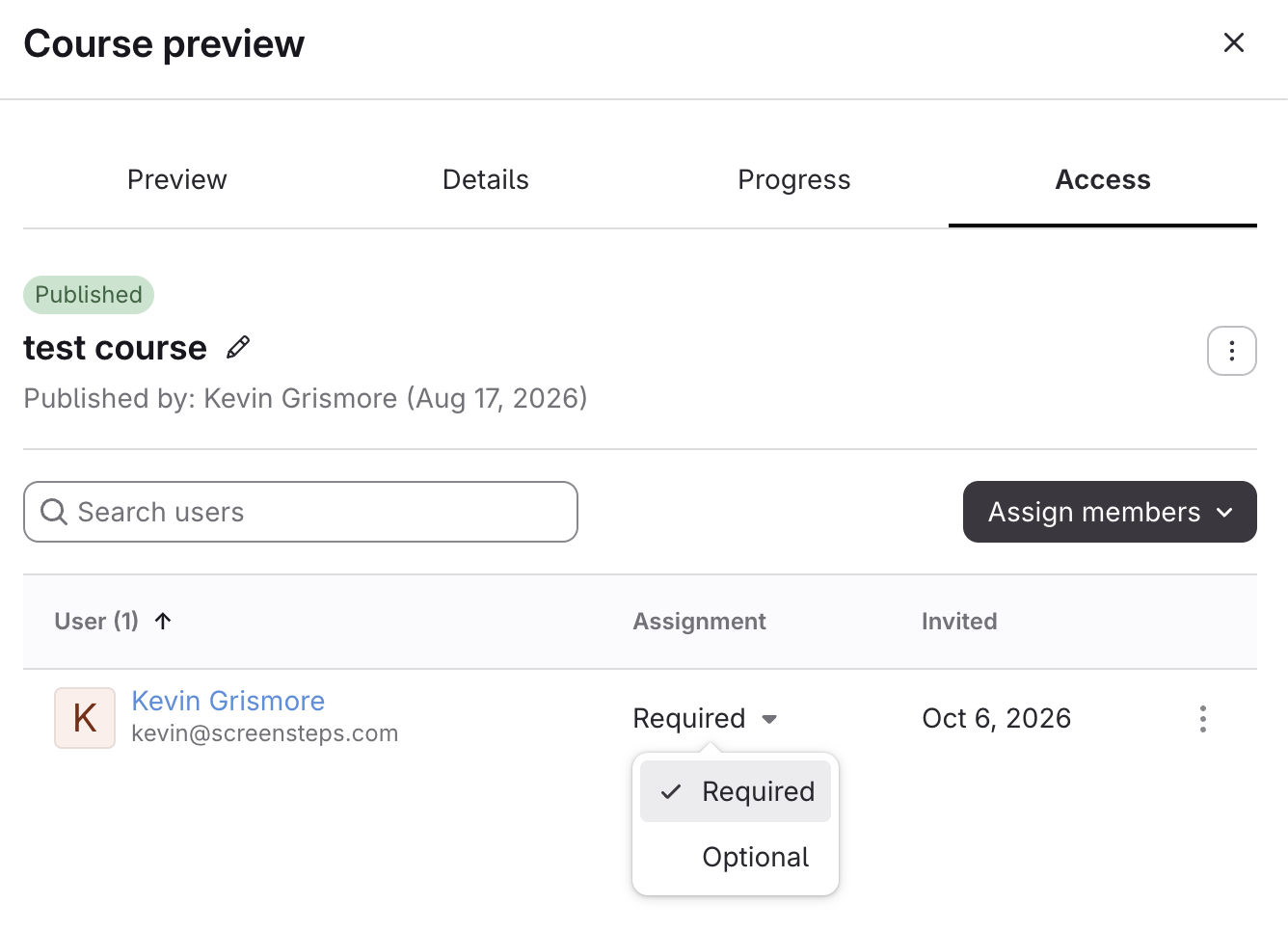
| Assignment | What it means |
|---|---|
| Required | Users must complete this course. It appears under My Enrollments > Assigned to You, and their progress counts toward the course's Assigned progress. |
| Optional | Users can take this course, but it isn't required. They're counted in the Optional column, not in Assigned progress. |
- Open the Course
- Click Content > Courses in the left menu.
- Click the course title. The course preview opens.
- Change the Assignment
- Click the Access tab.
- In the Assignment column, click the drop-down next to the user or group.
Select Required or Optional. The change saves right away, and an Assignment updated message appears.