- Access Course Reports
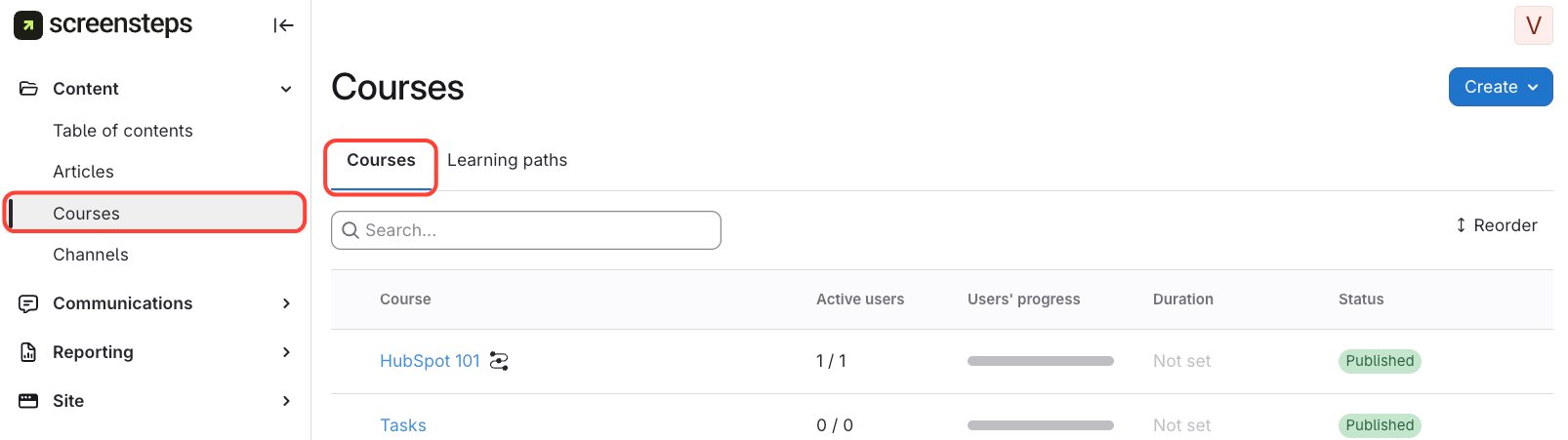
- Go to the Courses tab on the left.
- View the list of courses, active users, and user progress.
- Check Individual Course Progress
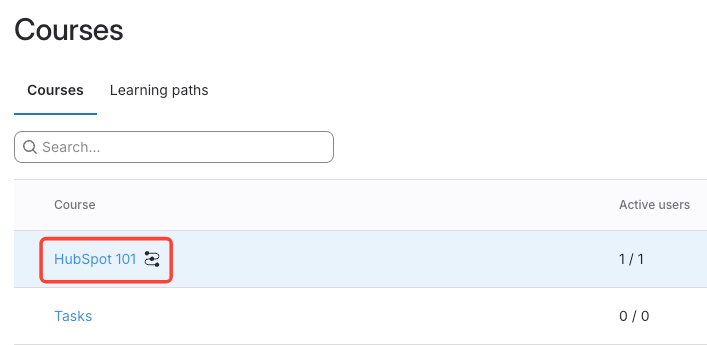
- Click on a Course
- Check Individual Progress
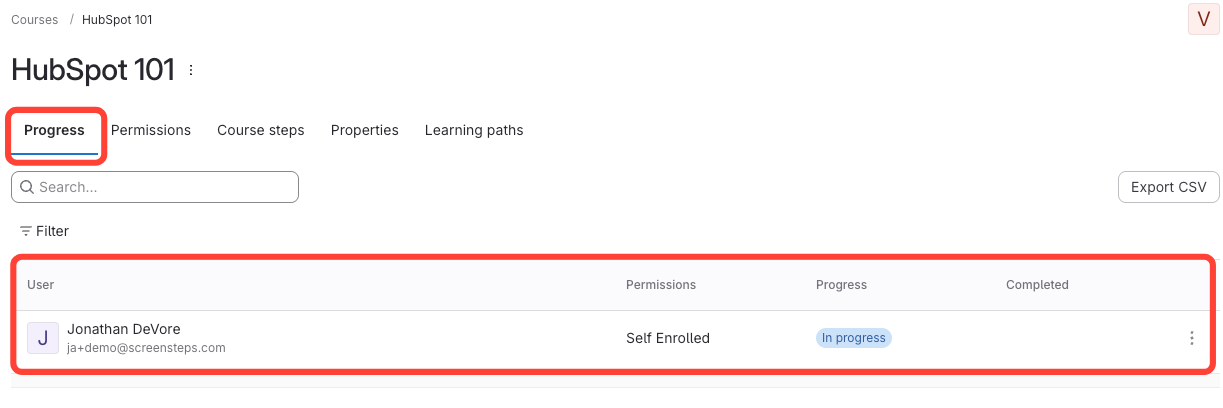
- Make sure you are on the Progress tab.
- See each person's name and their completion status (in progress or completed).
How to View Course Reports (e.g. Who Completed the Courses)
Updated on