- Open the Course
- Click Content > Courses in the left menu.
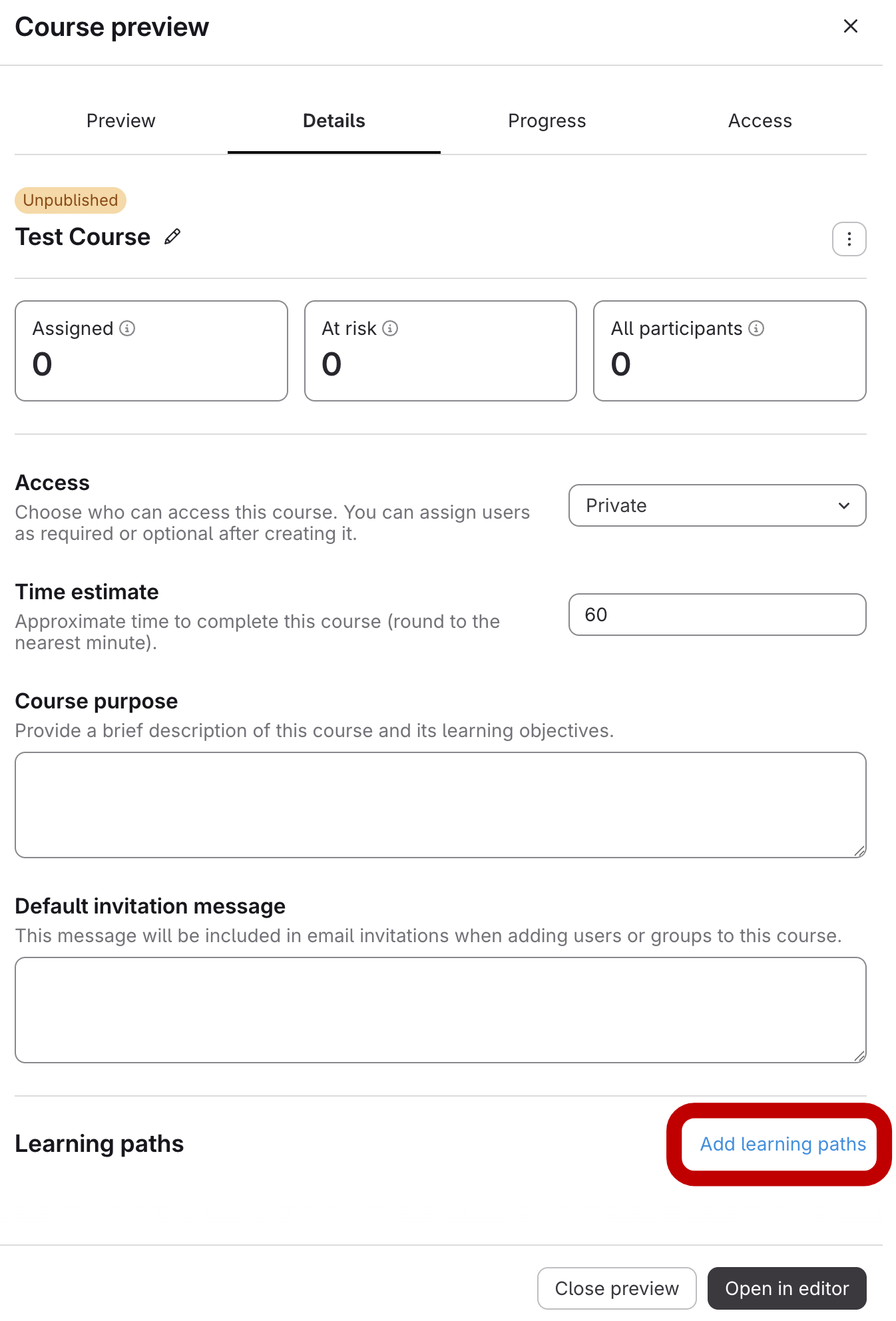
- Click the course title. The course preview opens.
- Go to Learning Paths on the Details Tab
- Click the Details tab.
Under Learning paths, click Add learning paths.
- Select Learning Paths and Save
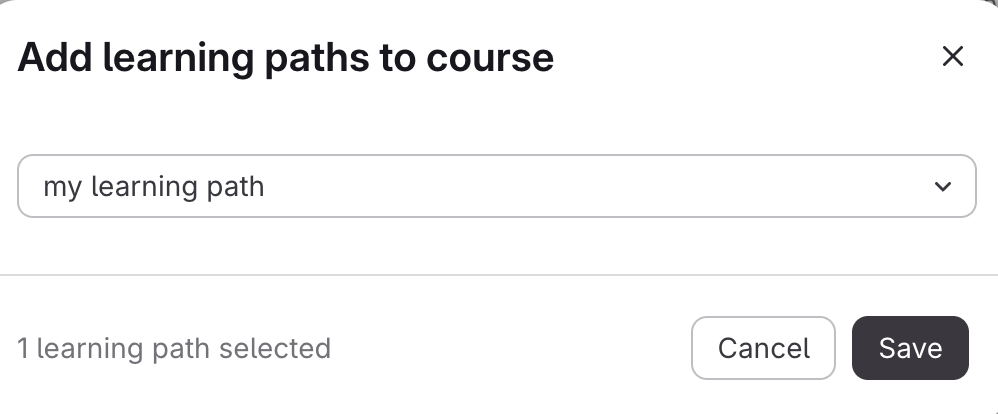
- Click Select learning path(s) and choose one or more learning paths.
Click Save.
How to Add a Course to a Learning Path from the Courses Tab
Updated on