What you will accomplish: Upload a video to a course.
- Create a course step
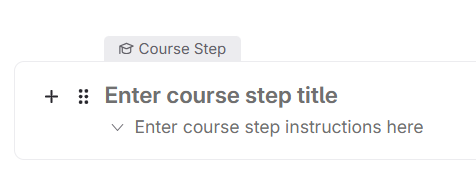
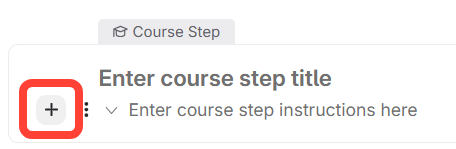
- Click the plus (+) under "Enter course step instructions here."
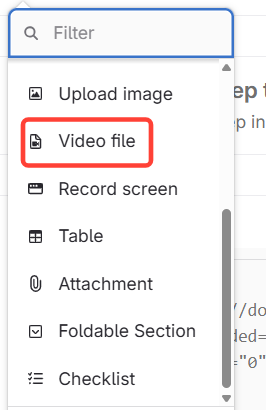
- Select Video file.
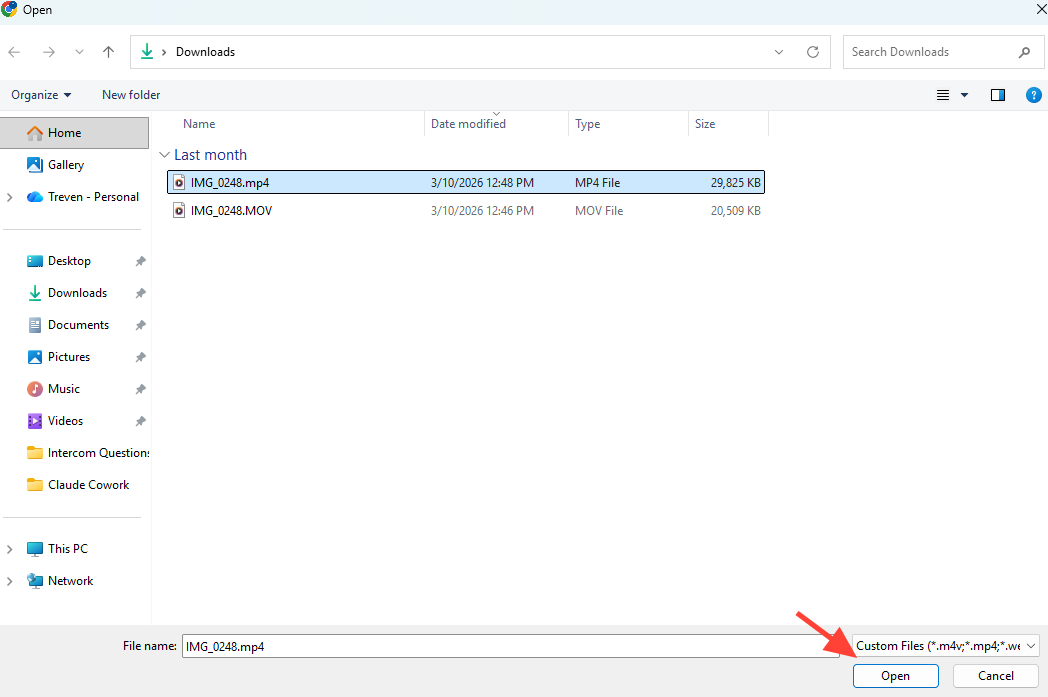
- Open your video file and click Insert.

Updated on
What you will accomplish: Upload a video to a course.