Option 1: Enable Notifications via Profile Icon
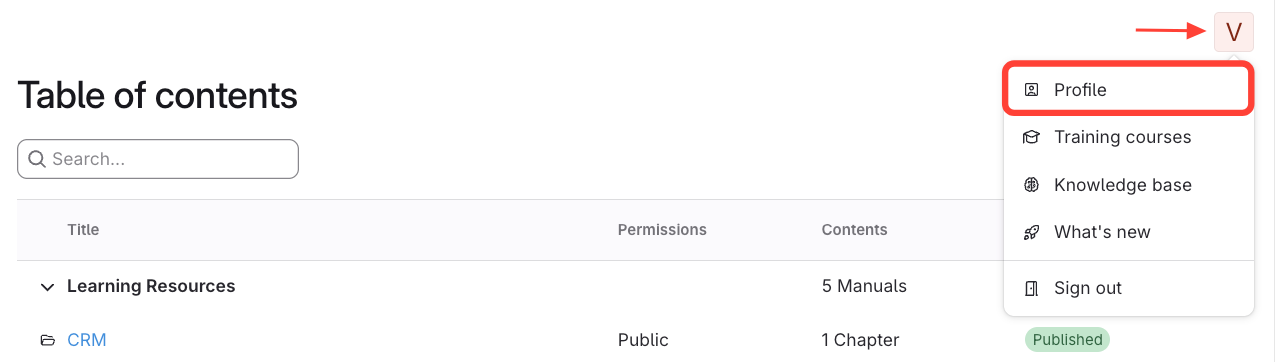
- Open Profile
- Click the profile icon (top right).
- Select Profile.
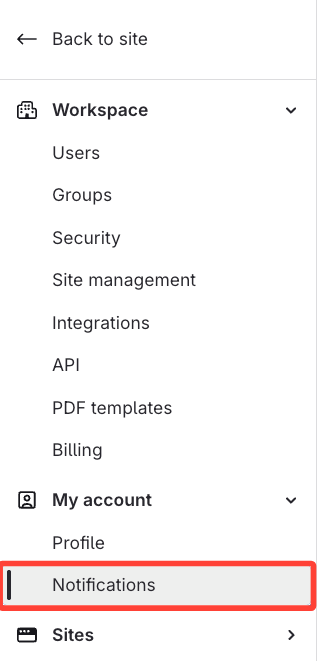
- Click Notifications
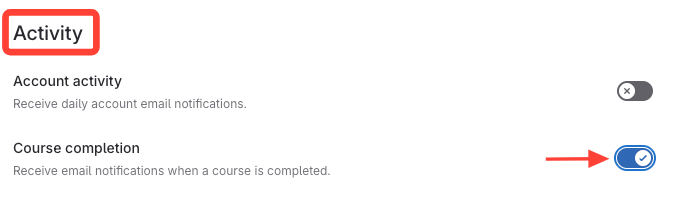
- Enable Course Completion
- Navigate to Activity.
- Enable Course Completion notifications.
Option 2: Enable Notifications via Account Menu
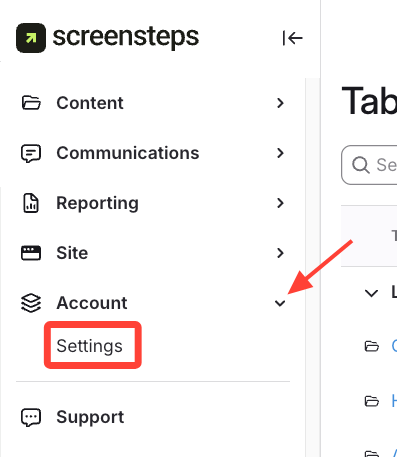
- Click Settings (under Account drop down)
- Navigate to Notifications
- Go to My Account.
- Click Notifications.
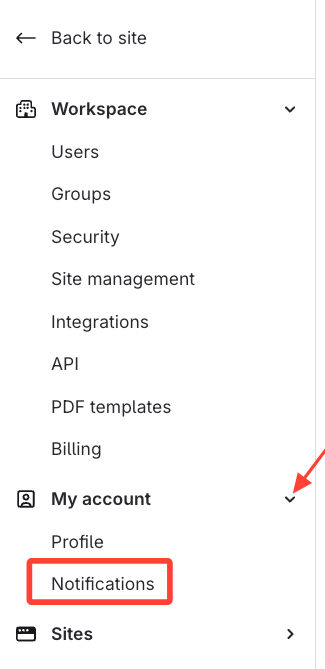
- Enable Course Completion
- Navigate to Activity.
- Enable Course Completion notifications.