- Navigate to Courses
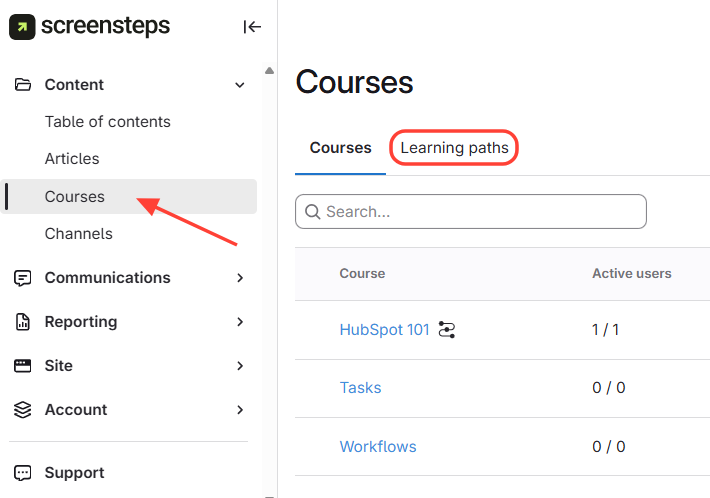
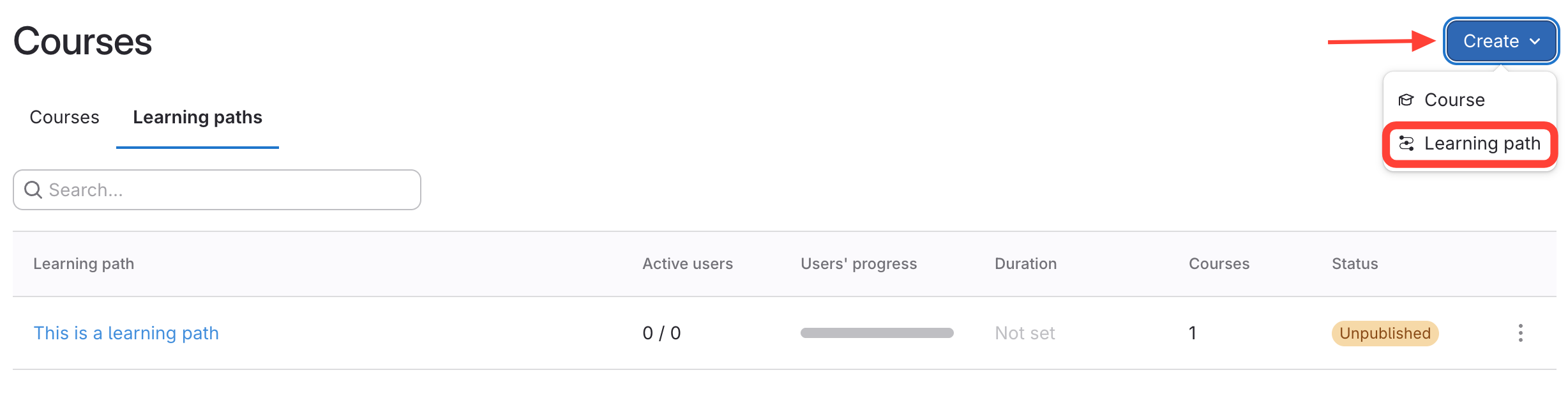
- Click Create > Learning Path
Click Create at the top right.
Select Learning Path from the drop-down.
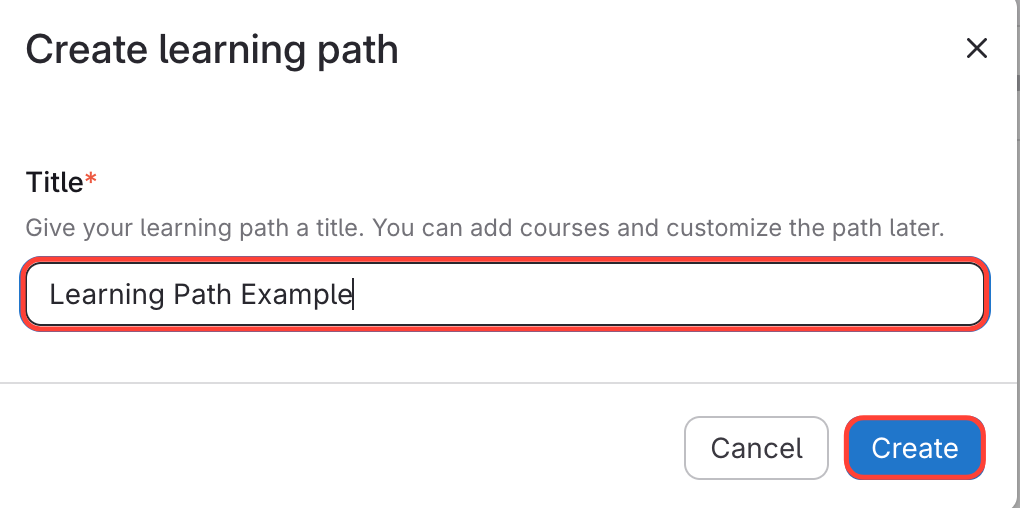
- Name & Create a New Learning Path
Name the Learning Path
Click Create
Updated on
Click Create at the top right.
Select Learning Path from the drop-down.
Name the Learning Path
Click Create