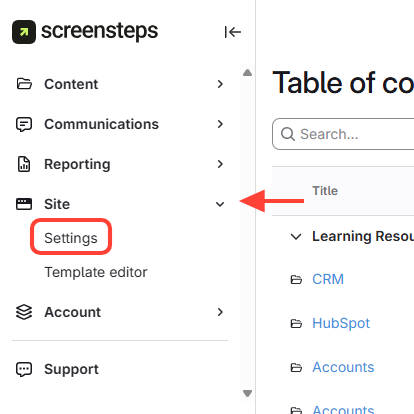
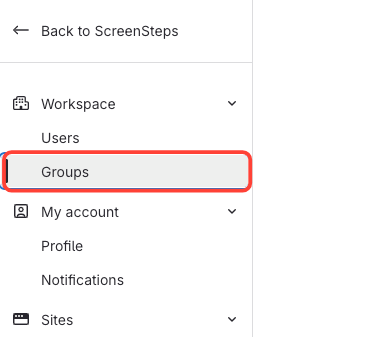
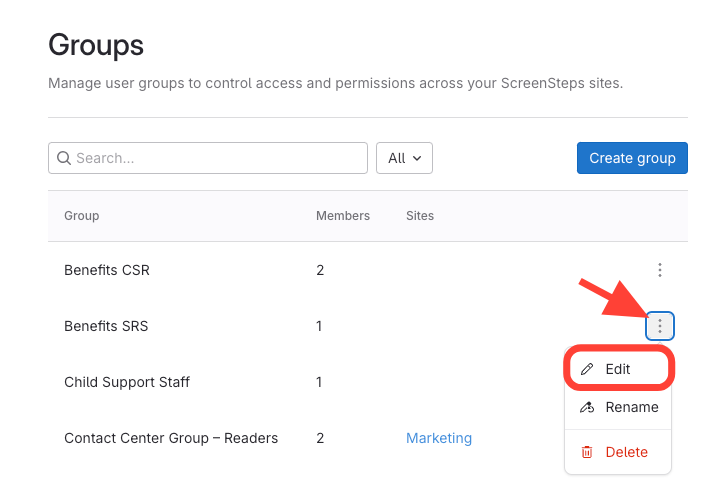
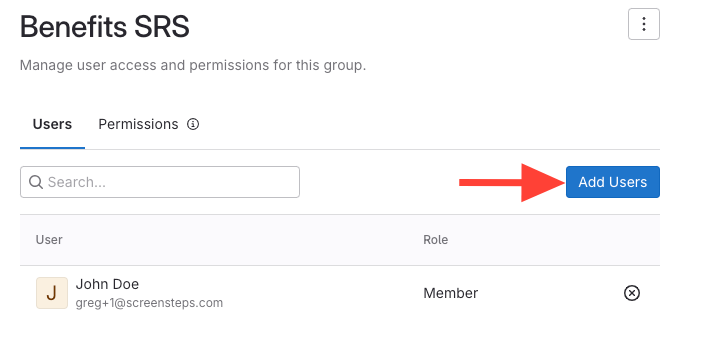
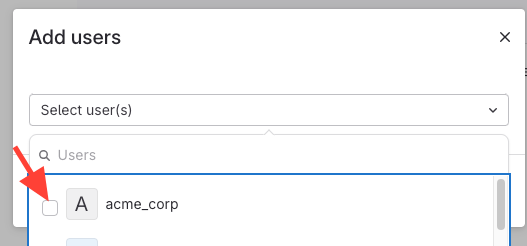
What this will accomplish: You will add Admin or Members to a group.
Note: Adding Admin to a group will NOT affect their permissions since Admin already have full permissions. You may want to add an Admin to a group if you want to manage how you send notifications to them or evaluate viewing analytics.