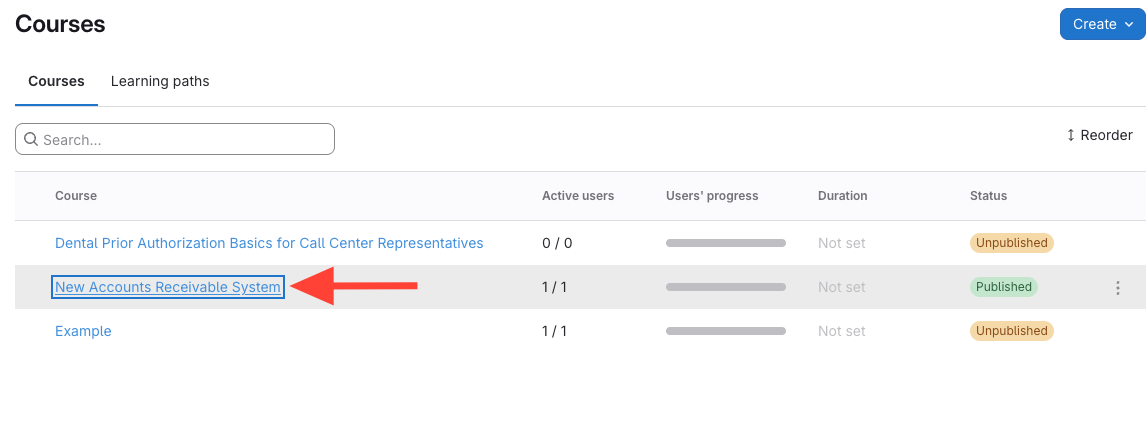
- Open the course you want to publish
Click the course title to open its settings.
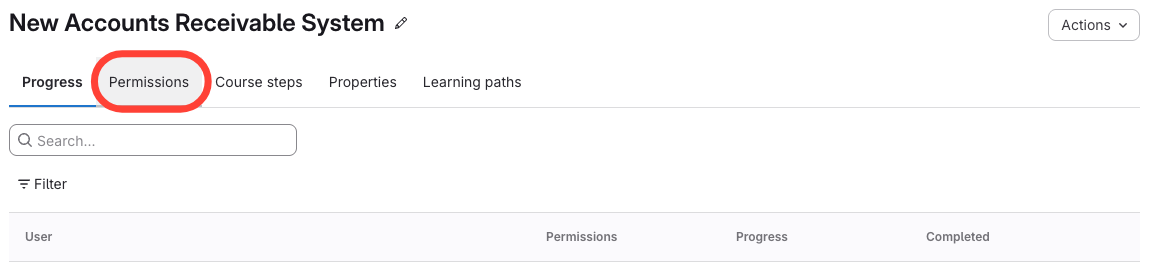
- Click the Permissions tab
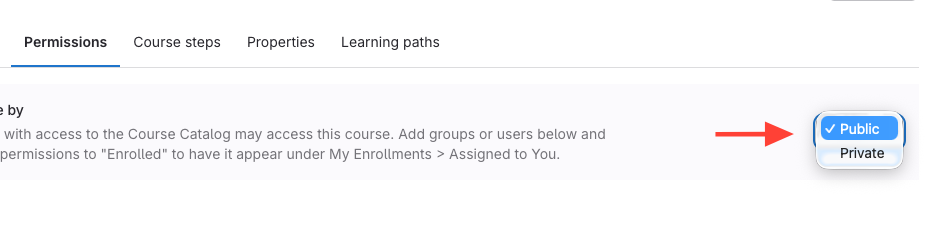
- Set course visibility to Public
Why Isn't My Published Course Appearing on the Courses Page?
Updated on
Updated on
Click the course title to open its settings.