Overview: Employee Feedback in ScreenSteps
ScreenSteps enables employees to actively participate in improving the organization's knowledge base. By providing feedback and suggesting new resources, employees help ensure that documentation stays relevant, accurate, and complete.
- Employee input is central to maintaining effective documentation.
- ScreenSteps offers built-in ways for employees to communicate their needs and observations.
How Employees Contribute to Improvement
Employees can help improve ScreenSteps content in two main ways:
Requesting New Job Aids
If employees search for information and cannot find what they need, they can request the creation of a new job aid. For example, if an employee searches for guidance on handling a credit card error and finds no relevant article, they can suggest this topic for future documentation.
- Requests highlight gaps in the current knowledge base.
- Administrators are notified of new requests and can review them in the admin area.

Providing Feedback on Existing Articles
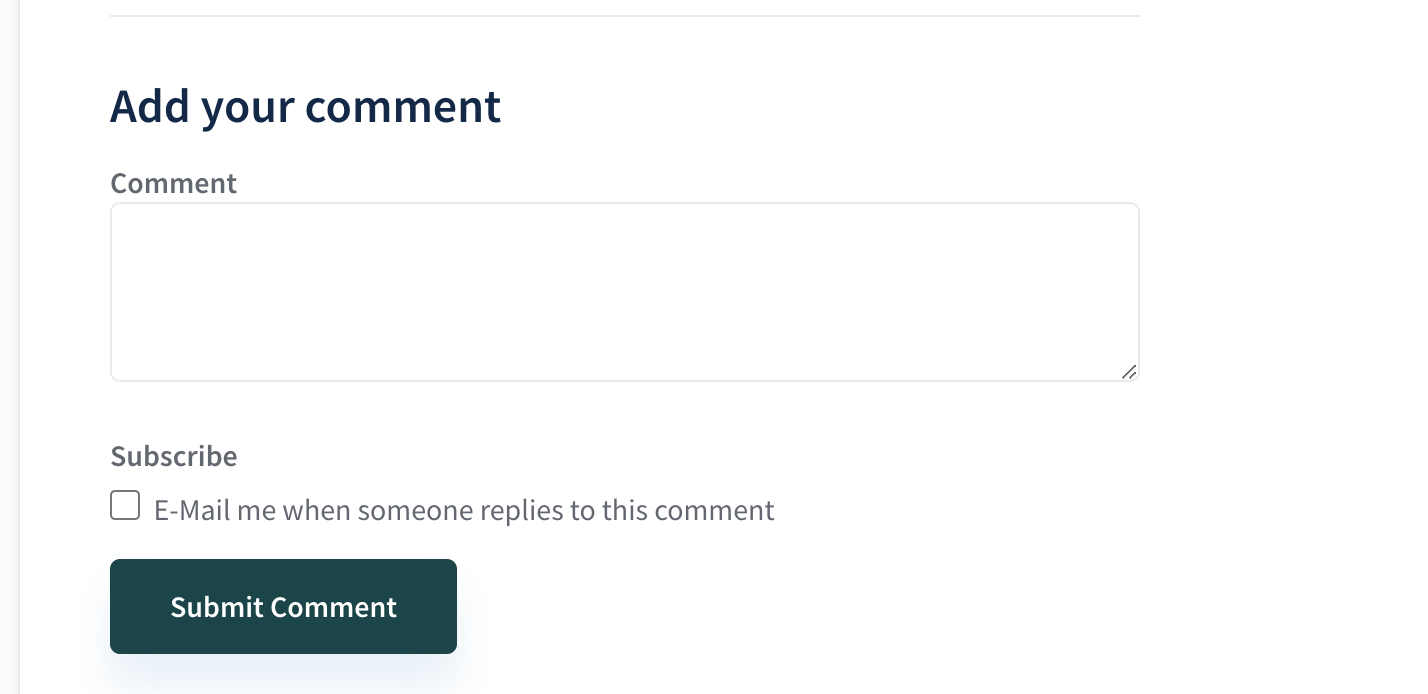
When employees notice that an article is outdated or unclear—such as a screenshot that no longer matches the current system—they can leave feedback directly on the article. This feedback is sent to administrators and logged for review, allowing for timely updates and improvements.
- Feedback helps keep documentation accurate and up to date.
- Administrators can incorporate suggestions to improve clarity and relevance.
Why Employee Feedback Matters
Continuous employee feedback ensures that ScreenSteps remains a valuable resource. Since employees use these materials daily, their insights help identify missing information and outdated content quickly.
- Employee engagement leads to a more effective knowledge base.
- Timely updates reduce confusion and improve job performance.
Key Terms
Understanding the following terms will help you grasp how employee feedback works in ScreenSteps:
- Job Aid: A resource or article that guides employees through a specific task or process.
- Feedback: Comments or suggestions provided by employees about existing articles or resources.
- Admin Area: The section of ScreenSteps where administrators manage content and review employee input.
- Job aids are the primary instructional resources in ScreenSteps.
- Feedback can relate to accuracy, clarity, or completeness of articles.