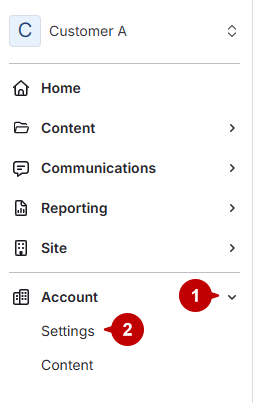
- Open account settings
- Click Accounts.
Click Settings under Accounts.
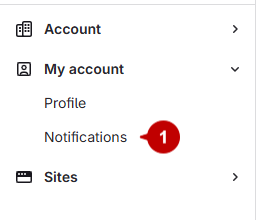
- Access notifications
Select Notifications under My Account.
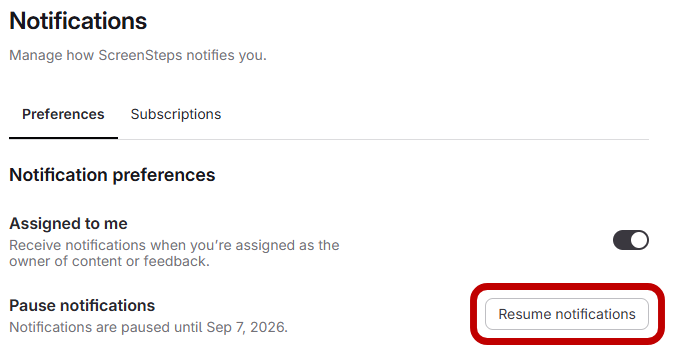
- Resume notifications
Click "resume notifications". Notifications will start back up.
Updated on
Click Settings under Accounts.
Select Notifications under My Account.
Click "resume notifications". Notifications will start back up.