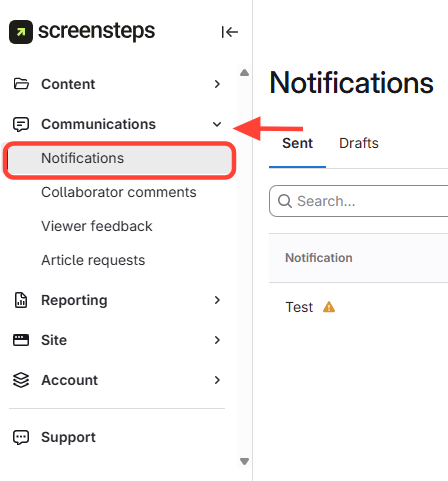
- Navigate to the Notifications Tab
- Go to the Communications tab (left side).
- Click Notifications.
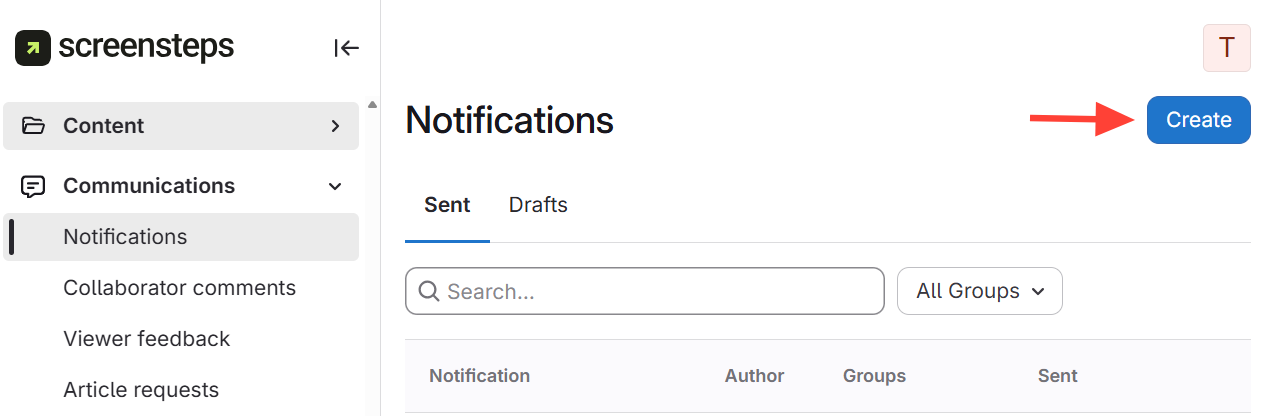
- Click the Create button (top right)
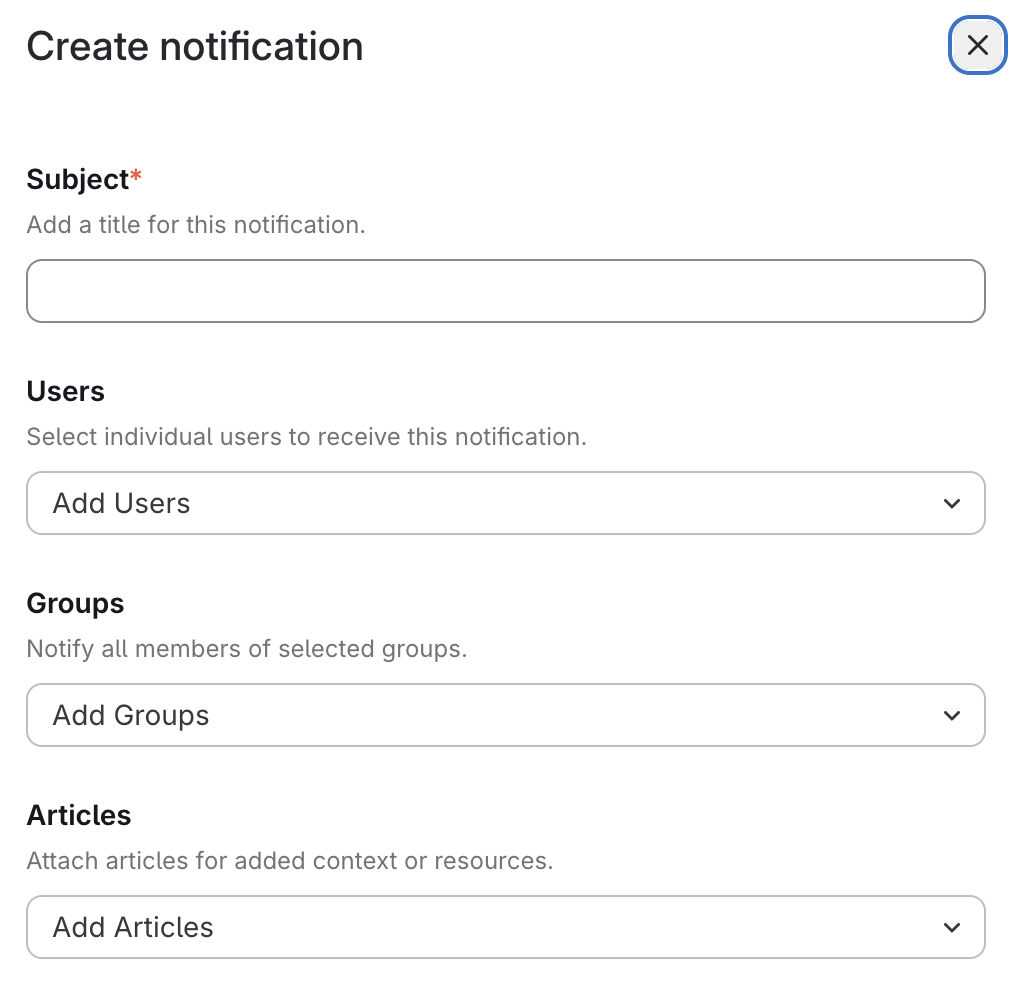
- Fill out these fields as needed:
- Subject
- Users
- Groups
- Articles
- Send Notification
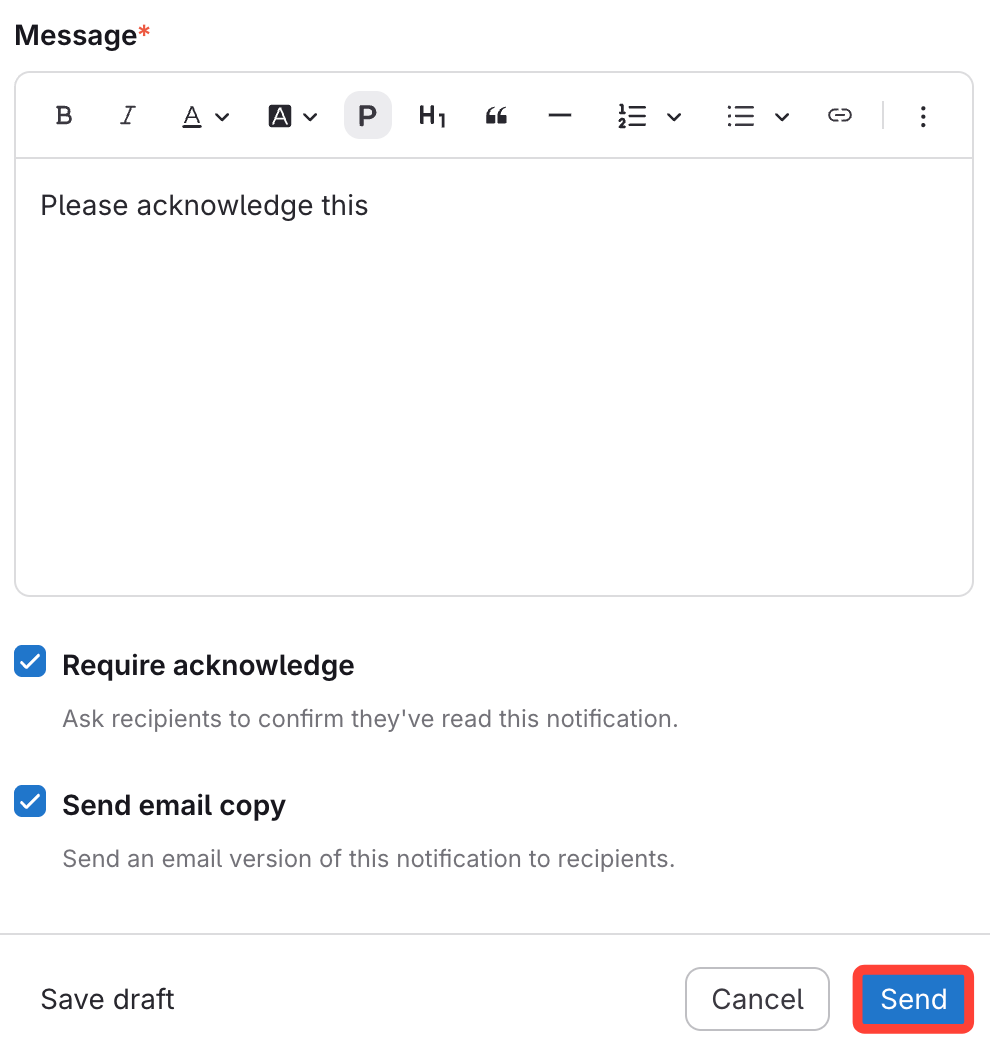
- Fill in Message
- Check Require acknowledge (Optional)
- Check Send email copy (Optional)
- Click Send