- Open account settings
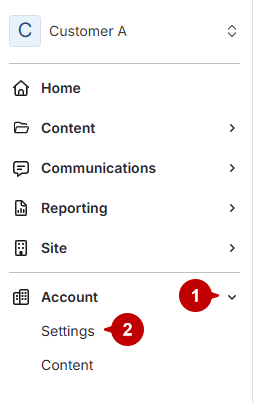
- Click Accounts.
Click Settings under Accounts.
- Access notifications
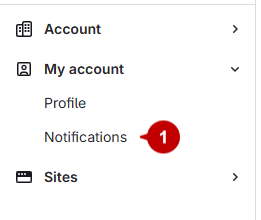
Select Notifications under My Account.
- Enable "assigned to me" notifications
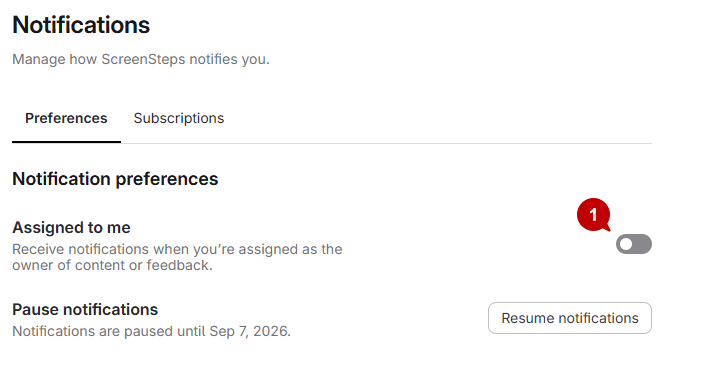
Toggle on the "assigned to me" switch.
Updated on
Click Settings under Accounts.
Select Notifications under My Account.
Toggle on the "assigned to me" switch.