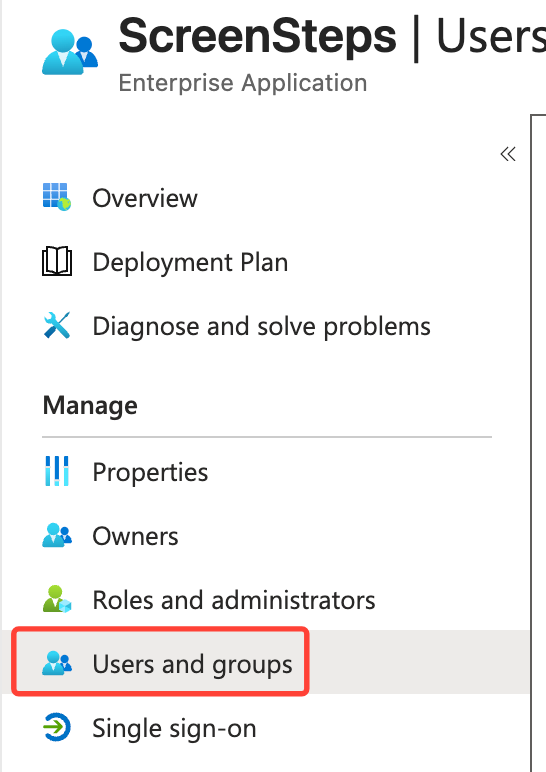
- Click Users and groups
- Add user/group

- Select user OR create a test user
- Select a user from your organization
- If Creating a test user
- Create a test user (e.g., B.Simon).
- Assign the user to the ScreenSteps app.
Adding a user to a group in Entra ID
Updated on