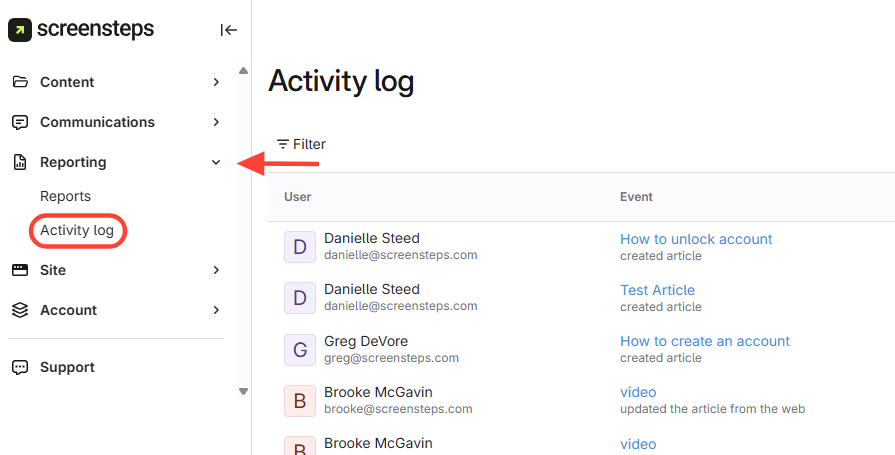
- Navigate to Activity Log
- ClickReporting.
- ClickActivity Log.
- View actions
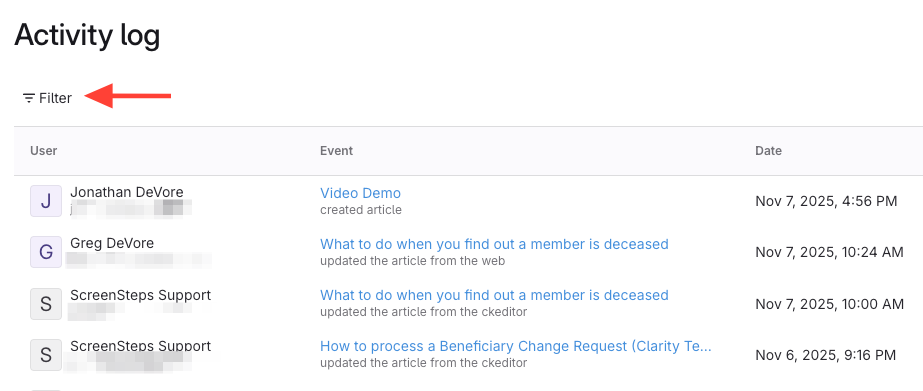
- You will see when editors
- Created a new article
- Published article content
- Updated the published version of an article
- You can filter by user or article
- Activity log is sorted by latest update
- You will see when editors
How to View an Editor's Activity
Updated on