- Open the article
Navigate to the article where you want to see comments.
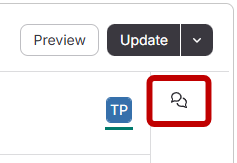
- Expand the comments panel
Click the comment button in the top right-hand corner.
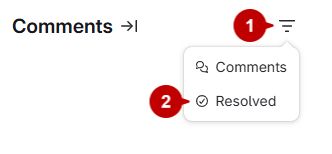
- Show resolved comments
- Click the three lines menu.
- Select "Resolved."
- The resolved comments will be displayed.