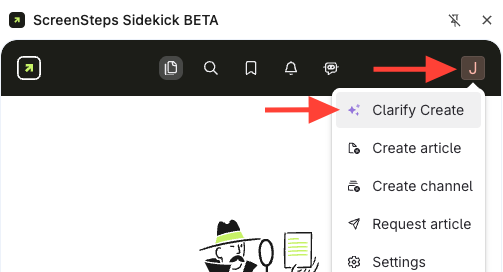
- Open the beta extension.
- Click your initial.
- Select Clarify Create.
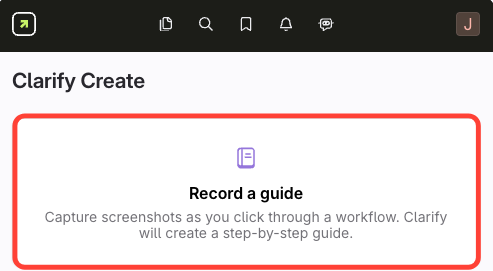
- Click Record Guide
- Enter a title for your procedure

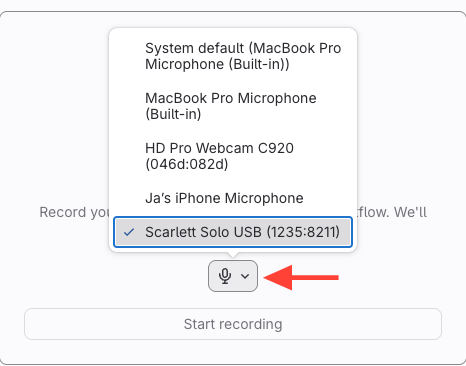
- Select the correct microphone
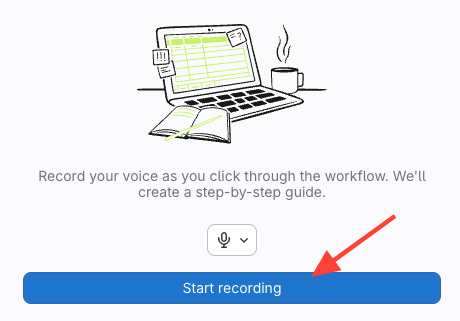
- Record your procedure
- Click Start Recording.
- Explain each step as you perform it.
- All clicks that are made while in the Chrome Browser are recorded
- Anything you say will be recorded and converted into text.
- Finish and generate your guide
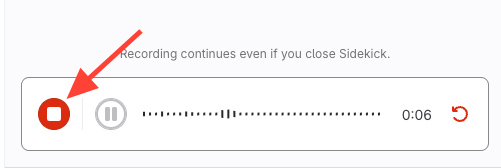
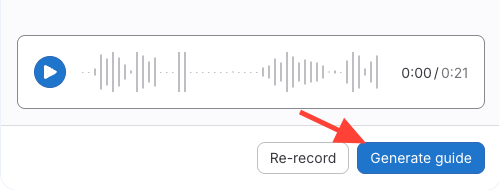
- Generate the guide
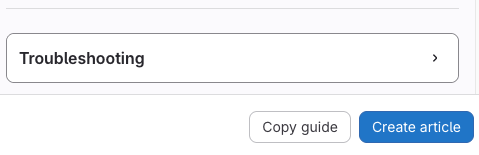
- Create an article
- Copy the content to paste elsewhere, or
- Click Create Article to add it directly to ScreenSteps.
How to Create New Content from the Beta Extension
Updated on