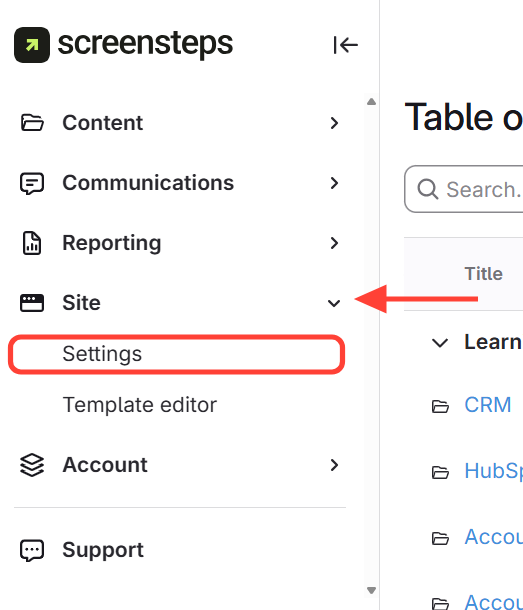
- Open Site Settings
- Click Site
- Click Settings
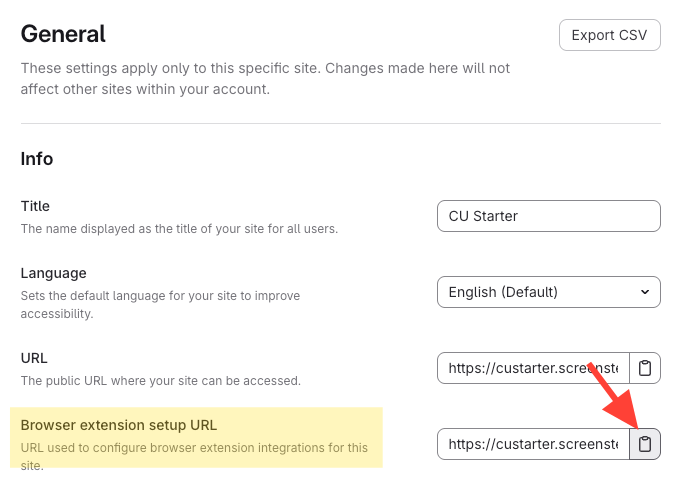
- Copy the browser extension setup URL
Copy the browser extension setup URL from General Settings.
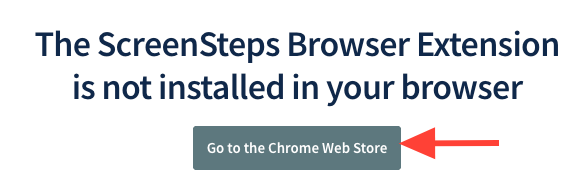
- Paste the setup URL in a new browser window > Click go to Chrome Web Store
- Paste the copied URL into a new browser window
- Press Enter
- Click Go to the Chrome Web Store (or Edge)
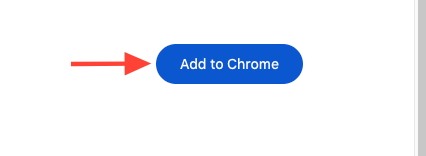
- Install the ScreenSteps extension
- Click Add to Chrome
- Click Add extension
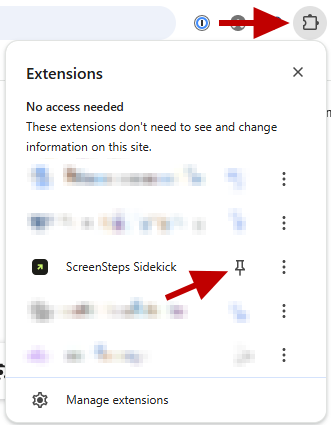
- Pin the extension to your browser toolbar
Click the puzzle piece icon and Pin the ScreenSteps extension for quick access.
How to Install the ScreenSteps Browser Extension
Updated on