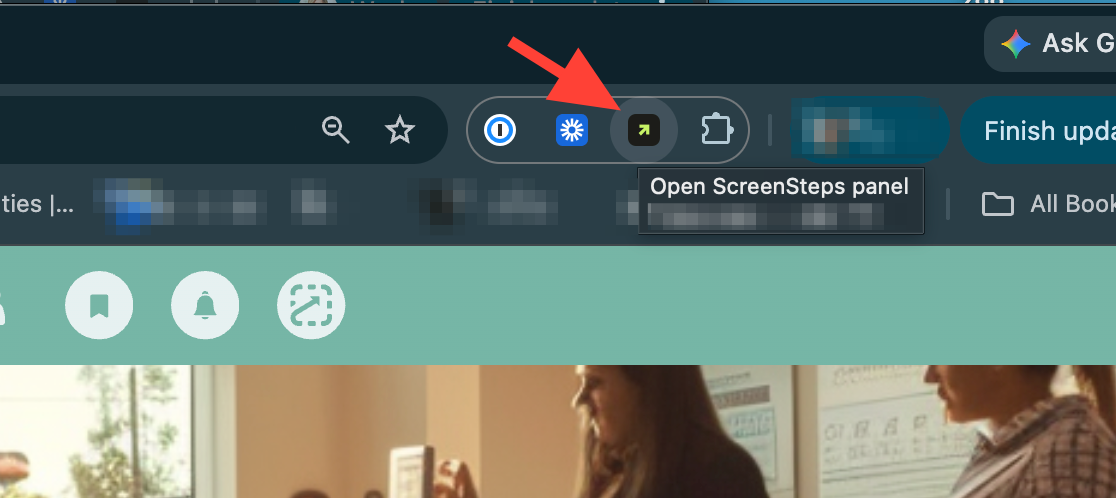
- Open Sidekick in your browser
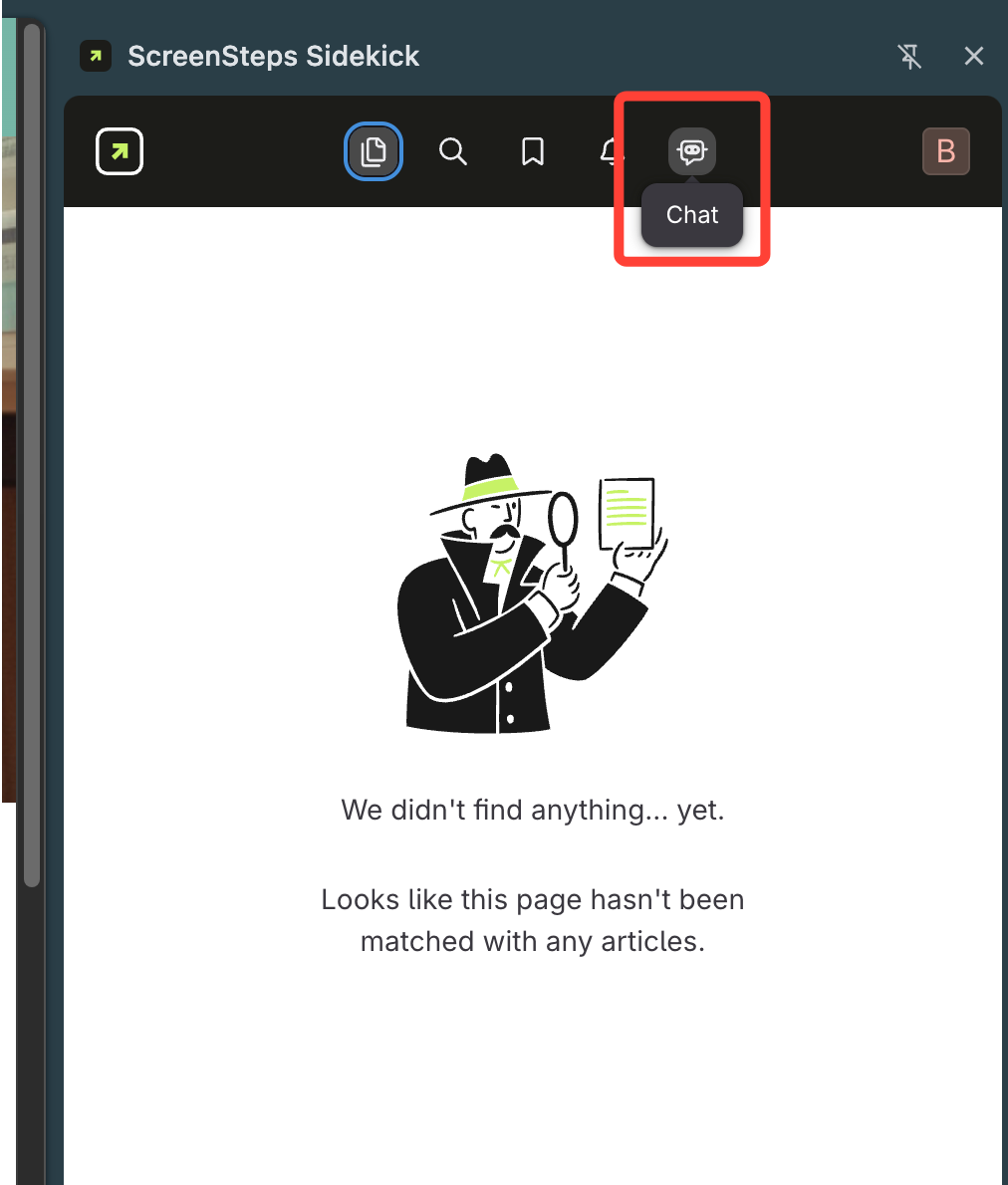
- Access the AI Chatbot
Click the robot icon to open the AI Chatbot.
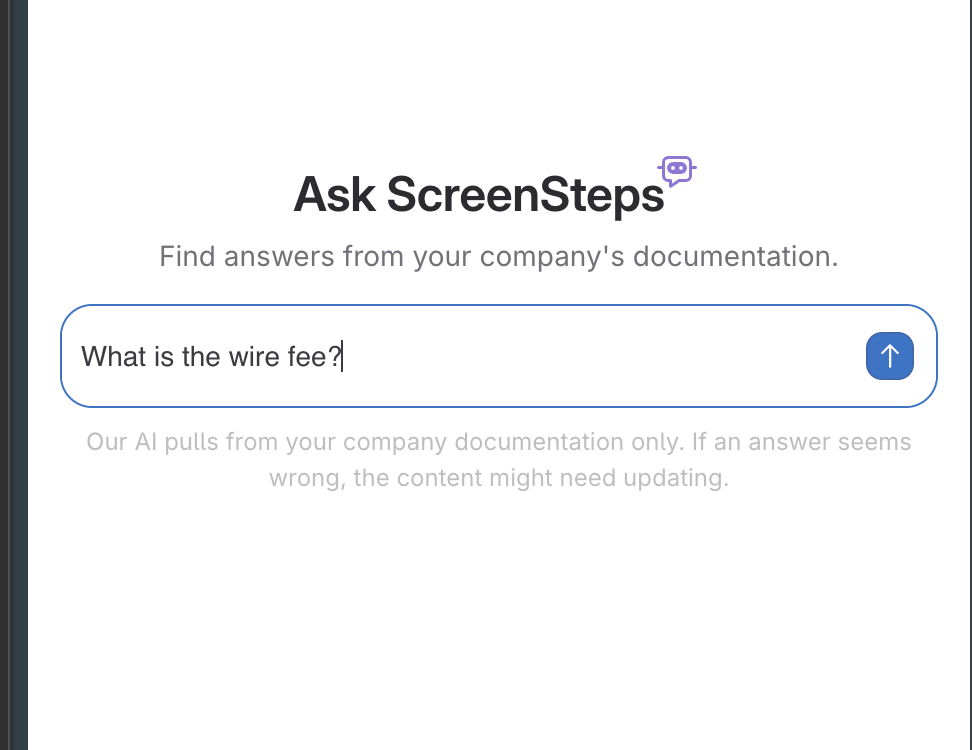
- Ask your question
- Type the information you want to know
- Hit Enter
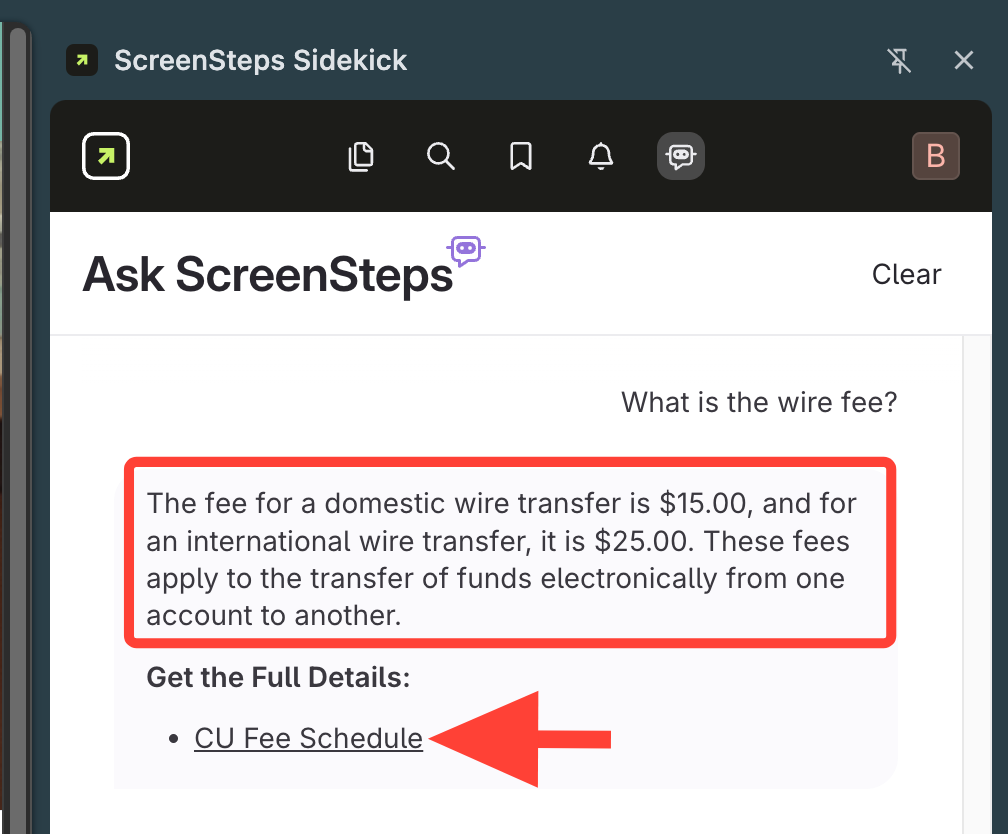
- Review the AI Chatbot's answer
- It provides a summarized short answer to your question.
- A link to the article where the answer was found is also provided.
How to use AI Chatbot in Sidekick (Browser Extension)
Updated on