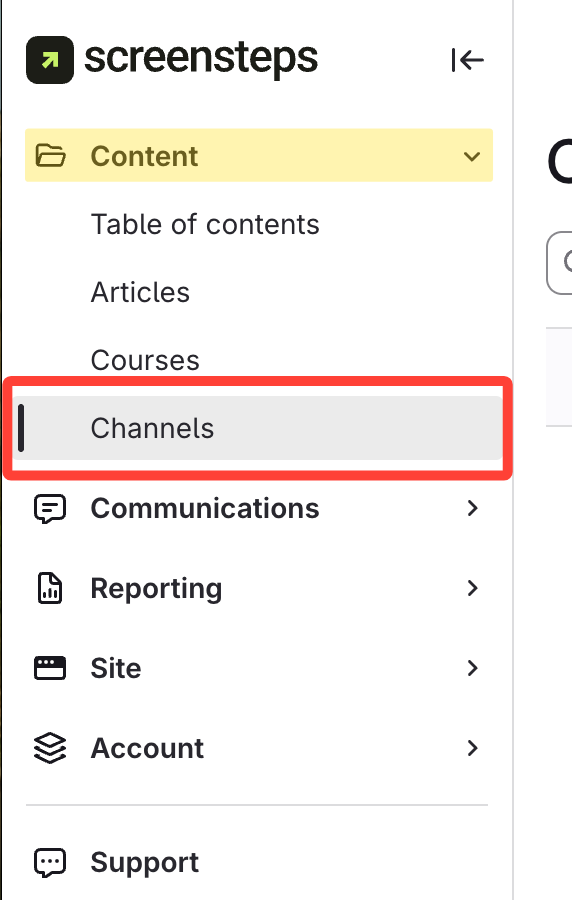
- Select Channels under Content
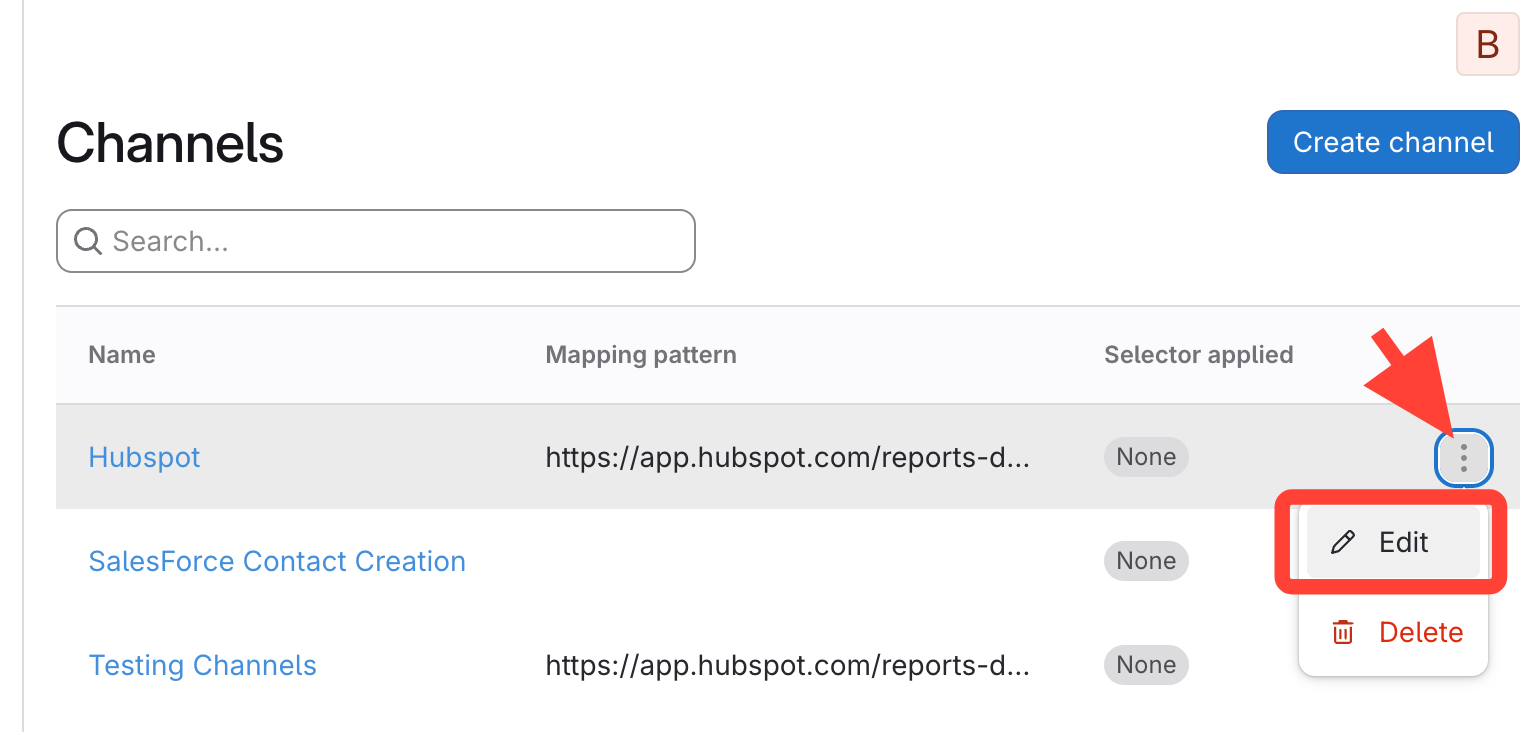
- Open Edit Channel pop-up
Click the action menu of the Channel > Edit
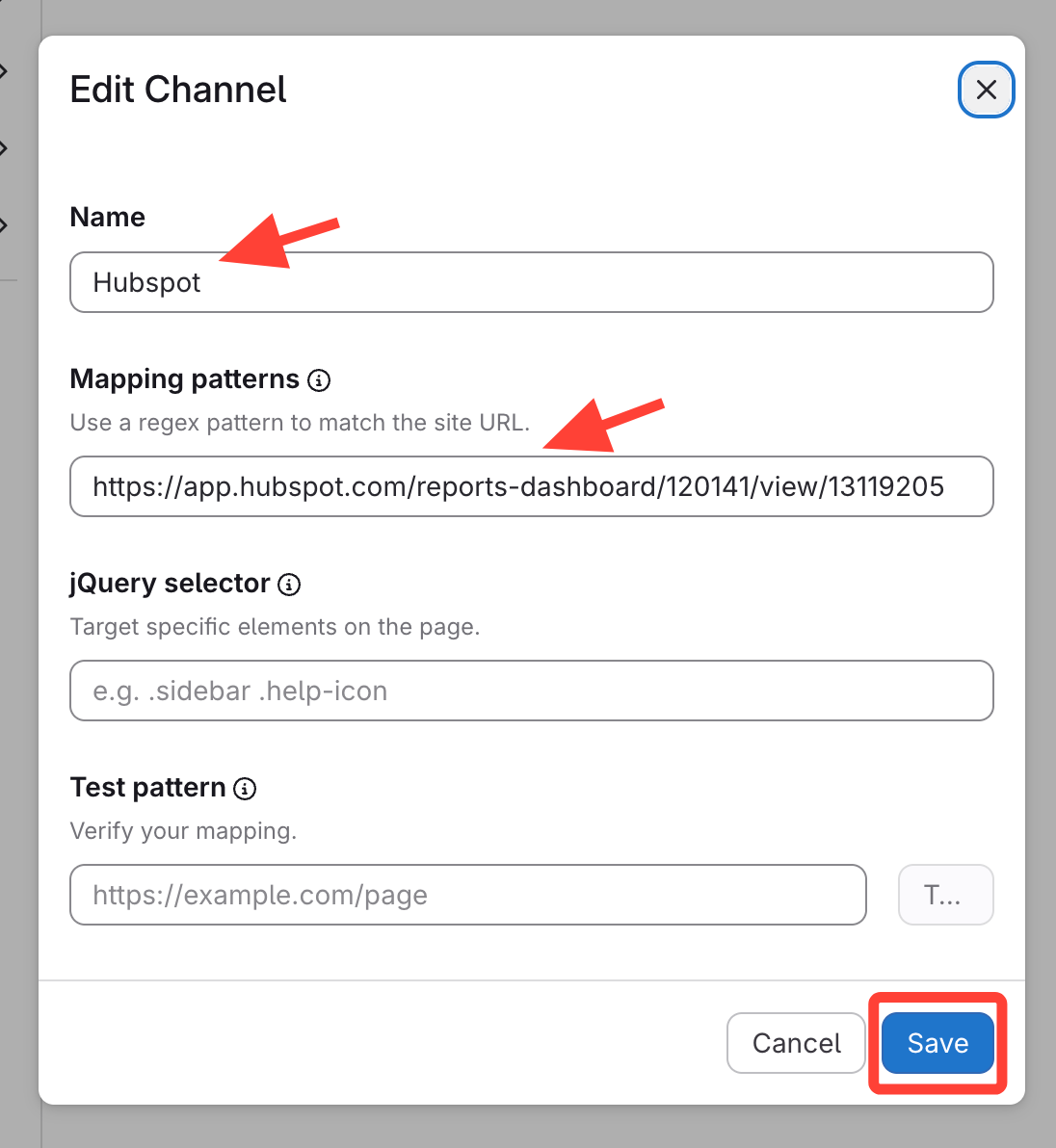
- Modify the fields as needed
- Update fields
- Save
How to Add Content to Existing Contextual Help Channels
Updated on
Updated on
Click the action menu of the Channel > Edit