- Copy the browser extension setup URL
- This will be provided by your Admins.
- The URL will follow this pattern:
https://accountname.screenstepslive.com/extension/setup
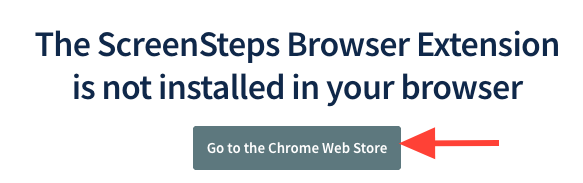
- Paste the setup URL in a new browser window > Click go to Chrome Web Store
- Paste the copied URL into a new browser window
- Press Enter
- Click Go to the Chrome Web Store (or Edge)
- Install the ScreenSteps extension
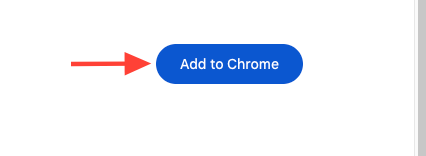
- Click Add to Chrome
- Click Add extension
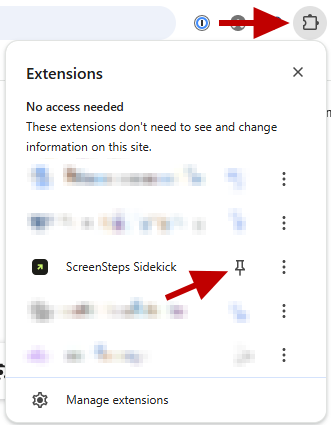
- Pin the extension to your browser toolbar
Click the puzzle piece icon and Pin the ScreenSteps extension for quick access.
How to Install the ScreeSteps Browser Extension (End-Users)
Updated on