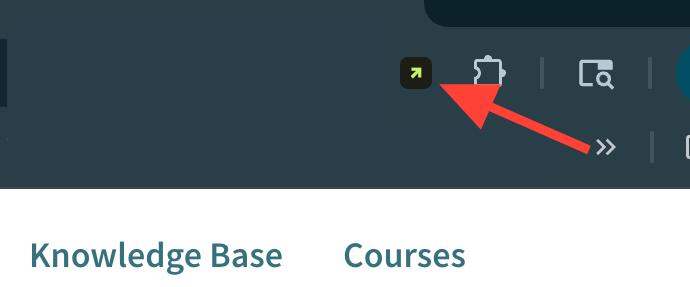
- Open the Browser Extension
*Optional* Identify which site Sidekick is currently logged into: How to view what site you're logged into on Sidekick
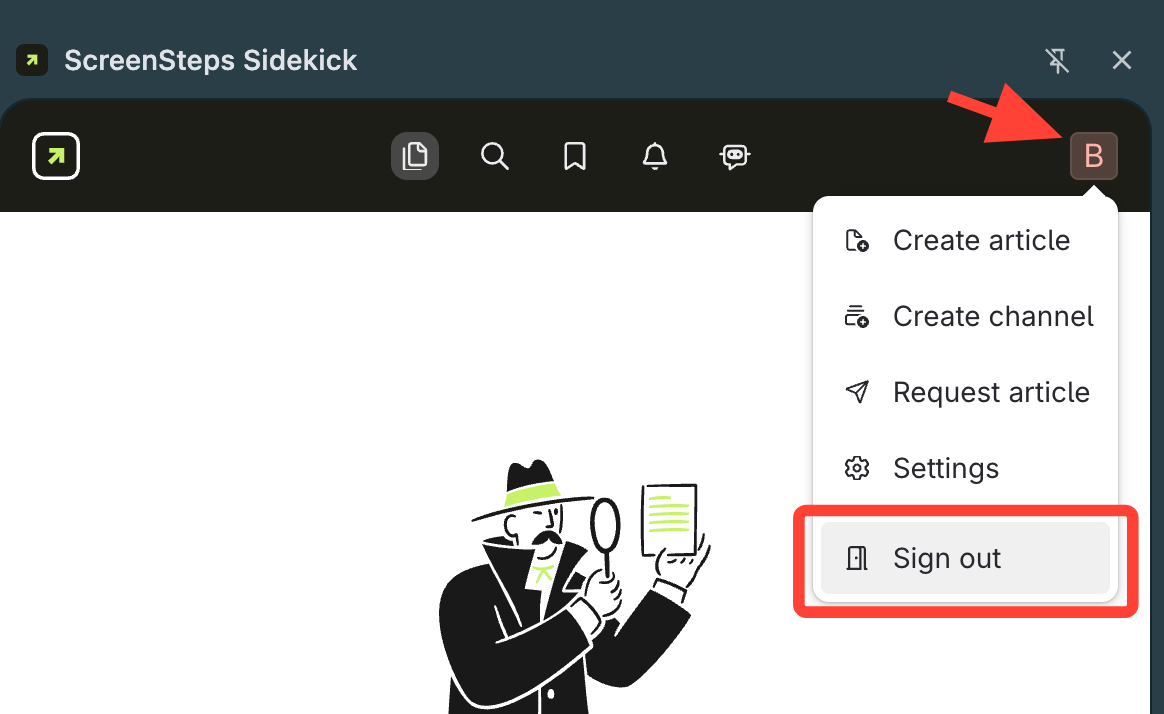
- Sign Out of the Current Site
Click Initial > Sign Out
- Locate subdomain name *if not known*
- Open the published page of the target site
- Locate the text prior to
.screenstepslive.com- Example:
bankdemo
- Example:

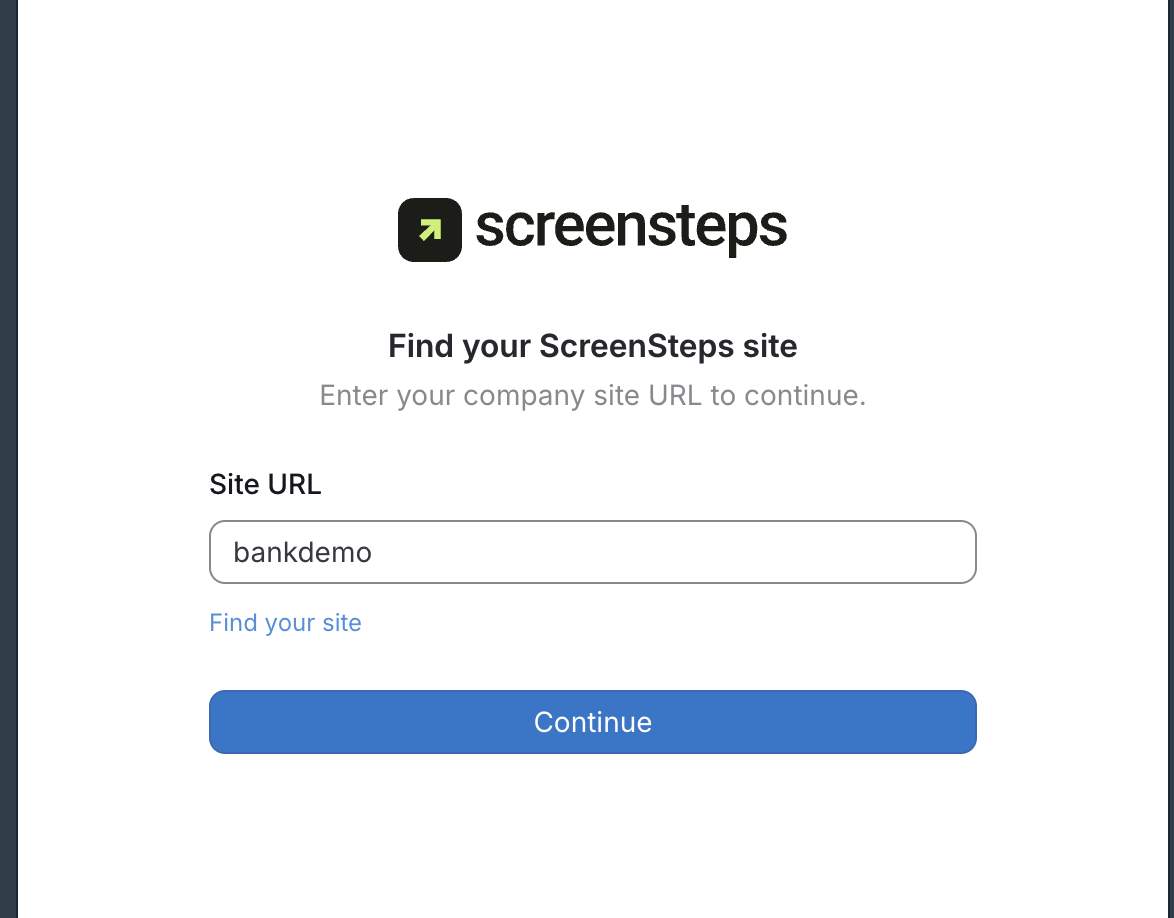
- Type Subdomain
- Enter subdomain name to Site URL
- Click Continue
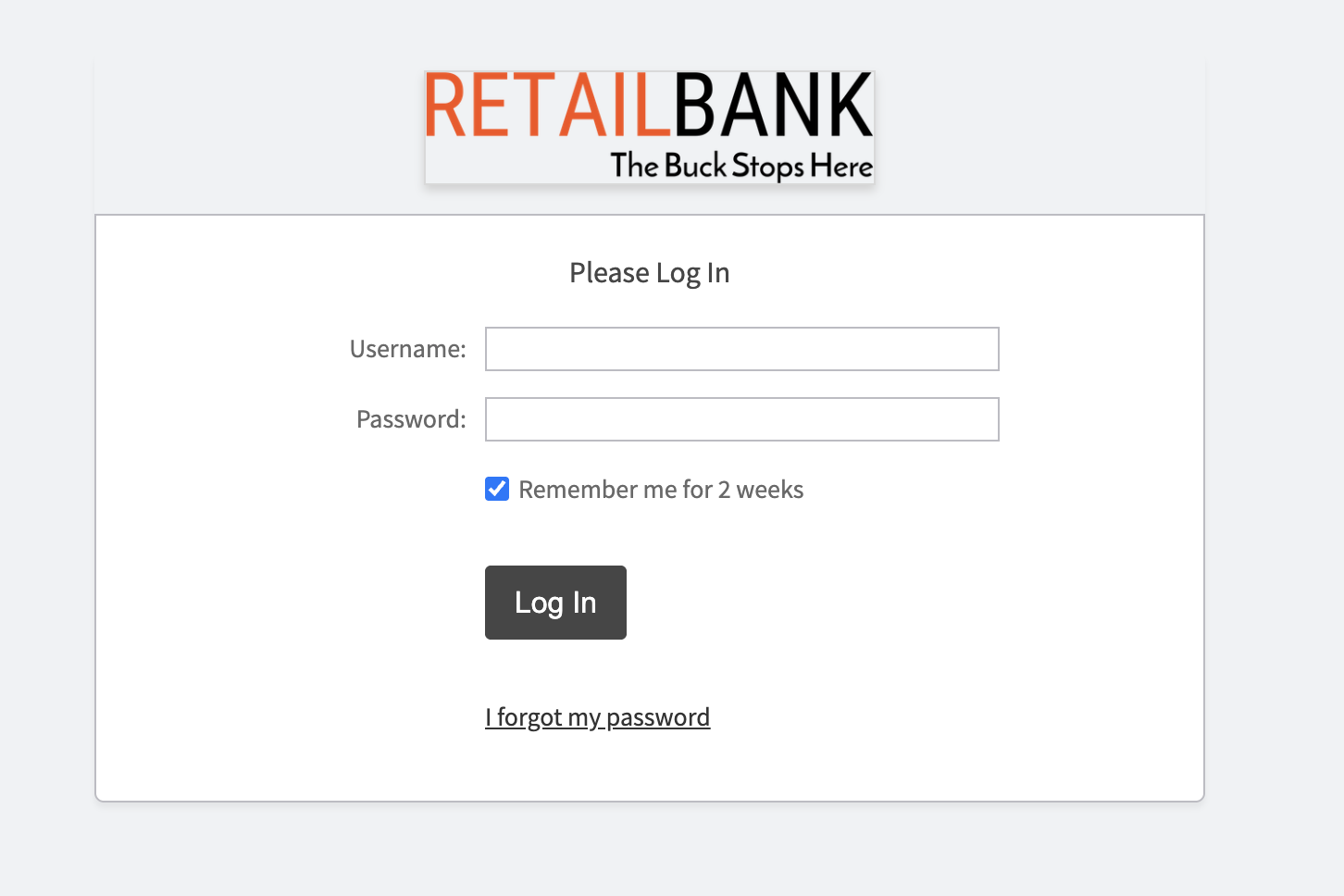
- Log in with ScreenSteps Account Credentials
- Confirm Site Access
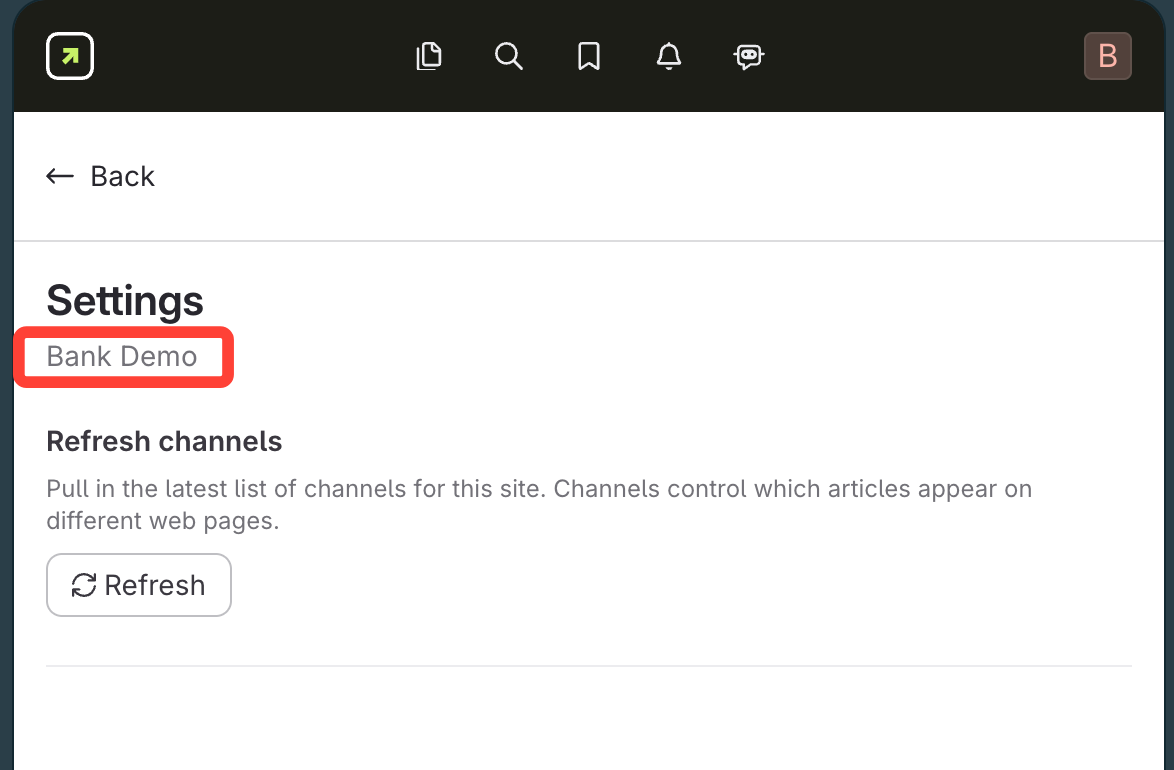
- Click Initial > Settings
- View site name under Settings