Use the published URL
Your published site has a URL that will look like this: [domain_name].screenstepslive.com. Or if you have a custom URL, it may look something like help.[domain_name].com.
View the Published Site
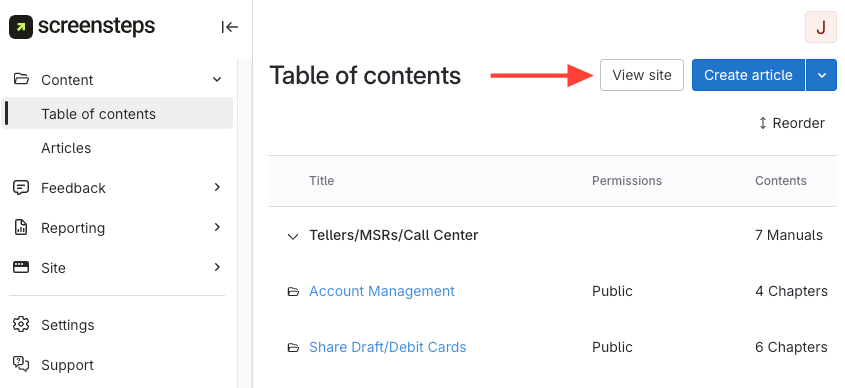
If you forgot your publishes URL, you can view the published site by clicking View site from the content management area.